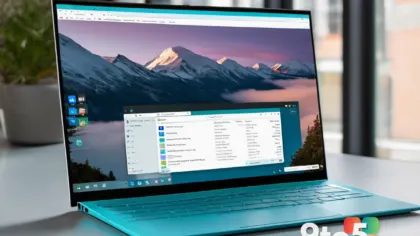
Microsoft has shipped WinUI Gallery 3.0, the reference app that lets Windows developers browse and experiment with the controls, patterns, and components that make up modern Windows interfaces. According to the announcement, this release brings a fresh set of UI samples alongside a look at upcoming APIs, with the company noting that more changes are already on the way.
For developers building apps on the Windows platform, the Gallery has long served as both a learning tool and a design reference. Version 3.0 arrives as part of the ongoing rollout tied to WinUI 3, Microsoft’s current UI framework, and it gives developers hands-on access to controls before they land in the broader SDK.

What’s inside WinUI Gallery 3.0
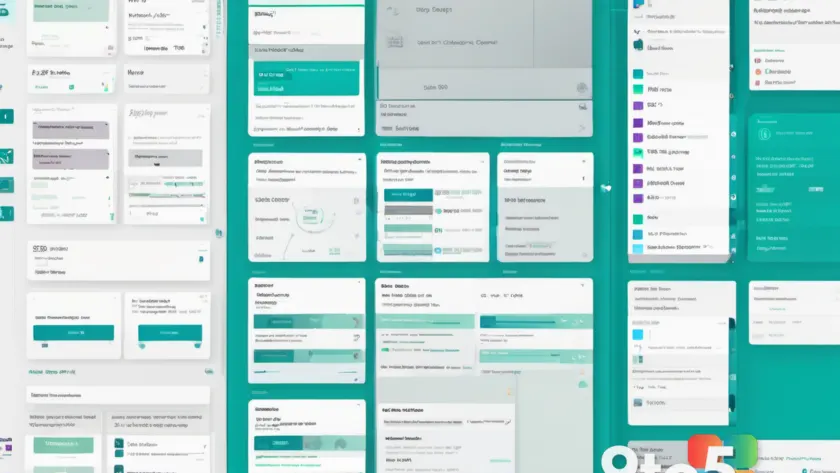
The headline update is the addition of a new batch of UI samples. These are small, runnable examples that demonstrate how individual controls and composite components behave, letting developers see real implementations rather than just reading documentation.
Beyond the samples, the release also surfaces upcoming APIs. This means developers can start exploring interfaces and behaviors that Microsoft is still finalizing, giving them a head start on adapting their apps to whatever the final versions look like.
Microsoft was clear that this is not a one-time event, describing the release as part of a rolling effort with additional changes ahead. That suggests the Gallery will continue to grow as new controls and APIs are prepared for shipping, so checking back regularly may pay off.
Why the Gallery matters for Windows developers
WinUI, short for the Windows UI Library, is Microsoft’s UI framework for building Windows apps, and it powers the look and feel of many first-party and third-party applications. The Gallery app exists to make that framework tangible — instead of poring over API reference pages, developers can search for a control, open a working sample, and copy the code into their own projects.
The app has been a staple for developers working with .NET, C++, and other Windows app models that target WinUI 3. It is especially useful for anyone building with the Windows App SDK, which packages WinUI 3 and related tooling into a versioned, independently shipped component separate from the operating system itself.
The Gallery has been updated repeatedly since its initial release, with each version reflecting the current state of the WinUI framework. As Microsoft has moved toward WinUI 3 and the modular Windows App SDK, the app has shifted from a Windows 10–centric showcase to a cross-version reference that mirrors how controls are built today. Version 3.0 fits into that ongoing evolution, keeping the reference current as the framework itself changes.
By surfacing upcoming APIs ahead of time, the Gallery also helps developers plan for the future. When a control or API eventually ships in a stable release, teams that have already experimented with it in the Gallery can integrate it more smoothly and avoid last-minute surprises.
What this means for you
If you build Windows apps, WinUI Gallery 3.0 is a free way to keep your designs current and preview what’s coming next. You don’t need to wait for a full SDK update to start evaluating new controls — the Gallery lets you test them in isolation first, which can save time when it comes to refactoring existing interfaces.
Even if you aren’t deep in WinUI development, the samples can serve as a design reference for matching the current Windows aesthetic. The controls shown in the Gallery reflect the same components your users interact with daily, so they’re a reliable guide for consistent, platform-native experiences.
How to get WinUI Gallery 3.0
The Gallery is distributed through the Microsoft Store, where it can be installed on any compatible Windows machine. Once installed, you can browse samples by category, search for specific controls, and view the underlying code for each example.
Because the release is tied to the broader WinUI 3 and Windows App SDK effort, it’s worth pairing the app with a current SDK installation if you want the samples to line up with the tooling you’re actively using. Check the Windows App SDK documentation for the version that matches this Gallery release, and keep an eye out for the additional changes Microsoft says are coming.
Source: Neowin
Over to you: Are you using WinUI Gallery 3.0 to preview upcoming controls, or do you wait for stable SDK releases before adopting new components?
You may also like
 Tiny11 Builder Gets Major Redesign for Lightweight Windows 11 26H2 ISOs
 Microsoft’s Excel Copilot Interactive Canvas Turns Spreadsheets Into Visual Reports
 PC Prices to Stay Elevated Through 2027 as Memory Costs Surge and Shipments Collapse