Microsoft’s Xbox Disc to Digital program is now live for all players, the company confirmed, marking the end of a staged rollout that began as a limited preview. Once you convert an eligible physical game disc, it becomes a digital license tied to your Xbox account — and you no longer need the disc in the drive to play it.
For a console maker that has spent years pushing players toward digital storefronts, this is a notable concession to owners of physical game collections. The concept also mirrors a similar “disc to digital” program Valve introduced for Steam.
What Xbox Disc to Digital actually does
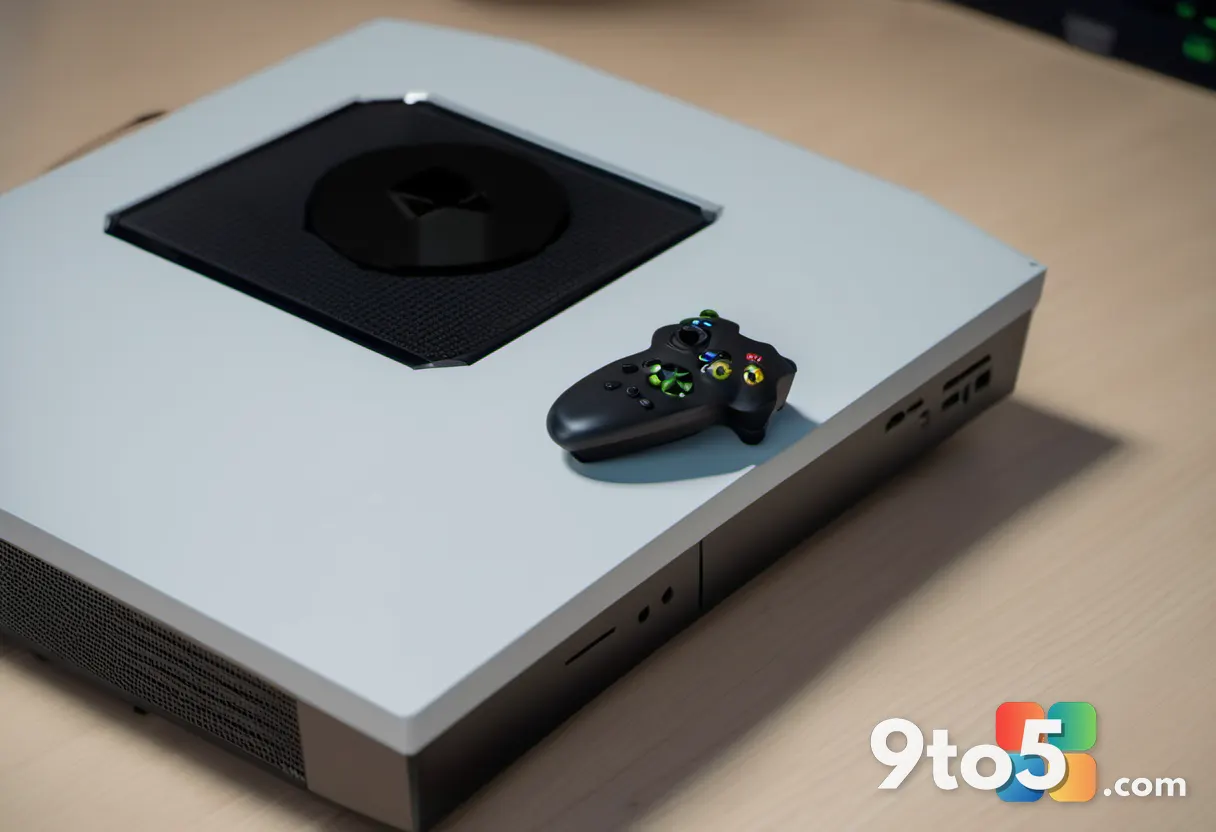
The feature reads a physical disc through your console’s disc drive and converts it into a digital license attached to your Xbox account. From that point on, the game belongs to your account rather than to the disc sitting on your shelf.
The practical upshot is that you don’t have to keep the disc inserted every time you want to launch a game. The digital license lives in your library, which also means the game can be accessed from other consoles and devices linked to your account.
Not every disc qualifies, though. Microsoft’s program applies to eligible physical titles, so a portion of the library may not be convertible. Players should treat “eligible” as the key qualifier before expecting a conversion to work.
From a limited preview to all players
Disc to Digital did not arrive all at once. Microsoft first offered it as a preview program, gradually expanding access to more players before opening it up fully. According to Neowin’s reporting, those earlier access restrictions have now been lifted and the feature is available to everyone.
This staged approach is typical of Microsoft’s release pattern for Xbox features, letting the company iron out issues with a smaller group before a wider launch. The full rollout suggests the program reached the maturity threshold Microsoft was looking for.
It’s worth noting that the exact list of eligible games and any remaining limitations weren’t detailed in the announcement, so what you can convert may vary by title.
How the conversion works in practice
Based on how the program is designed, the process starts by inserting an eligible physical disc into your console’s disc drive. The console recognizes the game and presents the option to convert it to a digital license.
Once you confirm the conversion, the license is added to your account and the disc is no longer required to play. You can then download and launch the game digitally, freeing up shelf space and removing the risk of a lost or scratched disc blocking access.
Because the license is account-based, it dovetails with Xbox’s broader ecosystem — your games travel with you across devices rather than staying locked to a single physical copy.
What this means for you
If you’ve built up a collection of physical Xbox games over the years, Disc to Digital removes one of the biggest friction points of disc-based gaming: the constant need to swap discs and the worry about losing or damaging them.
A converted license also plays nicely with how many people already use their console — pulling a game from another room, sharing access with family members on linked accounts, or moving to a different machine without hunting for the original case.
On a broader level, the feature fits Microsoft’s long-term push toward digital libraries and cloud-based play, where your games live in your account instead of on a disc. It’s a middle ground that acknowledges physical owners haven’t disappeared.
How to get it
Because the program is now available to all players, anyone with an Xbox console and an eligible physical disc can start converting. Insert the disc, follow the on-screen prompts, and convert it to a digital license tied to your account.
If a disc doesn’t convert, it likely isn’t on the eligible list. Microsoft hasn’t published a full catalog of qualifying titles, so the safest approach is to try the conversion directly on your console and see whether the option appears.
As with any account-level change, keep your Xbox account secure and make sure you’re signed in with the account you want the license attached to before you convert.
Source: Neowin
Over to you: Do you plan to convert your physical Xbox collection to digital, or do you prefer keeping the discs on the shelf?