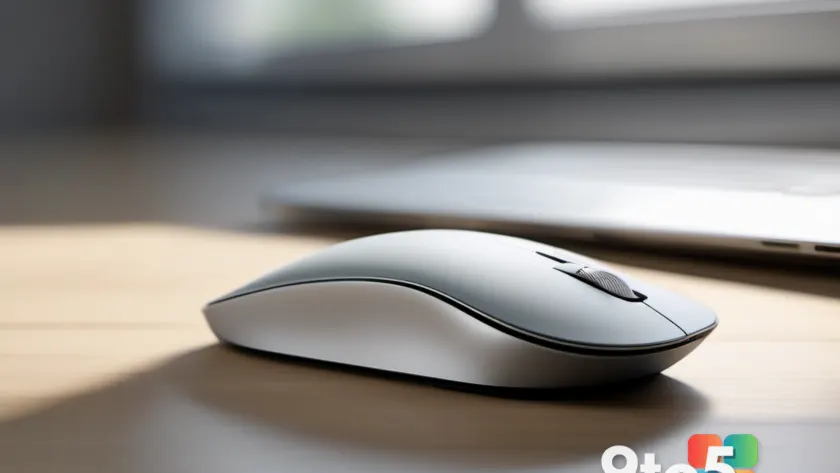
Microsoft just unveiled a new Surface Mouse, and the headline change is a dedicated action button built specifically for launching Copilot and other Windows 11 apps.
The announcement, first reported by Neowin, adds another model to Microsoft’s line of Surface-branded mice. While the company hasn’t dropped a full spec sheet, the defining feature is clear: a single programmable button that gives you one-tap access to Windows 11’s AI assistant and a handful of apps.
A dedicated action button for Copilot and Windows 11 apps
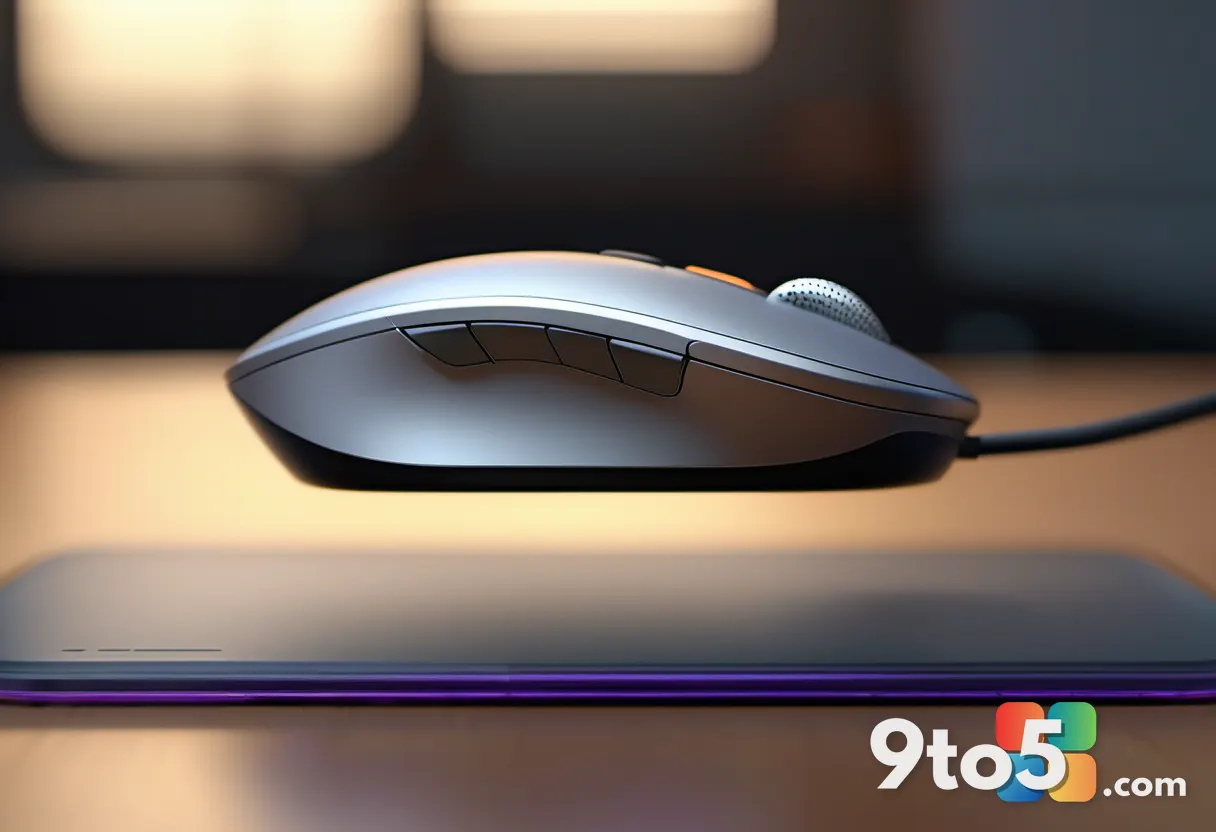
On most mice, the buttons you already rely on — left, right, and the scroll wheel — handle navigation and selection. The new Surface Mouse adds a fourth control: an action button positioned where your thumb naturally rests.
According to the announcement, that button is designed to launch Copilot, Microsoft’s AI assistant, with a single press. It can also be configured to open other Windows 11 apps, giving you a shortcut to whatever you use most.
This is a meaningful departure from the simpler Surface mice that came before it. Several of those models offered just a single button or a basic two-button layout, so a dedicated, configurable key is a real step up in flexibility.
Why Microsoft is pushing a Copilot shortcut
The placement of this button fits into a broader push by Microsoft to make Copilot more prominent in Windows 11. Over the past couple of years, the company has added a dedicated Copilot key to keyboards, pinned the assistant to the taskbar, and promoted it across its own hardware.
A mouse button dedicated to Copilot is the natural next step in that strategy. It puts the assistant within thumb’s reach, reinforcing the idea that AI tools should be a quick, always-available part of your workflow rather than something you have to dig for.
The ability to remap the button to other apps, though, keeps it useful for people who don’t want to lean on AI. You aren’t locked into Copilot — you can point it at whatever single app you reach for most.
Where it fits in the Surface Mouse lineup
Microsoft’s Surface Mouse family has grown steadily since it launched. The original Surface Mouse arrived in 2018 with a minimalist single-button design, followed by the portable Surface Mobile Mouse, the split-design Surface Ergonomic Mouse, and the feature-rich Surface Precision Mouse aimed at power users.
This new model slots into that range as a more mainstream option, with the action button as its standout addition. It signals that Microsoft wants to bring Copilot shortcuts to its everyday peripherals, not just to premium or productivity-focused devices.
It’s worth noting that Microsoft hasn’t released full details yet — pricing, exact connectivity options, and a confirmed release date haven’t been confirmed in the announcement, so treat specifics as unconfirmed until the company shares them.
What This Means for You
For most users, the practical takeaway is simple: one more button to customize. If you find yourself reaching for Copilot often, having it a thumb-press away could save you a few clicks each day. And because the button can be remapped, it’s just as useful if you’d rather jump straight to a browser, a messaging app, or a work tool.
It also reflects where Windows 11 is heading. As Microsoft keeps folding AI features into the OS, expect more peripherals to include dedicated shortcuts. Getting comfortable with these buttons now means less fumbling later.
How to Get It
Since the Surface Mouse was just announced, it isn’t available to buy yet. Keep an eye on Microsoft’s official store and product pages for the official launch, pricing, and availability details.
Until then, if you’re curious about trying Copilot shortcuts without buying new hardware, you can still launch the assistant from Windows 11 today using the Windows key + C shortcut or the Copilot button on the taskbar.
Source: Neowin
Over to you: Would you keep the new Surface Mouse’s dedicated button on Copilot, or remap it to your favorite app?