Microsoft Copilot is gaining a side-by-side web browser, a change that lets you open reference links without leaving your chat window behind. According to Neowin’s reporting, the new feature embeds a browser pane directly inside Copilot, so you can keep talking to the assistant while pulling up web content in a separate view.
How the side-by-side browser works
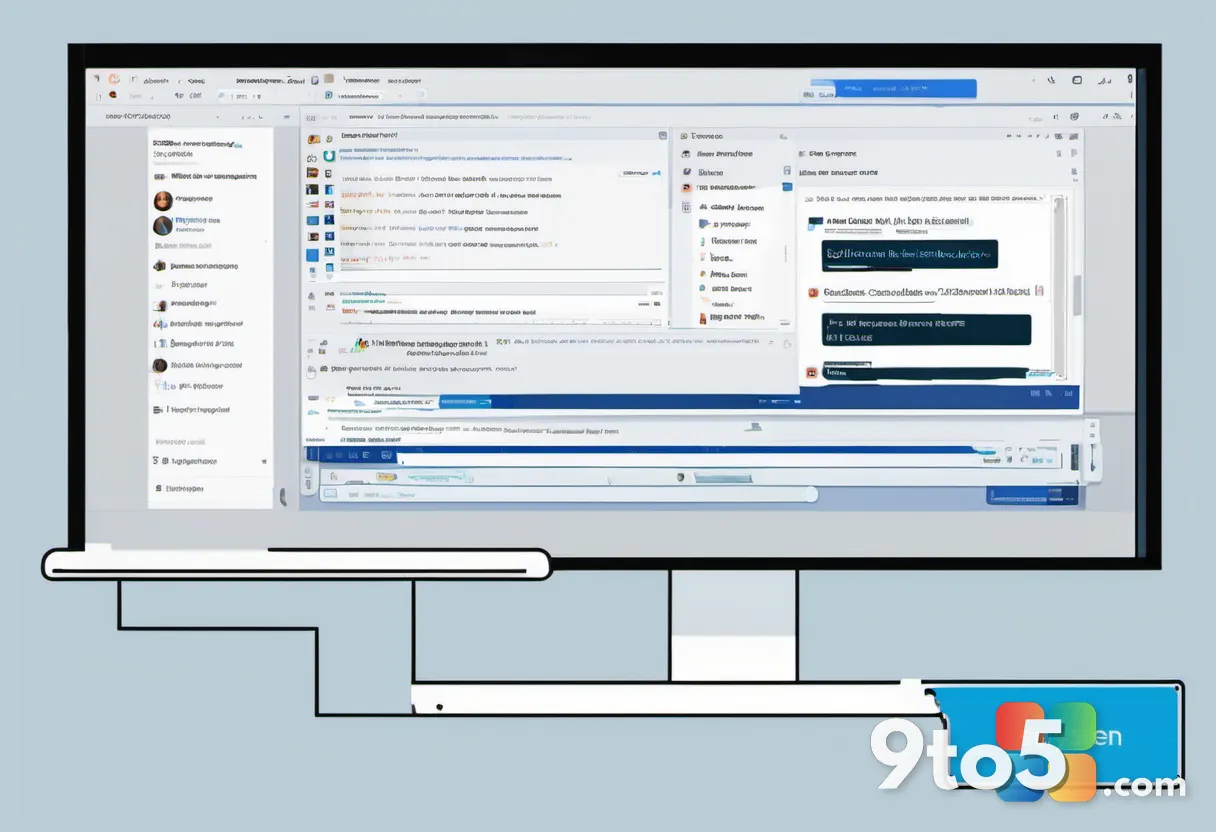
The core idea is straightforward. Instead of clicking a link and losing sight of your Copilot thread, you open that link in a split-screen pane. The reference material stays visible while the chat continues alongside it.
This mirrors how many productivity suites already handle multitasking. You open a URL, and a new window slides into view beside your primary task. You can move between them without closing either one, and both stay open at the same time.
For Copilot users, this means you can ask the assistant a question, open a supporting article, and reference it mid-conversation. The browser pane sits next to your chat history, giving you a single place to research and summarize without the usual tab-switching.
A familiar pattern from Teams and Outlook
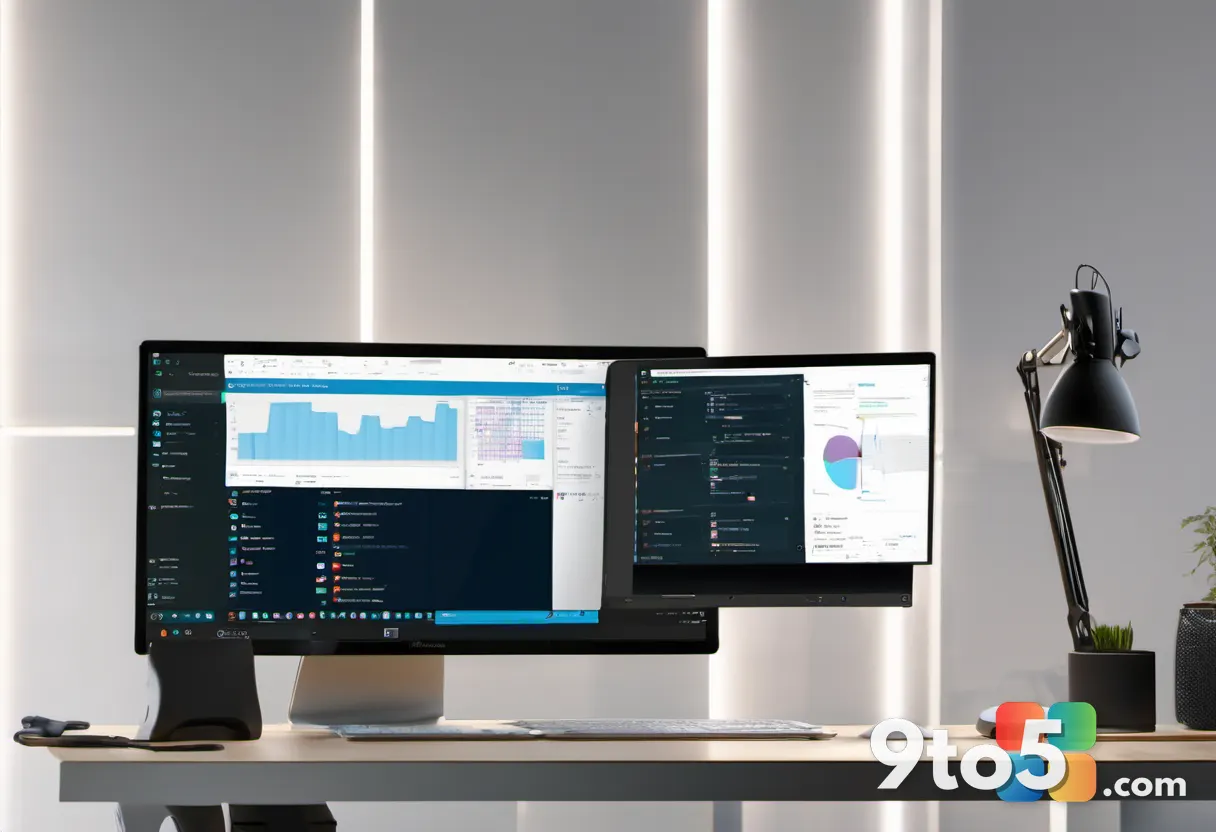
Microsoft has used this split-view approach for years. Both Microsoft Teams and Outlook already offer a side-by-side browsing experience, letting users open links while keeping their email or meeting window in focus. The feature has been a staple of those apps for a while, so it isn’t brand new to the Redmond company.
The Copilot update brings that same behavior to the AI assistant. Rather than a novel design, it copies a pattern that many Windows users already recognize from their inboxes and meeting rooms.
That consistency is likely intentional. By reusing an established interface, Microsoft reduces the learning curve. People who already know how Teams handles links will find Copilot’s new layout familiar and easy to pick up.
From a product standpoint, this fits Microsoft’s broader push to make Copilot a central hub for everyday tasks. The assistant has been layered with more integrations over time, and a built-in browser keeps users inside the app instead of pushing them to a full external browser.
What This Means for You
For everyday users, the practical benefit is fewer tab switches. If you routinely ask Copilot to summarize an article, compare products, or research a topic, you no longer have to bounce between windows to show the assistant what you’re looking at.
The feature is especially useful for people who work with reference material constantly. Students, researchers, and anyone comparing options online can keep their questions and their sources in one continuous view.
There is one caveat worth noting. Because this is a relatively small UI change rather than a major overhaul, it may not immediately show up for everyone. Feature rollouts to Copilot often happen gradually, so your build may not have the option just yet.
How to Get It
Microsoft typically ships Copilot updates through its normal release channels, so there is no special toggle or insider build required to access the feature once it reaches your copy.
If you don’t see the side-by-side browser yet, the most reliable path is simply waiting for the next update. Keep Copilot updated, and the option should appear automatically when it rolls out to your region and build. There’s no manual switch to force it on today.
For now, watch official Microsoft channels and tech outlets like Neowin for confirmation. Until Microsoft publishes an official changelog, this remains a widely reported change rather than a formally announced one, so treat it as an emerging feature rather than a finished one.
Source: Neowin
Over to you: Will you use the Copilot side-by-side browser to research mid-chat, or do you prefer keeping everything in a single window?