Microsoft is quietly rolling back most of the MSN content it pushed onto the Windows 11 lock screen. According to a new entry in Microsoft’s release notes, Weather is now the only widget shown by default, with everything else left to your discretion in Settings.
The change landed in the change log for the August 27 preview build, which shipped as part of the mandatory September 8 Patch Tuesday release. Microsoft added the Widgets entry to the release notes on September 14 — nearly a week after the update went out.
The exact wording reads: “[Widgets] New! To provide a quieter, more focused Widgets experience on the lock screen, Weather is now the only widget shown by default. You can add other widgets in Settings > Personalization > Lock screen. This change began rolling out to new users in July and is now rolling out to existing users.”
So the lock screen, which once booted you with Weather, Sports, Money, traffic, Daily Wonder, Daily Discovery, and Events Near You all switched on by default, now shows just the one weather card until you opt in to the rest.
The rollout is staged: it started with new installs in July and is now reaching existing machines. If you’re on the September 8 update (Windows 11 24H2/25H2, per the kb5120998 release notes), your lock screen should already be stripped back to Weather alone.
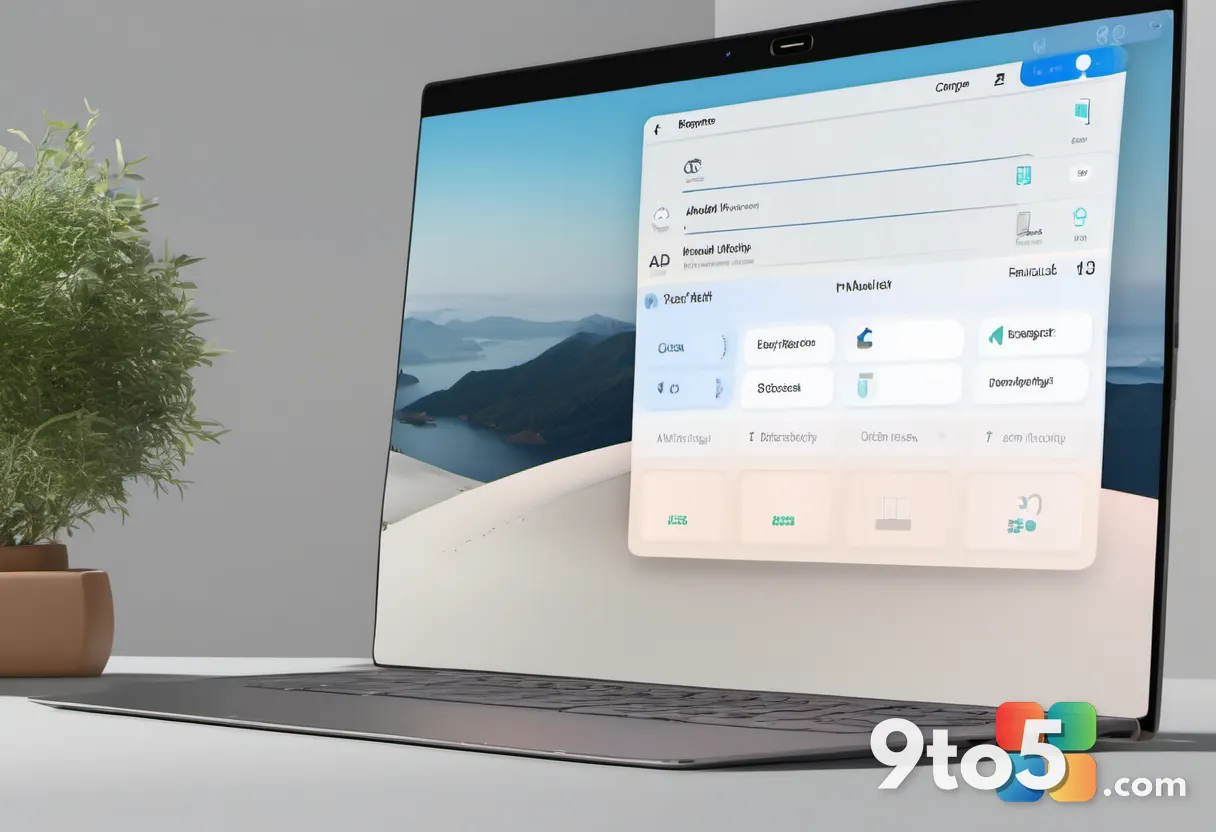
How to change your lock screen widgets
If quieter isn’t quite quiet enough for you, the Settings path is unchanged. Head to Settings > Personalization > Lock screen and click Add widget to bring any of the MSN-powered cards back — or add a third-party widget of your choice.
The catch remains the same: only widgets that support the lock screen’s required small size can be added. Try to add a Countdown widget, and the panel flat-out refuses, telling you “you cannot add this widget because it does not support the required size.” That limitation has stuck around since customization arrived, and it’s one of the more odd restrictions still in place.
And if you’d rather have nothing at all, there’s a toggle to turn off Lock screen Widgets completely — which is what I personally keep enabled.
The MSN retreat across Windows 11
This lock screen tweak is just one more step in a broader Microsoft retreat from MSN content across Windows 11.
It started in March 2024, when Microsoft began rolling MSN-powered Weather, Sports, Money, and traffic cards onto the lock screen by default. The reception was mixed at best, and plenty of users positively disliked it — a reasonable reaction, since a lock screen is the one thing you stare at every time you wake your PC.
Microsoft then added widget customization in February 2025, letting users add, remove, and rearrange widgets, including third-party ones like Spotify. But the size limit kept the catalog thin.
By May 2026, Microsoft had turned off the MSN feed and ads in Widgets by default, and also disabled the panel opening on hover while reducing taskbar alerts. Then in July, Windows Search dropped the same clutter — the image of the day, the daily quiz, and trending searches all vanished from its UI.
What still bugs me about the lock screen
So Microsoft is finally making the Windows 11 lock screen less of an MSN feed. That’s a welcome change. But removing clutter isn’t the same as designing something good.
A few things still nag at me. The widget catalog is thin, and the size limit keeps rejecting widgets that would genuinely be useful on a lock screen, like a Countdown timer. I’d also like better clock customization — something closer to the blur and depth effects you get on an iPhone lock screen.
Animated profile pictures would make the lock screen feel more personal, too. My registry workaround already proves Windows can display an animated GIF as your account picture, including on the lock screen, without official support.
And there’s the Spotlight question. Windows 10 earned personality through Spotlight — its lock screen photo of a New Zealand beach recently went viral. Windows 11 never made a similarly bold move here, which makes you wonder how many Windows 10 features got delayed or dropped in the transition.
What This Means for You
For most users, this is a small but genuinely nice win. If you’ve ever felt your lock screen turning into a mini news portal, you’ll notice the difference the moment you wake your PC — just Weather, nothing else.
To keep it that way, do nothing; the change auto-applies. To add widgets back, go to Settings > Personalization > Lock screen. To go full minimalist, toggle Lock screen Widgets off.
One thing to watch: this rolled out in stages, so if your lock screen still looks cluttered a few weeks from now, it just hasn’t I caught up yet. No rush, no fix needed.
Source: Windows Latest
Build details:
- KB5129195
- kb5129195
Over to you: Will you keep your Windows 11 lock screen lean with just Weather, or add widgets back — and which one would you pick?