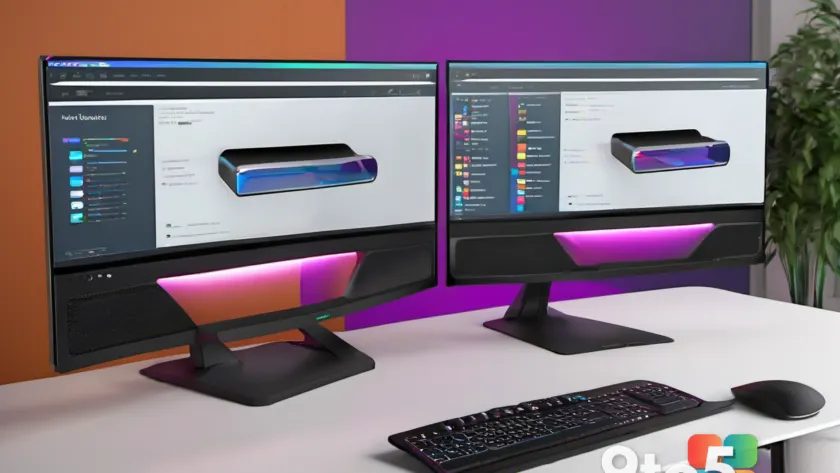
As long as Microsoft Teams has existed, Teams screen sharing has come with a built-in limitation: only one screen at a time. If you wanted to show two displays, you had to switch between them, forcing everyone at the table to wait while you toggled.
That is about to change. According to Neowin’s reporting, Microsoft is preparing an update that will let presenters share two screens simultaneously — showing both displays to meeting attendees at the same moment instead of forcing you to flip between them.
How Teams screen sharing works today
Right now, when you click the share button in a Teams meeting, you’re presented with a menu of options. You can share a specific application window, a portion of your screen, a whiteboard, or one of your entire displays. But the catch is that you can only pick one display at a time.
That single-slot rule has been a quiet frustration for years, especially for people who work with multi-monitor setups. If you keep your calendar on one screen and your spreadsheet on another, you’ve probably paused a meeting to swap between them, leaving attendees staring at a frozen frame while you figure out which window is showing.
The limitation isn’t a technical impossibility — it’s simply a choice Microsoft has made about how the feature behaves. Presenters have repeatedly asked for a way to show more than one source at once, and this update appears to answer that request.
What’s actually changing
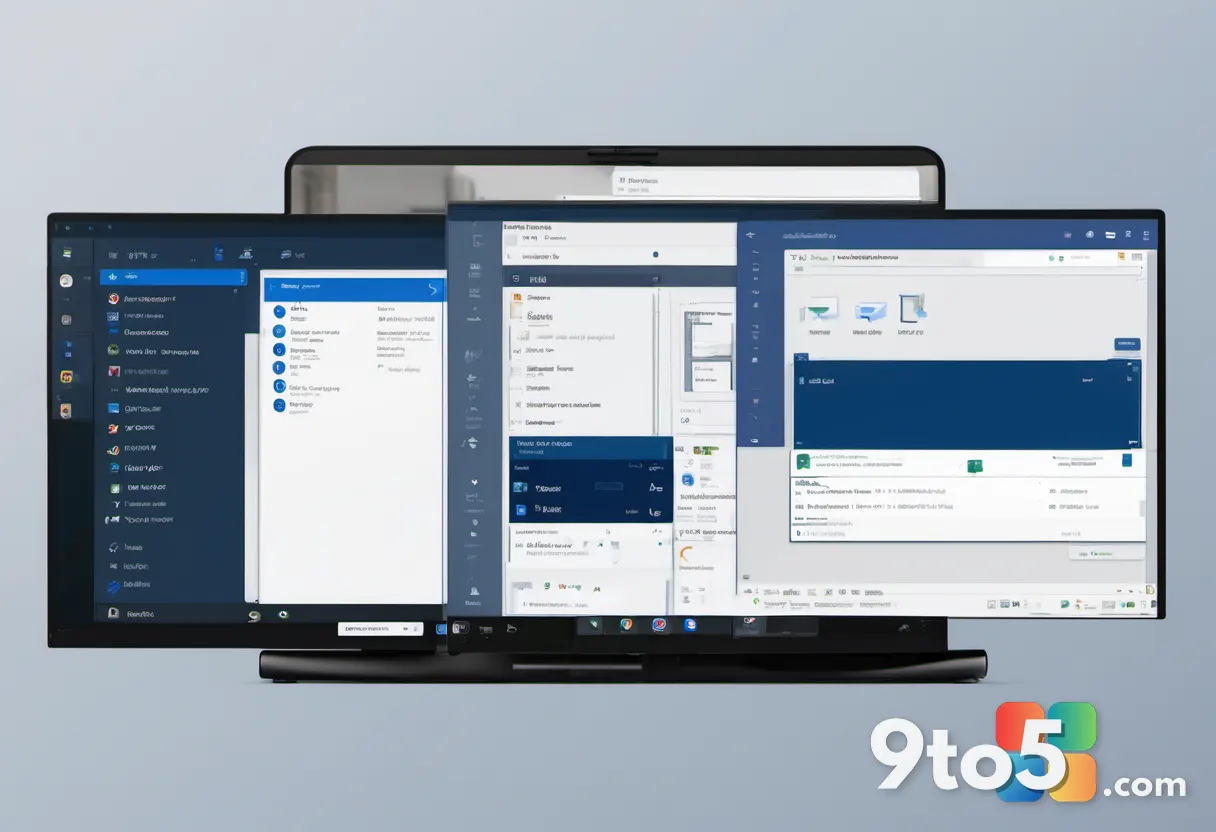
The core change is straightforward: a presenter would be able to share two screens at the same time, with both displays visible to everyone in the meeting simultaneously. Rather than taking turns, you’d lay both out for attendees to see in one go.
Neowin’s report frames this as a change that ‘could transform how meetings work,’ which is a fairly bold claim for what is, at its heart, a UI tweak. But the practical payoff is real for anyone who routinely coordinates across multiple monitors — no more pausing to switch windows, and no more attendees squinting at a single, half-sized display.
It’s worth noting that Microsoft hasn’t released a firm timeline or build number for this feature, so treat the details as early-stage. The feature is described as something the company is ‘preparing,’ which typically means it’s in development and hasn’t reached a public release date.
Why this matters for meetings
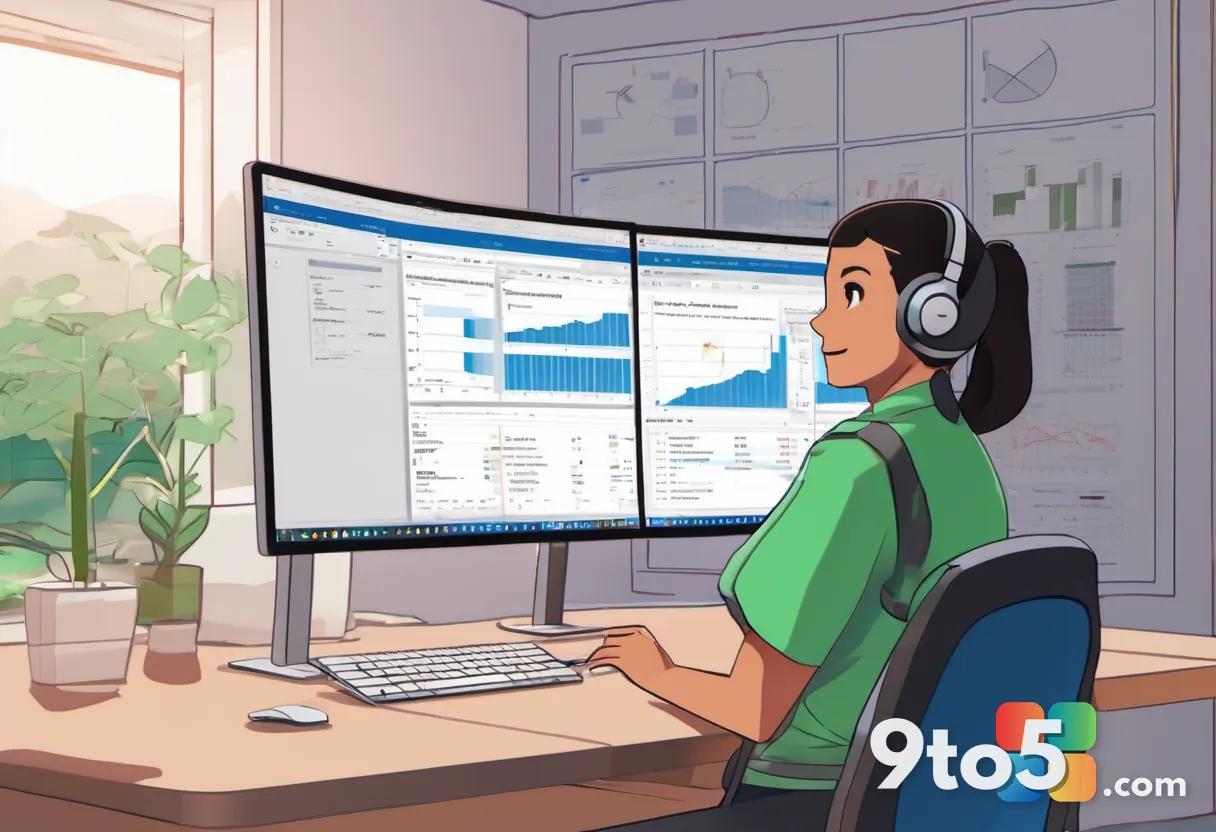
Multi-monitor workflows have become the norm for many knowledge workers, and Teams has largely kept pace with the rest of the desktop experience in other ways. This change would close a specific gap: the ability to present from more than one source without interruption.
Consider a typical scenario. You’re walking a colleague through a budget, with the numbers open on one monitor and your notes on another. Today, you’d share one, pause, share the other, and repeat. With simultaneous sharing, both would be live at once, which can make a handoff far smoother and keep the audience engaged.
It also helps in mixed-attention moments — say, referencing a chat message on one screen while presenting slides on another — without forcing you to hide the rest of your workspace.
What this means for you
If you’re someone who regularly shares your screen in Teams meetings, this is a genuine quality-of-life improvement. You won’t have to choreograph your display switches or leave the audience waiting while you flip between monitors. It’s the kind of small change that adds up over dozens of meetings a month.
For most users, though, there’s nothing to do right now. The feature isn’t available yet, so your current Teams experience will keep working exactly as it does today until Microsoft ships it.
How to get it
Microsoft typically rolls out new Teams features gradually to all users on the current version, so once the update goes live you should receive it automatically through your normal app updates — there’s no separate download or setting to enable.
Until then, the best move is simply to keep your Teams app up to date and watch Microsoft’s official channels for an announcement. If you want the fastest route to confirmation, keep an eye on the Windows Insider program, where new features are often tested before a wider release.
Source: Neowin
Over to you: Would you actually use two-screen sharing in your meetings, or is one display enough?