Microsoft has officially confirmed that the Windows 11 September 2026 Update permanently removes Windows Management Instrumentation Command-line (WMIC), a decades-old utility that has long been a favorite target for threat actors. Following our earlier reporting on the upcoming Patch Tuesday changes, we can now verify that the legacy component is entirely gone from early builds of the update, with no option to restore it through Windows Settings or command-line interfaces.
This marks the final step in a multi-year deprecation campaign. While Microsoft previously stated that WMIC would remain available as a Feature on Demand in Windows 11 25H2, the September 2026 Update strips the component completely. The removal is not part of a gradual rollout; it is a definitive cutoff designed to close a persistent security gap across all supported Windows 11 editions.
What You Will See After the Update
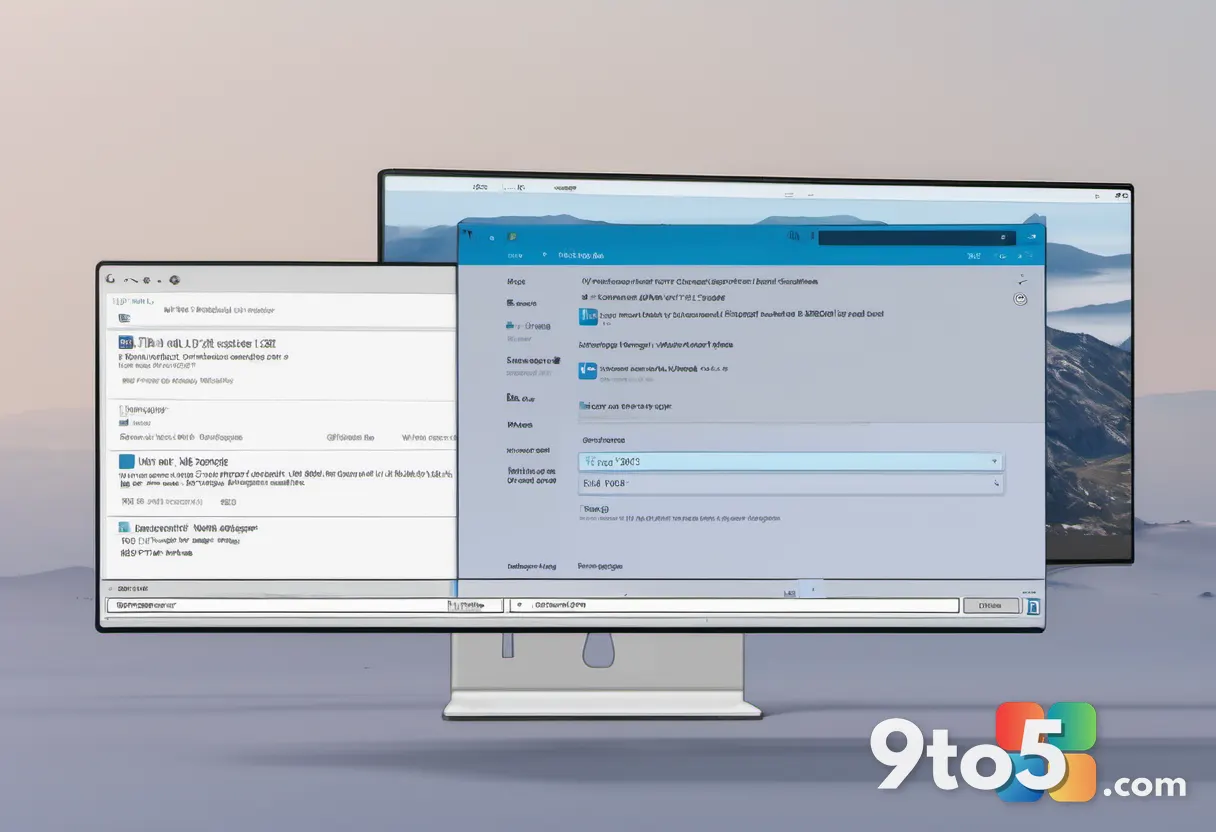
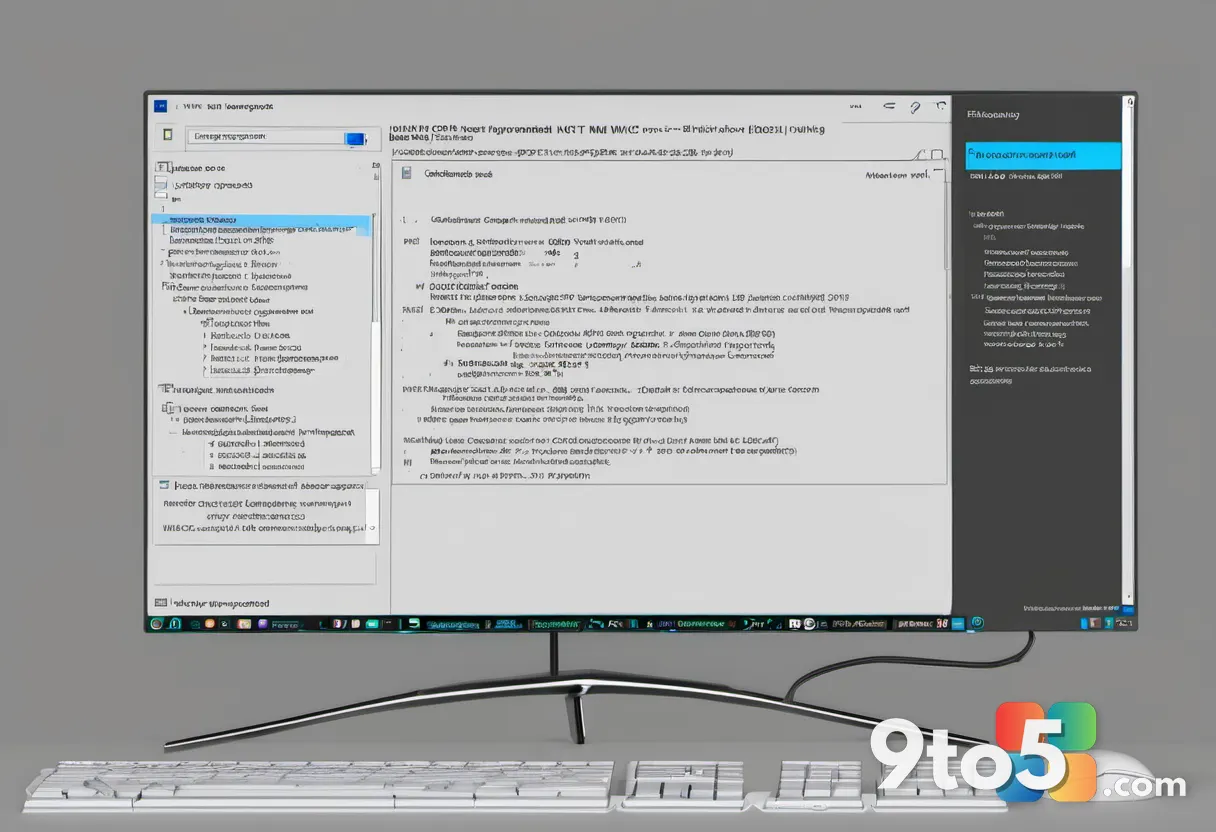
If you install the September 2026 Update on a test machine, the absence of WMIC is immediate and thorough. Searching for “WMIC” in Windows Search yields zero results, with the system instead suggesting unrelated browser actions. This search behavior indicates that the operating system no longer recognizes the command as a valid system utility.
Running wmic in Command Prompt or PowerShell returns a standard “command not recognized” error. A deeper inspection of the Windows partition reveals no residual WMIC executables or registry keys tied to the legacy tool. Even if you attempt to manually trigger the Optional Features menu, WMIC will not appear as an available option, confirming that the Feature on Demand package has been stripped from the installation media.
The Deprecation Timeline
WMIC has been a staple of Windows administration for over two decades, allowing IT professionals to query system information and execute remote management tasks without relying on more modern frameworks. However, as PowerShell matured and became the standard for system automation, Microsoft began marking WMIC as deprecated starting with Windows 10 21H1. The tool was no longer receiving active development, and Microsoft began directing enterprise customers toward PowerShell and the newer Windows Management Framework.
When Windows 11 25H2 launched in 2025, Microsoft took a significant step by removing WMIC from clean installation images. However, the company acknowledged that many organizations still relied on legacy scripts, so the component remained accessible as an optional download. This compromise kept the door open for both security-conscious users and administrators managing older automation workflows. The September 2026 Update closes that door entirely.
Why Microsoft Is Removing It
The primary driver behind this removal is security. WMIC is classified as a LOLBIN, or Living Off the Land Binary. Because it is a legitimate, Microsoft-signed system component, cybercriminals can abuse it to execute malicious commands, deploy ransomware, and disable security software without needing to download or run third-party executables. This makes detection significantly harder for endpoint protection tools and security teams.
Microsoft has documented numerous instances where threat actors leveraged WMIC to identify installed antivirus solutions, remove security agents, and establish persistence on compromised machines. By eliminating the tool entirely, Microsoft removes an entire class of attack vectors that have plagued both enterprise and home users for years. The company states in its updated release notes that this change is part of an ongoing effort to improve the security and reliability of Windows by removing legacy components while preserving management capabilities through supported alternatives.

What Replaces WMIC
For administrators and power users who relied on WMIC for system queries, PowerShell is the intended replacement. Most WMIC commands have direct equivalents in PowerShell using cmdlets like Get-WmiObject or the newer Get-CimInstance. While the syntax differs slightly, the functionality is largely preserved, and PowerShell offers significantly more robust scripting capabilities, better error handling, and improved performance.
Organizations running large fleets of Windows 11 devices should audit their existing automation scripts now. Any dependencies on WMIC will need to be refactored to use PowerShell or the CIM cmdlets before the September 2026 Update rolls out to production environments. Microsoft has provided migration guidance in its official documentation to help IT teams transition smoothly.
How to Get the Update
The September 2026 Update will begin rolling out via Windows Update in the coming weeks. Users can manually check for updates through Settings > Windows Update to install the patch as soon as it becomes available. Enterprise administrators managing deployments through WSUS or Microsoft Endpoint Configuration Manager should test the update in a controlled environment first to ensure compatibility with internal tools and scripts.
Given the security implications and the definitive nature of this removal, installing the September 2026 Update is highly recommended. It represents one of the most significant security hardening changes in recent Windows history, and delaying it leaves systems exposed to known exploitation techniques that Microsoft has now officially closed.
Source: Windows Latest
Build details:
- 26H2
Over to you: Are you still relying on WMIC for legacy automation scripts, or have you fully migrated to PowerShell?
You may also like
 Microsoft Upgrades Windows 11 Task Manager for Enhanced Hardware Monitoring
 Microsoft Rebuilds Windows 11 Print Management in WinUI 3, Rollout Begins Soon
 Microsoft Releases PowerToys Preview v0.101.2282.0 with Command Palette Fixes
 Windows 11 Legacy Media Player Loses Caption Controls in New Experimental Build