Microsoft is quietly testing a significant shift in how Windows 11 handles hardware permissions. A new Windows Insider Preview Build has surfaced with the ability to manage camera, microphone, and location access on a per-application basis for traditional Win32 desktop programs. This change extends granular privacy management beyond Microsoft Store apps, addressing a long-standing request from users who want finer control over their system’s hardware.
The New Per-App Privacy Controls for Win32 Apps
Until now, Windows 11 has offered individual permission toggles exclusively for Microsoft Store applications. If you installed a video-calling app from the Store, you could grant it camera access while denying it to another Store program. However, Win32 desktop programs, which include web browsers, chat clients, and most software installed outside the Store, have operated under a blanket policy. A single toggle labeled “Let desktop apps access your microphone” governs every non-Store program at once, meaning granting access to one application automatically enables it for all others.
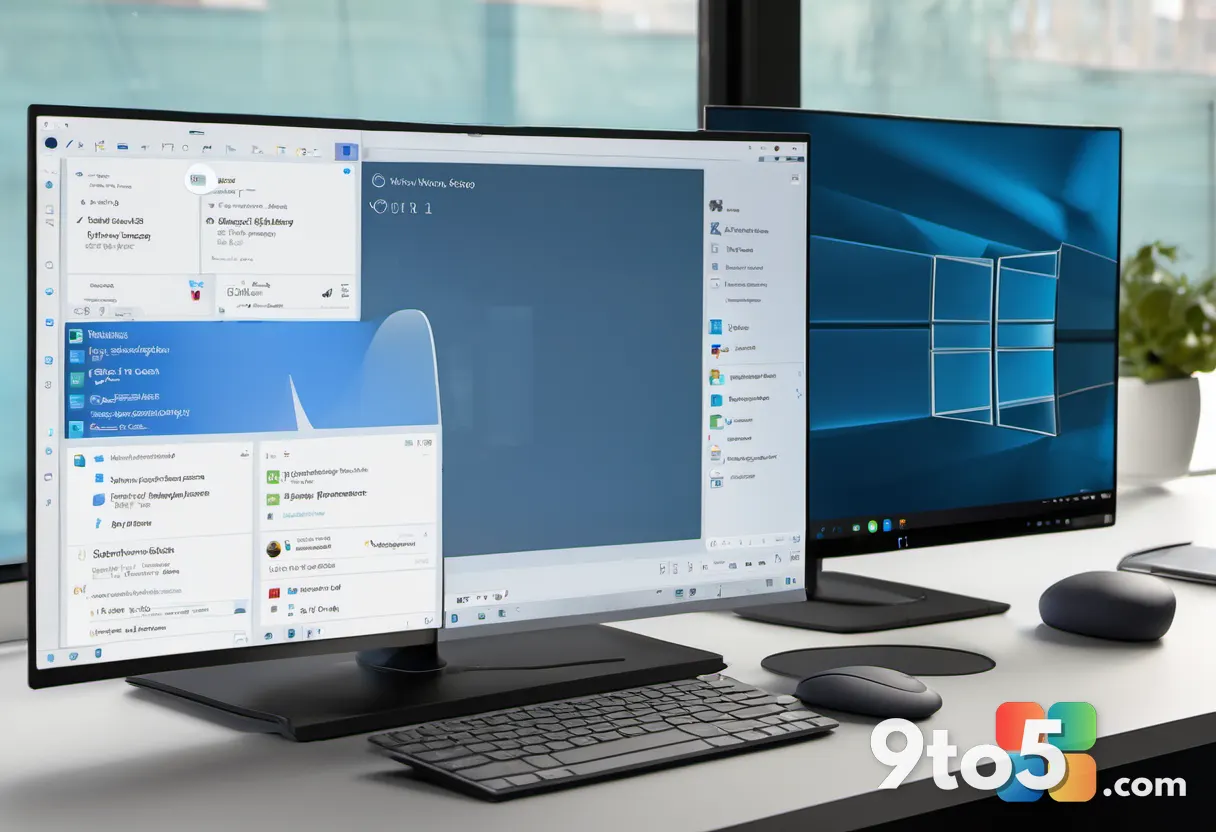
Inside the newly spotted build, Microsoft has added dedicated toggles directly in the Settings privacy panel. These controls allow you to revoke camera and microphone access for individual Win32 programs. The updates also extend to location permissions and voice activation, covering hardware categories that previously lacked granular management. This approach mirrors permission systems that have been standard on iOS and Android for over a decade, finally bringing desktop Windows closer to modern mobile privacy standards.
While Windows already logs which apps have recently accessed the camera, microphone, or location, that history log only shows past activity. It offers no mechanism to block a specific program from using those resources going forward. These new toggles close that gap, giving you the ability to audit and restrict hardware access at the individual application level without relying on third-party security suites.
How the Feature Was Discovered
The update did not arrive with an official announcement. The new toggles were identified by X user @jakub25050, who shared screenshots of the updated Settings app on August 18, 2026. The post highlighted the changes with the caption “Huge changes are coming to Windows 11 privacy & security,” tagging Pavan Davuluri, who leads Microsoft’s Windows and Devices group, alongside the official Windows Insider account.
Not all testers are seeing the changes yet. Several Insiders who replied to the post noted that the toggles had not appeared on their installations, which aligns with Microsoft’s standard practice of rolling out features to a subset of testers before widening access. The capability is currently confined to Windows Insider Preview Build 26340.9212 for Windows 11 version 26H2, released to the Experimental channel on August 17, 2026. Microsoft’s official release notes for the build did not mention the new privacy settings, and the company has not issued a public statement confirming a release timeline for the feature.
As with any Insider feature, the per-app privacy controls could ship broadly, be redesigned based on feedback, or be dropped before reaching general availability. Microsoft has not tied the rollout to a specific release milestone, meaning availability will depend entirely on the company’s staged deployment strategy.
What This Means for You
For everyday users, this change simplifies privacy management. You will no longer need to rely on broad system toggles or third-party firewall software to restrict hardware access for specific desktop programs. If you run a web browser alongside a video-calling application, you can now grant camera access to the calling app while explicitly blocking the browser from using your webcam. This level of control is particularly valuable for users who prioritize security or work with sensitive data, as it reduces the attack surface for potential spyware or unauthorized data collection.
IT administrators managing enterprise environments will also benefit from the increased granularity. Group Policy and Intune configurations can now target specific Win32 applications rather than applying blanket restrictions, allowing for more precise compliance and security postures.
How to Get It
To test these new privacy controls, you will need to enroll your device in the Windows Insider Program. The feature is currently available on Windows Insider Preview Build 26340.9212, which is distributed through the Experimental channel. You can switch your Insider settings to the Experimental channel via Settings > Windows Update > Windows Insider Program. Keep in mind that the Experimental channel is intended for early testing and may include unfinished features or stability issues, so it is not recommended for primary work machines.
Final Thoughts
This development marks a meaningful step toward modernizing Windows 11’s privacy architecture. By finally extending per-application hardware controls to Win32 programs, Microsoft is addressing a core expectation for desktop operating systems. While the feature remains in early testing, its presence in the Experimental channel signals that Microsoft is actively working toward a broader rollout. Users who value granular control over their system’s hardware will likely welcome the change once it reaches general availability.
Source: Windows News: Updates, Security Patches, Microsoft OS Changes – gHacks
Build details:
- build 26340.9212
Over to you: Will you enable the new per-app toggles once they reach general availability, or do you prefer the current blanket approach?