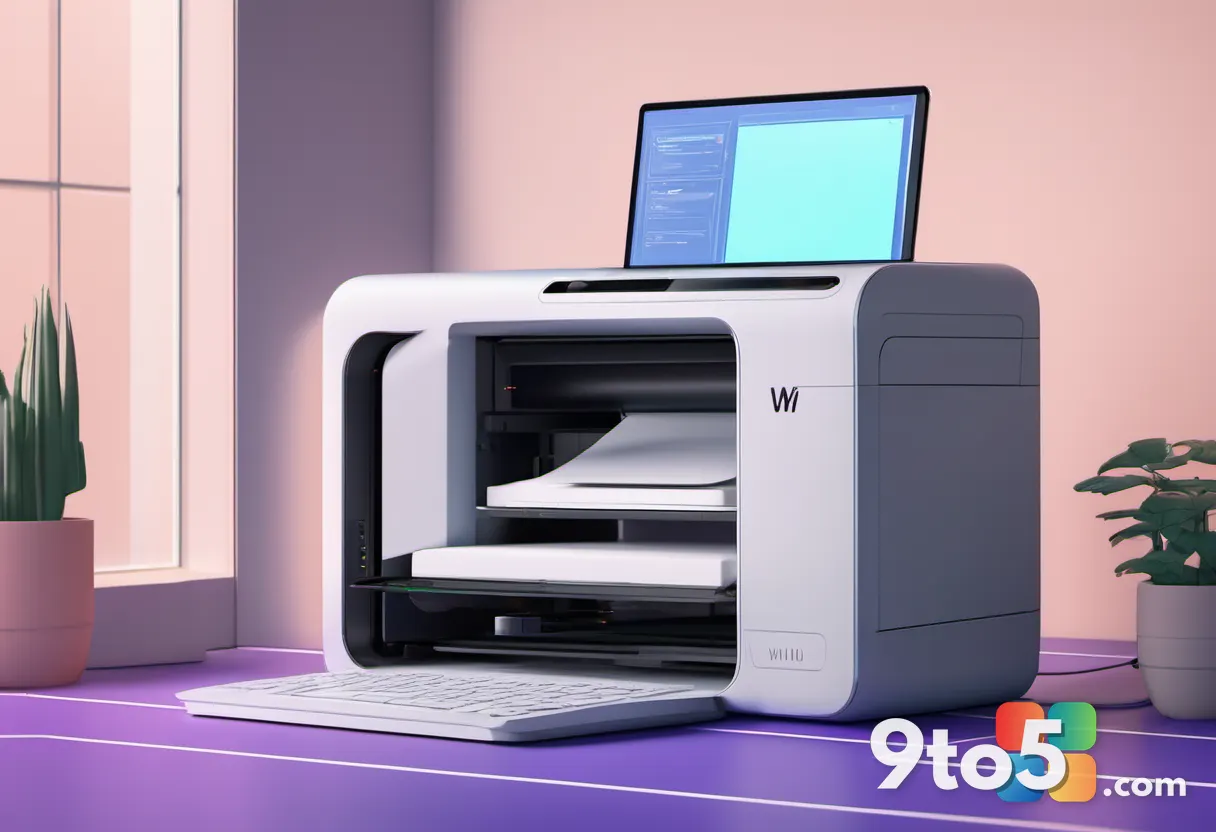
A new iteration of Windows 11’s Print Management utility has been spotted in recent Windows Insider builds, and it represents a significant shift in how Microsoft handles legacy administrative tools. The updated app is built on WinUI 3, moving away from the decades-old Microsoft Management Console (MMC) framework that has powered printer administration for years. This discovery, first reported by Windows Latest, confirms that Microsoft’s broader push to modernize the Windows shell has reached one of its oldest and least glamorous components.
For years, the Print Management snap-in has been a staple for IT professionals and power users who need to manage printer queues, drivers, ports, and shared devices across a network. While functional, it has always felt visually disconnected from the rest of Windows 11, running in a legacy Win32 window that clashes with the Fluent Design language used elsewhere in the OS. The new version aims to close that gap, bringing the tool into the same design ecosystem as Settings, File Explorer, and the Start menu.
At this stage, the modernized utility is only available in the Germanium-based Beta and Experimental Windows Insider builds. It currently sits alongside the original MMC-based Print Management tool, meaning Microsoft has not yet positioned it as a definitive replacement. However, the architectural changes visible in the current build suggest this is a serious attempt to phase out the legacy interface over time.
How the New WinUI 3 Print Management App Works
The most notable change in the new Print Management app is its packaging and deployment model. Instead of running as an MMC snap-in, the utility is now packaged as a standalone Windows app. It resides under the MicrosoftWindows.Client.CBS package within the SystemApps directory, which is the same container used for core Windows shell components like the Start menu and Taskbar.
This architectural shift is important because it allows Microsoft to update the app independently of the operating system’s core MMC framework. In practice, this means future patches can roll out WinUI 3 updates to Print Management without requiring a full OS feature update. It also means the app can leverage modern Windows APIs for theming, accessibility, and performance optimization.
Another visible change is how the app appears in the user interface. The legacy tool is typically buried inside the Windows Tools folder or accessible only through administrative shortcuts. The new WinUI 3 Print Management app, however, appears as a top-level entry in the All apps list. This makes it significantly easier to find for users who need to access it regularly, reducing the friction that often prevents people from managing their printer configurations.
Inside the app, the layout has been redesigned to match the current Windows 11 aesthetic. The navigation pane, header, and content areas all follow the Fluent Design guidelines, with proper support for system-wide dark mode and high-DPI scaling. The interface is cleaner and more spacious, with better use of whitespace and typography compared to the dense, information-heavy layout of the legacy version.
What’s Missing and What’s Still Legacy
Despite the modern shell, the new Print Management app is not entirely free of older design elements. Users will notice that some dialogs within the utility still use the classic Win32 window style. This includes certain driver property pages and configuration menus that have not yet been rewritten in WinUI 3.
This mixed interface is a common occurrence during large-scale modernization projects. Microsoft is clearly working through the app piece by piece, replacing the outer shell and navigation first, then tackling the internal dialogs in subsequent updates. The presence of both modern and legacy interfaces in the same build indicates that the app is still in an active development phase.
Another notable quirk is the elevation requirement. Currently, users must right-click the app in the All apps list and select “Run as administrator” to open it properly. The executable requires administrative privileges to manage system-level printer drivers and ports, but the CBS package manifest does not yet include the necessary configuration to request elevation automatically.
This means the app currently feels like an unfinished bridge between old and new Windows. It is modern enough to appear as a regular Start menu app, but still depends on older administrative behaviors that require manual intervention. Microsoft will likely address the elevation prompt in a future build, either by updating the package manifest or by implementing a system-level elevation flow that matches the rest of Windows 11.
How It Fits Into Microsoft’s WinUI 3 Push
The appearance of a WinUI 3 Print Management app does not exist in a vacuum. It is part of a much larger initiative to rebuild Windows 11 from the ground up using modern UI frameworks. Microsoft has been increasingly vocal about its plans to retire legacy code and replace it with WinUI 3 components across the entire operating system.
Earlier this year, a Windows team member confirmed on X that the file properties dialog in File Explorer was rebuilt in WinUI 3. The team also noted that while dark mode support was implemented as a quick fix in some legacy UI areas, the long-term plan is to bring more of the Windows UI to WinUI 3. This includes the file copy dialog, which has already been completed, and the common file dialog, which is currently in development.
Windows chief Pavan Davuluri has also been transparent about the company’s modernization roadmap. In a recent blog post and accompanying X thread, Davuluri confirmed that Microsoft has “strengthened the fundamentals of WinUI 3” and extended it into more of the Windows shell. He specifically mentioned that the Autoplay dialog and additional File and Folder Properties dialogs are coming to Windows Insider Preview Experimental builds, citing memory efficiency and latency improvements as key benefits of the transition.
The new Run dialog serves as one of the clearest examples of this work paying off. Microsoft’s own telemetry showed that the WinUI 3 rebuild loads significantly faster than the Windows 95-era version it replaces. This performance gain is a direct result of moving away from legacy Win32 frameworks and leveraging modern Windows APIs.
By applying the same approach to Print Management, Microsoft is signaling that it is willing to tackle even the most entrenched legacy tools. Printer administration is a critical function for businesses, schools, and home users alike, and keeping it stuck in a 20-year-old design language no longer makes sense. The modernized app brings it into line with the rest of the operating system, ensuring a more consistent experience across all Windows 11 interfaces.
What This Means for Windows 11 Users
For everyday users, the immediate impact of the new Print Management app is minimal. Most people do not interact with printer queues or driver ports on a daily basis, and the Settings app handles basic printer configuration just fine. However, the shift toward WinUI 3 sets the stage for a more cohesive Windows 11 experience in the long term.
For IT administrators and power users, the modernized app could be a significant improvement. The ability to find Print Management directly in the All apps list, rather than digging through administrative shortcuts, saves time. The cleaner interface and better dark mode support also make it easier to work with for extended periods.
However, the current state of the app is a work in progress. The mixed UI, manual elevation requirement, and lack of a definitive replacement timeline mean that users should not expect a polished experience just yet. Microsoft will need to address the legacy dialogs, update the package manifest for automatic elevation, and clearly communicate when the new app will fully replace the old one.
That said, the direction is positive. Microsoft is clearly committed to modernizing Windows 11, and the new Print Management app is just one piece of a much larger puzzle. As more legacy tools are rebuilt in WinUI 3, the operating system will gradually feel less like a collection of disjointed interfaces and more like a unified, modern platform.
What to Do If You Want to Try It
If you want to test the new WinUI 3 Print Management app yourself, you will need to join the Windows Insider Program and switch to the Beta or Experimental channel. The app is currently only available in Germanium-based builds, which means you will need to update to the latest Insider preview to see it.
To access the app, open the Start menu and search for “Print Management.” The new version will appear alongside the legacy tool, so make sure you select the one that looks like a modern Windows app rather than the classic MMC interface.
Keep in mind that the app is still in early development. You may encounter outdated dialogs, missing features, or the need to manually run it as an administrator. Microsoft is actively working on these issues, and future builds should bring a more polished experience.
For now, the new Print Management app is a promising sign of where Windows 11 is headed. It shows that Microsoft is not just focusing on consumer-facing features, but is also investing in the administrative tools that keep businesses and power users running smoothly. As the WinUI 3 modernization continues, we can expect to see more legacy components receive the same treatment, bringing Windows 11 one step closer to a fully unified design language.
Source: Windows Latest
Over to you: Will you be switching to the new WinUI 3 Print Management app, or do you prefer the familiar legacy interface for managing your printers?
You may also like
 Microsoft Changes How Windows 11 Displays File Sizes in Upcoming Patch Tuesday Update
 New OneDrive Photos App Just Appeared on Windows 11: Here’s What It Does and How to Remove It
 Windows 11 Insider Preview Builds Get Adaptive Hibernate, Taskbar Positioning, and Compact Size Options
 Windows 11’s Right-Click Menu Is Getting a Faster, More Compact Redesign