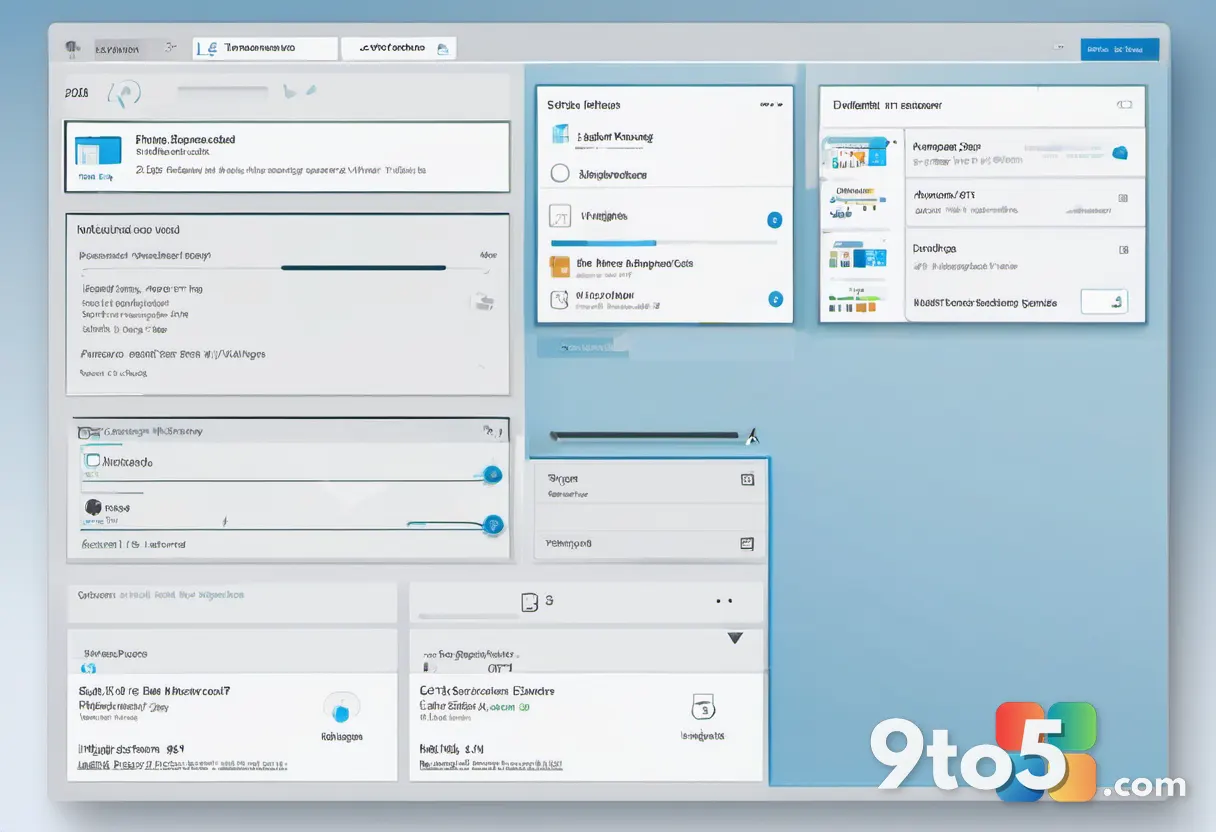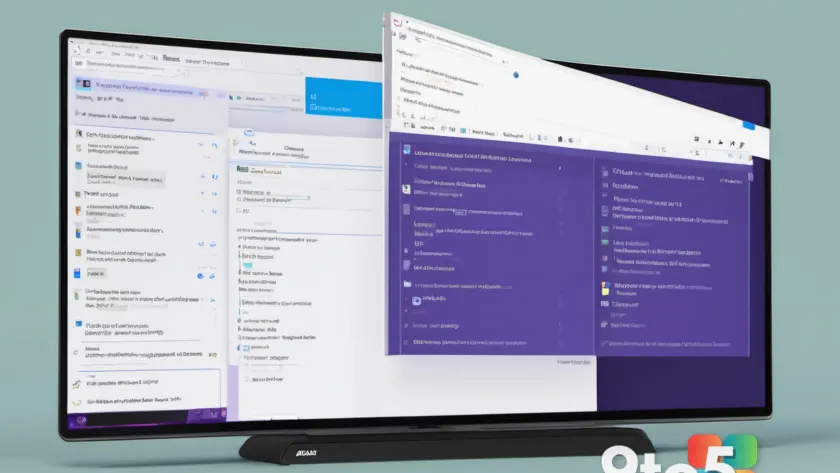
A recent adjustment to how Windows 11 handles file size information in File Explorer has triggered a disproportionate amount of discussion, highlighting a fundamental challenge Microsoft faces: the impossibility of satisfying every user simultaneously. While the modification itself was minor, the reaction underscores the deep divide between users who crave modernization and those who prioritize consistency and legacy workflows.
The specific alteration involved refining how file sizes are rendered within the directory listing. For many, this represents a step toward a cleaner, more uniform interface. However, for others, any shift in established behavior feels like unnecessary friction. This reaction is not isolated to a single feature but reflects the broader tension inherent in maintaining an operating system used by billions across decades of evolution.
The Poll Results Show a Divided User Base
In response to the growing conversation, Windows Central conducted a poll to gauge community sentiment regarding Microsoft’s recent improvements to Windows 11. The results illustrate a fragmented user base, with no single viewpoint achieving a clear majority.
Approximately 40 percent of respondents expressed frustration, stating that while some adjustments are beneficial, others appear to be implemented merely for the sake of novelty. Another 32 percent of participants welcomed the updates, noting that they adapt quickly and prefer a polished, modern aesthetic. The remaining voters, totaling nearly 30 percent, emphasized the need for stability, with some advocating for the preservation of legacy options and others simply wanting features left untouched.
These statistics suggest that even among tech-savvy users who are generally open to new technology, the desire for change is not universal. The ability to adapt to a new interface does not equate to a desire to do so. Community comments reinforced this sentiment, with users pointing out that Microsoft must invest significantly in change management to mitigate disruption.
The Challenge of Backward Compatibility
The core difficulty Microsoft faces stems from the architecture of Windows itself. The operating system’s greatest strength, backward compatibility, also serves as a constraint. Windows 11 effectively functions as multiple operating systems layered together, supporting software and workflows that date back decades.
This legacy support means that design decisions cannot be made in a vacuum. A change that benefits a modern workflow might break a habit formed years ago, or worse, disrupt an enterprise environment relying on specific interface behaviors. The discussion around the File Explorer update reveals that users have varying thresholds for what constitutes a “necessary” change versus an annoyance.
Some users argue that Microsoft should focus exclusively on underlying code improvements, such as security patches and performance optimizations, while leaving the user interface alone. This perspective is particularly common among power users and system administrators who have optimized their workflows around the current layout. For these individuals, the time spent relearning basic interactions represents a tangible loss in productivity.
Incremental Updates vs. Major Overhauls
The debate also touches on the pacing of Microsoft’s updates. Historically, major operating system releases like Windows 7 or Windows 10 allowed the company to bundle significant changes, giving users a distinct transition period. These major releases often included extensive documentation and training resources to help users adjust.
In contrast, the current model relies on incremental updates delivered every few months. While this approach allows Microsoft to deploy improvements rapidly, it can lead to “change fatigue.” When interface elements shift frequently, users may feel that the operating system is in a state of perpetual flux, making it difficult to develop muscle memory or efficiency.
One proposed solution gaining traction in community discussions is the addition of configuration toggles. Users suggest that Microsoft could offer options to revert specific UI changes, allowing individuals to choose their preferred experience. However, this approach has limits. Maintaining every possible configuration option across multiple generations of Windows would bloat the settings interface and complicate the codebase, potentially leading to a less cohesive user experience.
What This Means for You
For the average Windows 11 user, the immediate takeaway is that interface changes are likely to continue, even if they are minor. The File Explorer adjustment is a reminder that Microsoft is actively refining the visual language of the OS. While some of these changes may require a brief adjustment period, they are generally designed to improve consistency and readability.
If you find yourself resistant to recent updates, you are not alone. The poll data confirms that a significant portion of users share your preference for stability. However, Microsoft’s development roadmap indicates a continued push toward modernization, including features like the revamped Start menu and movable taskbar. The company is prioritizing a unified design language, even at the risk of alienating users who prefer the legacy feel.
The Windows 12 Question
The frustration with incremental changes has led some to ask whether Microsoft should simply release Windows 12 rather than continuing to patch the current version. This question, however, may be more about marketing than technical reality. Modern Windows updates carry over the vast majority of the base system, meaning a “new” version often feels familiar to existing users.
Ultimately, the debate over the File Explorer change is a microcosm of the broader challenge of evolving a platform that has become deeply ingrained in daily life. Microsoft must balance innovation with stability, a task that ensures there will always be voices on both sides of the conversation.
Source: Latest from Windows Central
Over to you: Do you prefer Microsoft to maintain a consistent interface or push forward with modern updates, even if it requires a learning curve?