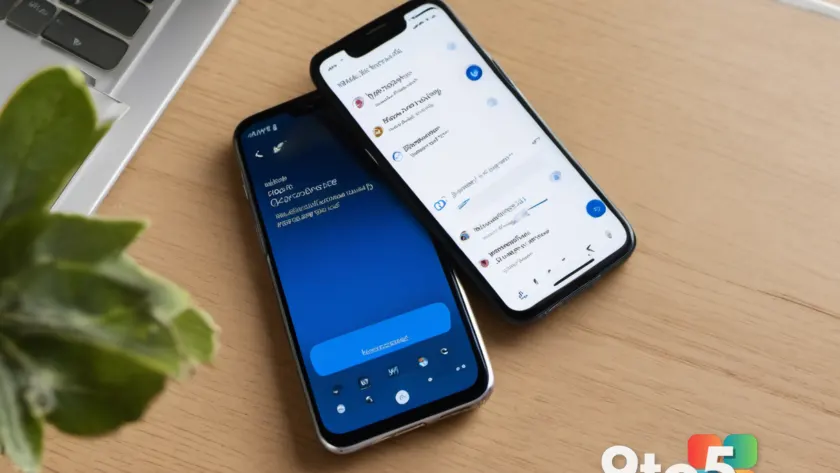
Microsoft continues to close the feature gap between Outlook Classic and its newer iterations, with the latest updates targeting mobile users. The company is rolling out deeper OneDrive integration for email signatures on iOS and Android, alongside testing drag-and-drop functionality in the calendar app. These changes aim to streamline workflows and reduce friction for users managing their professional identity on the go.
While Outlook Classic remains the powerhouse for enterprise users, Microsoft has been steadily adding capabilities to New Outlook and its mobile apps. This push includes testing a unified inbox and faster notification handling on Windows, but the immediate focus for mobile users is on signature management and calendar navigation.
#1 OneDrive Signature Images Without Downloading
The most immediate change is arriving in Outlook for iOS and Android, with the rollout beginning in late August 2026. Users will now be able to browse and insert signature images directly from OneDrive without the need to download them to the device first.
Previously, managing image-based signatures on mobile was a multi-step process. Users had to manually insert an image using the file picker, or if the image was stored in OneDrive, they had to download it to the phone’s local storage before adding it to the signature. This often led to files getting lost among various folders, especially on Android and iOS where the mobile file picker may not immediately surface downloaded images.
The new integration simplifies this by allowing users to browse their OneDrive files directly within the signature editor. This eliminates the cat-and-mouse game with the file picker and ensures that signature images remain centralized in the cloud, reducing the risk of them being deleted from local storage.
Microsoft has confirmed that this feature will be enabled by default and requires no action from administrators, making it a seamless upgrade for both personal and business users. This move aligns with the broader strategy of deepening the integration between Outlook and OneDrive, which has already improved on the desktop with drag-and-drop attachment options.
#2 Calendar Drag-and-Drop Rescheduling
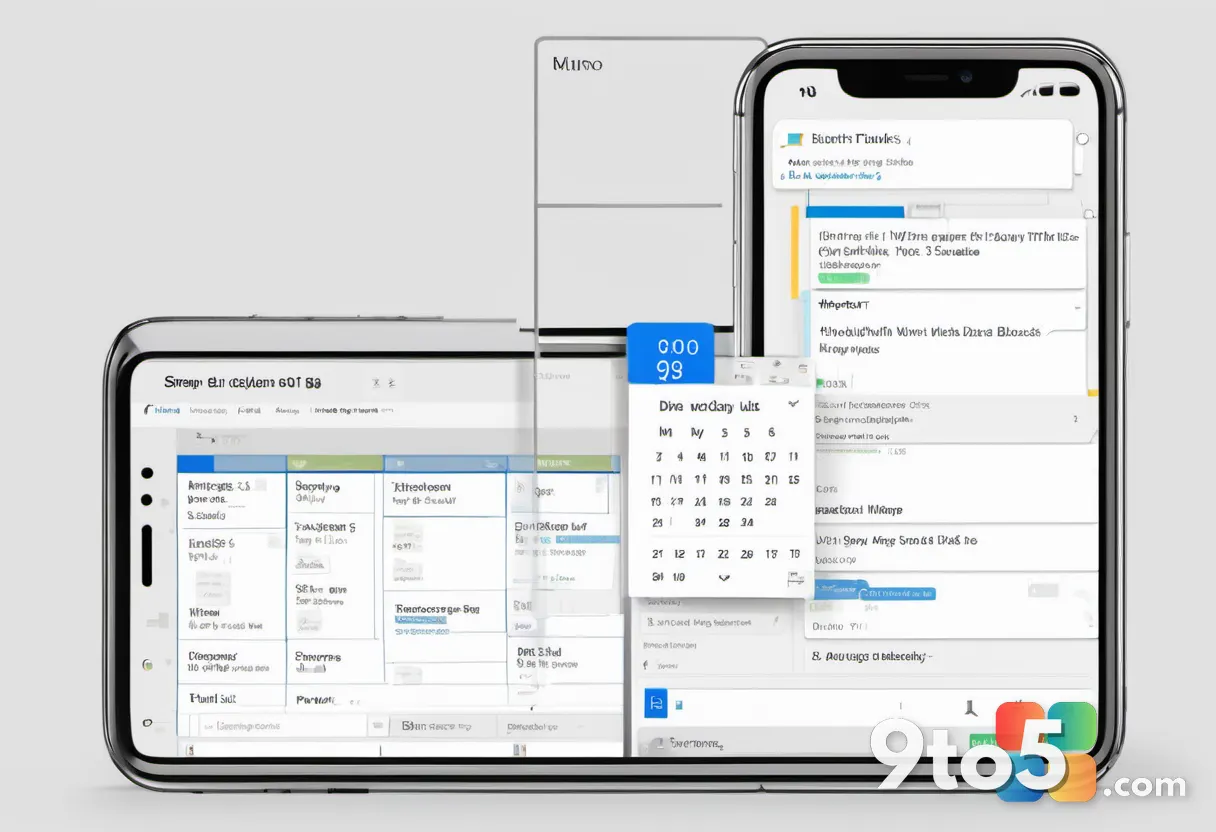
Outlook for Android and iOS is also testing a new feature that lets users reschedule calendar events using drag-and-drop. This functionality works in both day and multi-day calendar views, offering a more intuitive way to manage schedules.
The utility of drag-and-drop in the calendar is significant for productivity. For example, if a meeting is scheduled for 10:00 AM but needs to be moved to 2:00 PM, users can simply drag the event to the new time slot. Outlook will automatically update the meeting time without requiring users to open and edit the event manually.
This feature reduces the number of taps and steps needed to adjust schedules, which is particularly beneficial when managing a busy day on a smaller screen. It brings the calendar experience closer to the desktop version, where drag-and-drop has long been a standard feature.

#3 Copilot Button Coming to Outlook Classic
In a move to unify the Copilot experience across Office apps, Outlook Classic is adding a prominent Copilot button to the ribbon menu. This change ensures a familiar experience for users who rely on the desktop version, mirroring the integration already available in Word, PowerPoint, and Excel.
The addition of the Copilot button to the ribbon follows feedback regarding the floating button, which Microsoft acknowledged was a mistake after user backlash. By placing it in the ribbon, Microsoft aims to provide a more consistent and accessible entry point for AI-assisted tasks within Outlook.
This update is part of Microsoft’s broader strategy to embed Copilot across its productivity suite, allowing users to leverage AI for drafting emails, summarizing threads, and managing schedules directly from their inbox.
#4 Unified Inbox and Faster Notifications
New Outlook for Windows and the web is also testing a unified inbox, which will allow users to view emails from all mailboxes, including shared mailboxes, in a single view. This feature enables users to reply, archive, flag, snooze, and execute all tasks from the same inbox, streamlining email management for those juggling multiple accounts.
Additionally, Microsoft is working on improving the speed of notifications in New Outlook. Recent updates have already enhanced the ability to open emails faster from notifications, though the app still lags behind Outlook Classic in this regard. These performance tweaks are crucial for maintaining a responsive user experience as the app continues to evolve.
What This Means for You
For mobile users, the OneDrive signature integration is a quality-of-life improvement that reduces friction in maintaining a professional email signature. The calendar drag-and-drop feature offers a more efficient way to manage schedules, while the Copilot button and unified inbox bring New Outlook closer to the feature set of Outlook Classic.
These updates reflect Microsoft’s ongoing effort to enhance productivity and consistency across its email and calendar apps, ensuring that users have access to powerful tools regardless of the platform they are using.
How to Get It
The OneDrive signature feature will roll out to Outlook for iOS and Android in late August 2026. Users can ensure they have the latest version of the app by updating through their device’s app store. The calendar drag-and-drop feature is currently in testing and may be available to a subset of users before a wider release.
Source: Windows Latest
Over to you: Are you finding the new OneDrive signature integration useful for your mobile workflow, or do you prefer keeping signatures simple?
You may also like
 Chrome Is Likely Never Getting Windows 11’s Modern Redesign, as Even Microsoft No Longer Cares
 Report: Passkey Security Vulnerabilities Could Enable Account Takeover
 Halo Studios Layoffs Follow Troubled Development of Campaign Evolved
 Microsoft Reveals Windows 10 LTSC End of Support Date and ESU Pricing