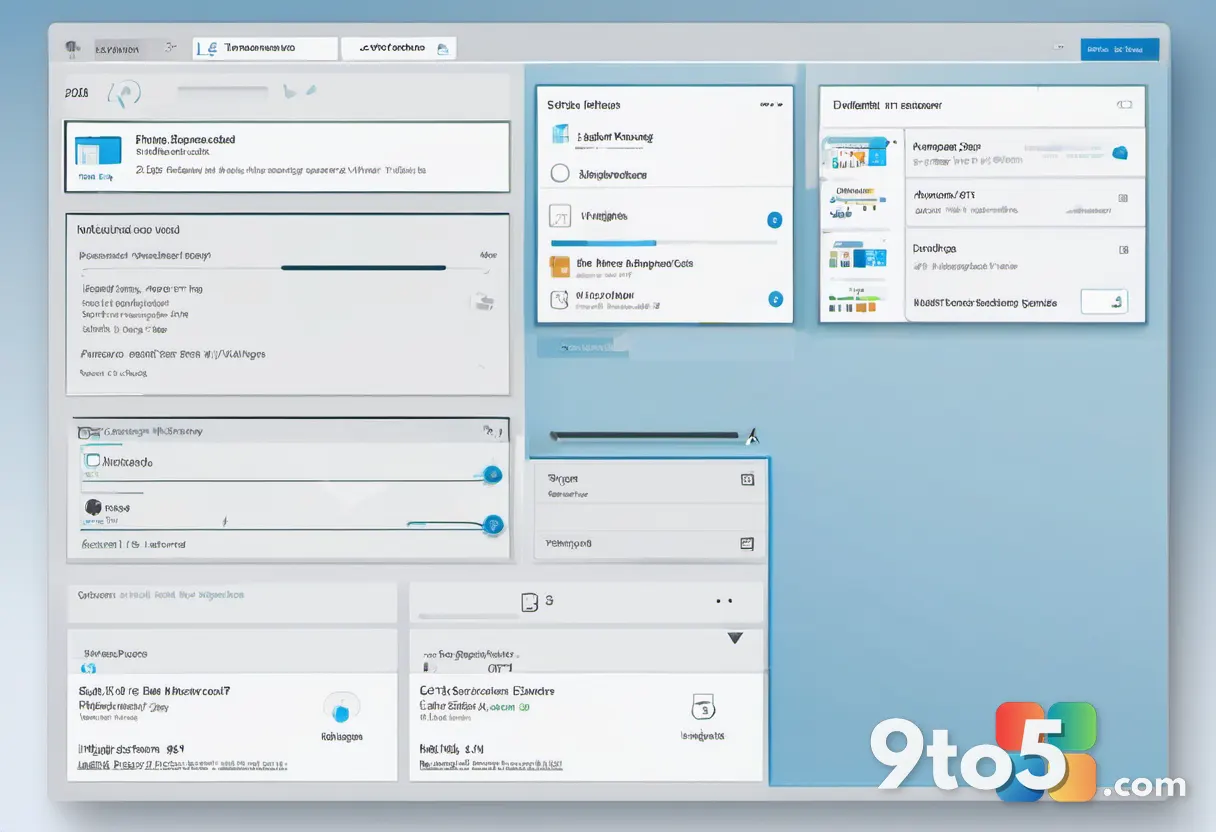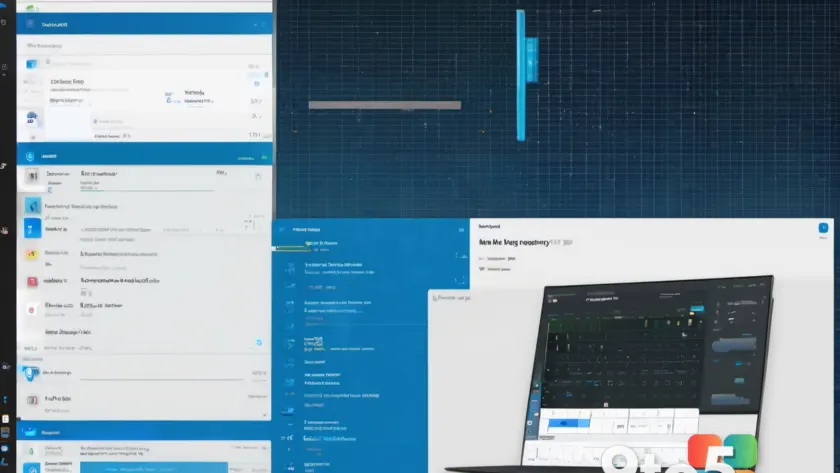
A former Microsoft engineer is attempting to resurrect one of the most distinctive design philosophies from the company’s mobile history. Jeff Fritz, who worked at Microsoft until last month, has been showcasing an application called DayFrame on recent live streams, and the result is a persistent productivity hub that draws heavily from Windows Phone’s Live Tiles interface.
The application merges the concept of a dynamic tile-based dashboard with the functionality of an email and calendar client. Rather than forcing users to switch between separate applications for their daily tasks, DayFrame provides a single shell where every component of your personal workflow resides behind a unified interface.
The Windows Phone Legacy Returns
Windows Phone introduced Live Tiles in 2010 as a radical departure from the static icon grids used by iOS and Android. Each tile could display real-time information—upcoming calendar events, unread email counts, weather updates—without requiring you to open the application. The design language was bold, square, and unmistakably blue, creating a visual identity that remained distinct even after the platform itself was discontinued.
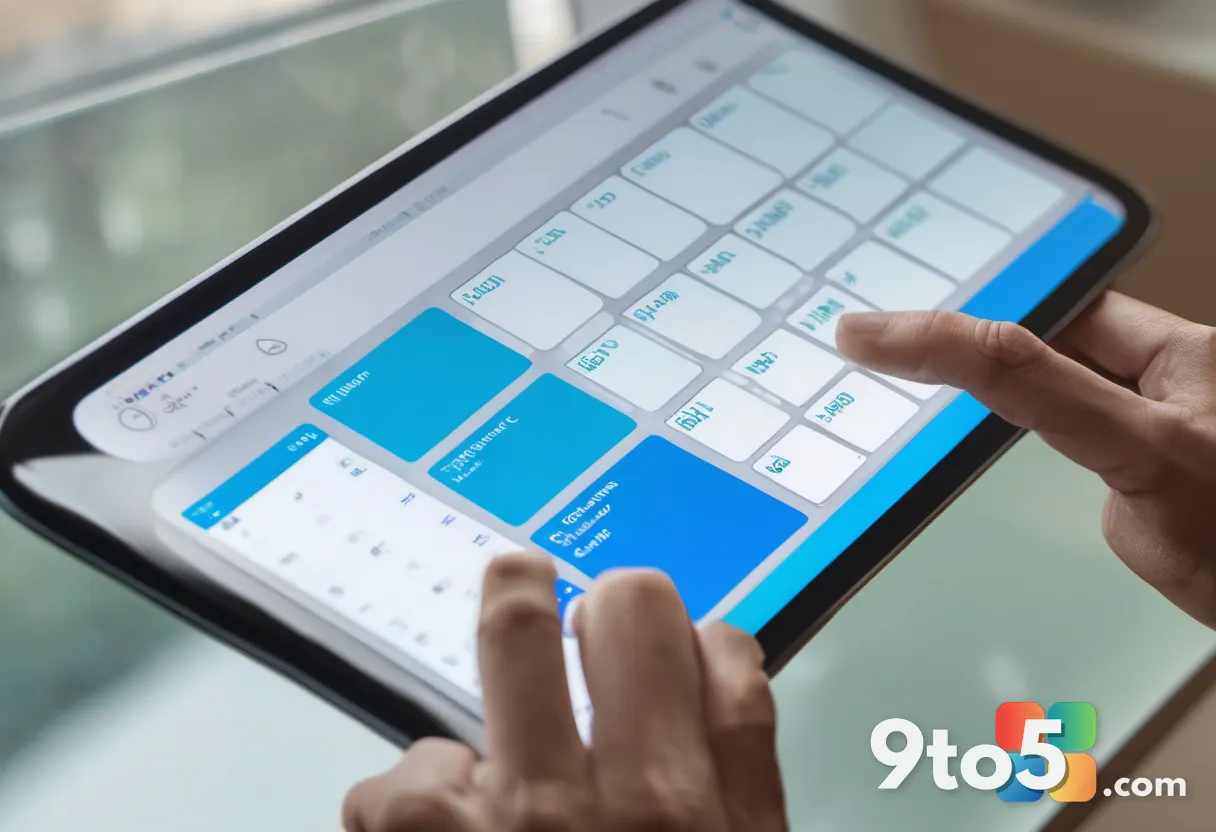
DayFrame brings that same aesthetic to desktop and macOS. The layout features a persistent tile rail on the left side that keeps your modules one tap away. These tiles are bold, square, and unmistakably blue, just as they appeared on Lumia smartphones over a decade ago. The main pane displays whatever you are focused on at the moment, creating a workspace that feels both familiar and modern.
Fans of retro Windows design will immediately recognize the Live-Tile-inspired interface, icons, and typography. The application does not feel like a nostalgic gimmick, however. According to Fritz, the screenshots displayed on the DayFrame website represent real, running code rather than design mockups. This suggests the application has moved beyond the conceptual stage and is approaching functional readiness.
Modular Architecture and Cross-Platform Support
One of the most technically interesting aspects of DayFrame is its modular design. Each component—email, calendar, contacts, GitHub integration, RSS feeds—is built independently and tested separately. This architecture allows Fritz to add new modules without risking disruption to existing functionality.
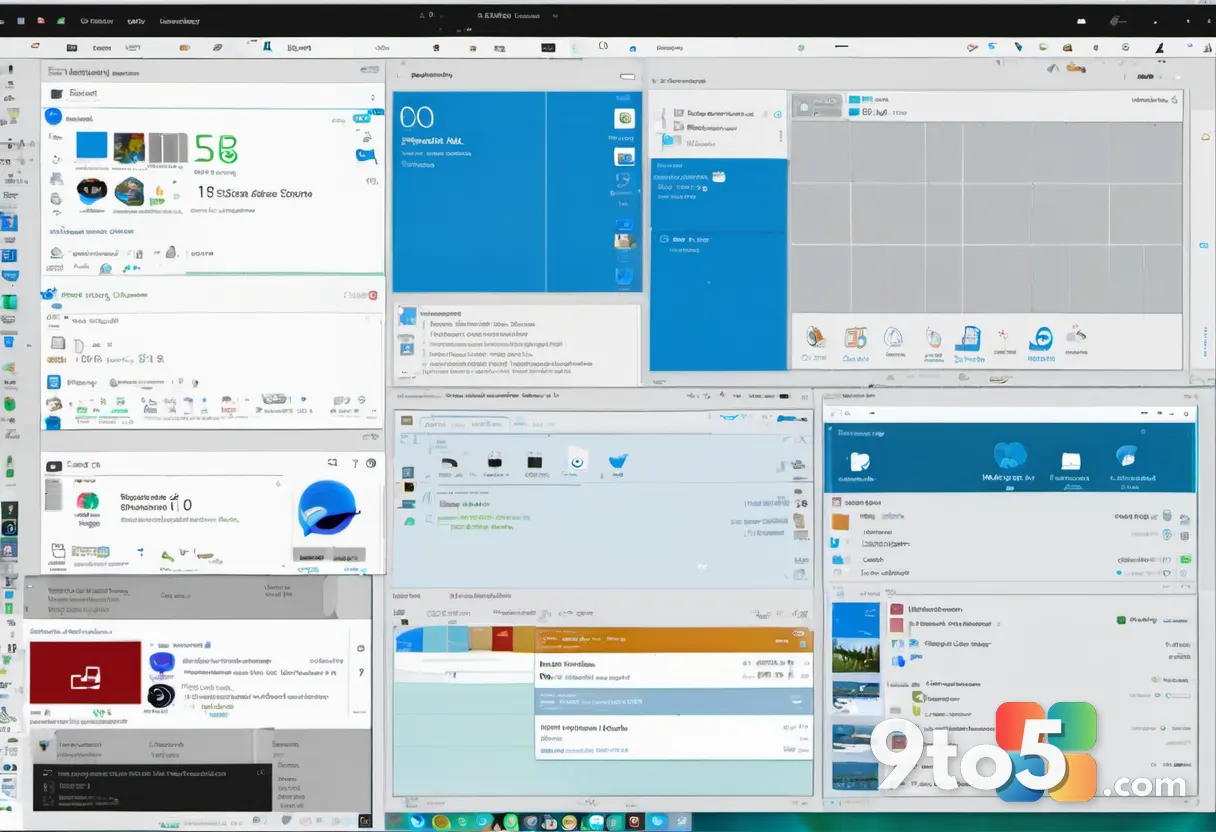
The application will be available on both Windows and Mac when it ships, addressing a gap in the current productivity landscape. Most tile-based dashboards remain Windows-exclusive, while cross-platform alternatives often sacrifice the dynamic visual feedback that made Live Tiles compelling. DayFrame attempts to bridge that divide by delivering the full experience across both operating systems.
The DayFrame website describes the application as a place where “every part of your personal world has a home behind a single shell.” This modular approach means the application can evolve over time. Users will likely see new integrations and features added as the project matures, with each addition tested in isolation before deployment.
What This Means for Your Workflow
For users who currently juggle between Outlook, Calendar, and various notification centers, DayFrame offers a different approach. Instead of relying on system-level notifications or switching between applications, you get a persistent visual summary of your day in a single location.
The tile rail on the left side keeps your most-used tools immediately accessible. This reduces the cognitive load of remembering where each application lives in your taskbar or dock. The design prioritizes glanceability—just as Live Tiles were meant to provide at-a-glance information on a smartphone screen, DayFrame aims to do the same on your desktop.

The concept also opens possibilities for community-driven development. If DayFrame gains traction, third-party developers could create custom modules that integrate with other services. This would transform the application from a personal project into a platform, similar to how the Windows Phone ecosystem attempted to evolve before its discontinuation.
How to Get DayFrame
DayFrame is currently listed as “Coming soon” on its official website. However, Fritz has indicated that a private preview should become available within the next week or so. This suggests the application is in the final stages of development and testing before a broader release.
Those interested in following the project’s progress can monitor Fritz’s X account or visit the DayFrame website for updates. The private preview will likely provide early access to the core functionality, allowing users to test the tile-based interface and provide feedback before the official launch.
Given that the application is built with both Windows and Mac in mind, users on either platform should expect comparable functionality at launch. The modular architecture means that even if certain features are still being refined, the core experience of a persistent, tile-driven productivity hub will be available from day one.
Source: Latest from Windows Central
Over to you: Would you adopt a Live Tiles-inspired productivity hub, or do you prefer keeping your email and calendar in separate applications?