What’s New in the August 2026 Patch Tuesday
Microsoft has officially pushed out its August 2026 Patch Tuesday updates for Windows 11. As always, the monthly release follows the company’s predictable cadence, delivering a mix of security patches, quality improvements, and a handful of new features. This month, the headline changes focus squarely on input hardware: Windows 11 is gaining fresh gesture controls for devices with precision touchpads, and Microsoft is finally extending Windows Hello authentication support to third-party peripheral fingerprint sensors. Alongside those headline features, the update includes the standard slate of critical security fixes aimed at closing known vulnerabilities in the operating system. According to reporting from Thurrott.com, the feature set rounds out a fairly practical update cycle that prioritizes hardware compatibility over flashy new UI changes.
Beyond the headline features, the underlying security baseline receives its usual monthly hardening. Windows 11 continues to rely on these monthly updates to patch kernel-level flaws, secure the authentication subsystem, and maintain compliance with modern enterprise baseline standards. Skipping these updates leaves the OS exposed to exploits that are typically documented and patched within days of discovery.
Touchpad Gestures Get a Refresh
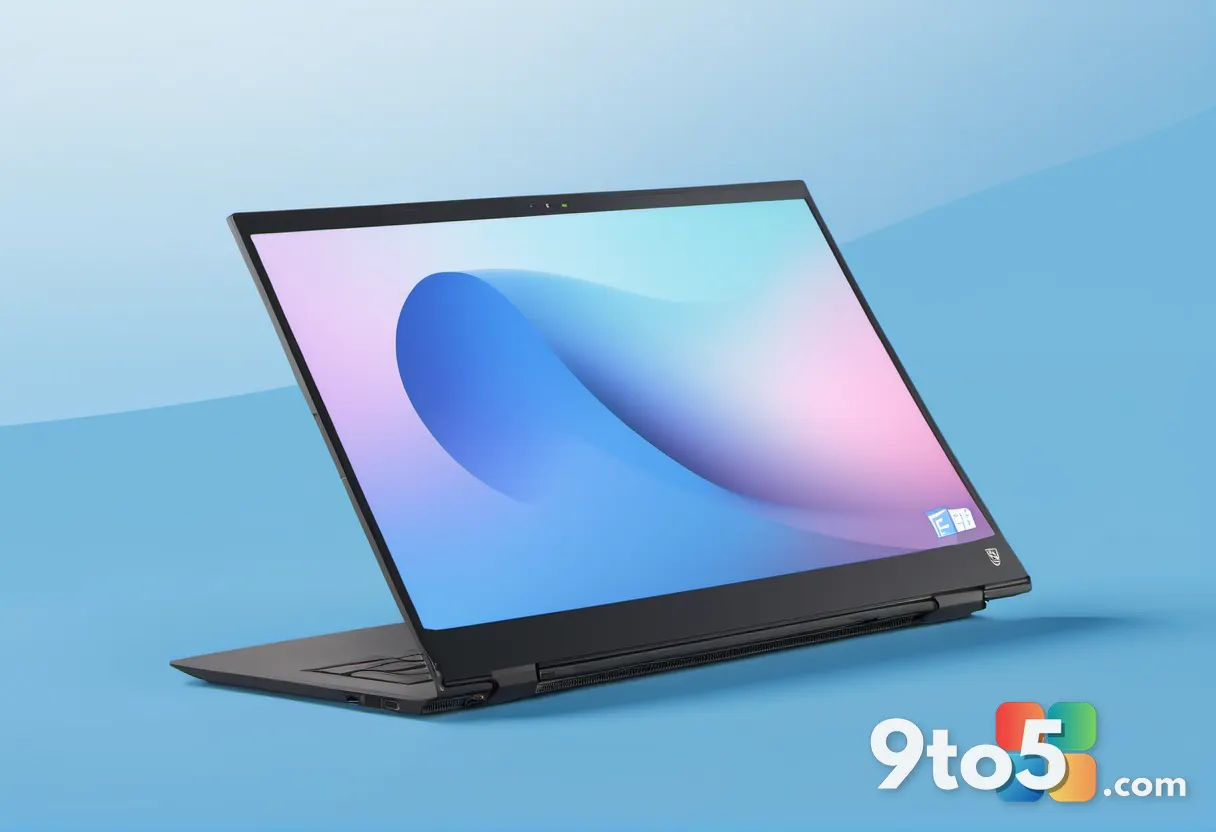
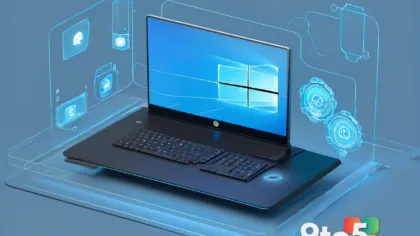
The new gesture controls are designed specifically for PCs equipped with precision touchpads, which have been the standard input method on Windows laptops for years. While Windows 11 already supports multi-finger swipes, taps, and pinch-to-zoom actions out of the box, this update appears to refine how those inputs are registered and mapped. In practice, that means fewer lag spikes when switching between virtual desktops, more consistent two-finger scrolling behavior, and potentially new default mappings for power users who rely heavily on trackpad navigation.
Microsoft has historically rolled out touchpad driver improvements through optional quality updates, but bundling gesture refinements directly into a monthly Patch Tuesday release signals that the company wants to keep the core experience polished without forcing users into the Optional Updates tab. If you are running a modern Windows 11 laptop, you should notice smoother navigation the moment the update installs.
Windows Hello Expands to Peripheral Sensors
Perhaps the most practical change this month is the expanded support for Windows Hello on peripheral fingerprint sensors. Previously, Windows Hello biometric authentication was largely locked to built-in hardware or a tightly controlled list of certified external readers. That restriction forced many users and small businesses to either stick with password login or purchase expensive, manufacturer-specific docking stations just to use fingerprint scanning.
The August update removes that friction by allowing standard, certified peripheral fingerprint readers to pair directly with Windows Hello. From a security standpoint, this keeps the biometric verification process intact while giving IT administrators and remote workers more flexibility in how they set up their workstations. It also aligns with Microsoft’s longer-term push to make Windows Hello a universal authentication standard across both consumer and enterprise environments.
What This Means for You
For the average Windows 11 user, this update is a low-friction upgrade. You do not need to buy new hardware to take advantage of the touchpad refinements, and if you have been waiting to use an external fingerprint reader with your desktop or docking station, the biometric support is now officially viable. The security patches are equally important, even if they are less visible.
Monthly Patch Tuesday releases routinely close zero-day vulnerabilities that attackers actively exploit, so treating these updates as mandatory rather than optional remains the safest approach. Microsoft continues to phase out support for older authentication methods in favor of biometrics and hardware-backed security, meaning devices that rely solely on passwords will gradually fall behind in both convenience and protection.
How to Get the August 2026 Patch Tuesday Updates
The August 2026 Patch Tuesday updates are available immediately through Windows Update. To install them, open Settings, navigate to Windows Update, and click Check for updates. If your system is up to date, the patches should appear in the list within a few minutes.
- Consumer devices: Use Settings > Windows Update > Check for updates.
- Enterprise deployments: Review the official update catalog and stage packages via WSUS or Microsoft Endpoint Configuration Manager.
- Preview users: If you prefer stability, stay on the General Channel; feature improvements roll out there before the Beta or Dev channels.
Microsoft typically advises restarting your PC after installation to ensure all driver and security components load correctly. Once the system boots back up, you can verify the installation by checking the Windows Update history or running winver in the Run dialog to confirm your build has advanced.
Source: Thurrott.com
Over to you: Are you enabling Windows Hello on an external fingerprint reader, or sticking with your laptop’s built-in sensor?