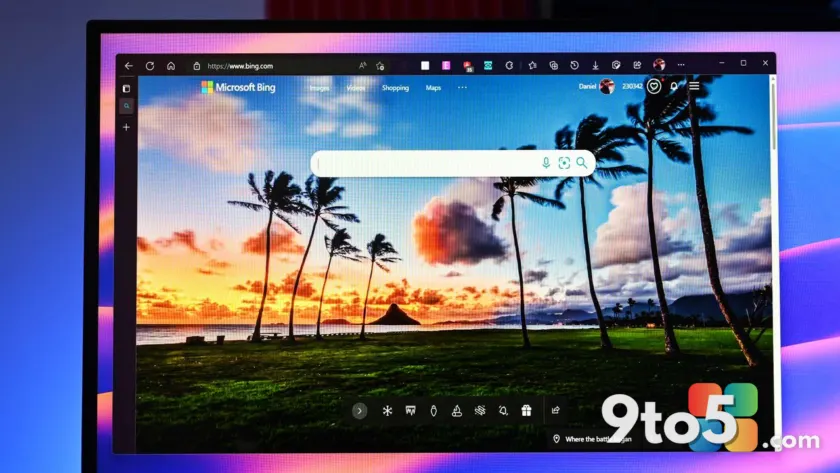
Microsoft Edge is quietly expanding its account ecosystem to meet users where they already are. The latest Canary build of the browser includes new flags that allow you to sign in with an Apple account, a move that signals a shift in Microsoft’s cross-platform strategy.
Previously, Edge relied heavily on the Microsoft account for syncing bookmarks, history, passwords, and settings. Google account support was introduced more recently, and now Apple ID support is being tested in the developer channel. This change was first spotted by Leo Varela, a well-known source for Edge and browser developments.
For users who own a Windows PC and an iPhone, this update removes a significant friction point. You can now keep your browsing data synchronized across devices without needing a Microsoft account, which many users have historically avoided for privacy or personal reasons.
What’s New in Edge Canary
The Canary channel is Microsoft’s most experimental release track, designed for enthusiasts and developers to test features before they reach the stable browser. The addition of Apple ID support is currently behind an experimental flag, meaning it is not yet available to the general public.
When enabled, the sign-in prompt in Edge will offer Apple as a primary option alongside Microsoft and Google accounts. This mirrors the authentication flow already present in other Microsoft services, such as the Microsoft Store and Office apps, which have supported third-party logins for some time.
The implementation likely leverages Apple’s Sign in with Apple feature, which provides a streamlined OAuth flow. This allows users to authenticate securely while optionally hiding their email address from the service, aligning with Apple’s privacy standards.
Why Microsoft Is Expanding Sign-In Options
This development reflects a broader acknowledgment of the mobile reality. Since the discontinuation of Windows Phone, Microsoft has focused on delivering its services on iOS and Android. However, a significant portion of the mobile market remains firmly within the Apple ecosystem.
For years, Microsoft pushed users toward its own accounts, even as competitors like Google and Apple integrated their services deeply into their respective operating systems. The introduction of Apple ID support suggests Microsoft is prioritizing user convenience and retention over account consolidation.
By allowing users to live within Google and Apple’s account ecosystems, Microsoft reduces the barrier to entry for Edge. This is particularly relevant for users who rely on Apple’s ecosystem for identity management and prefer not to maintain a separate Microsoft profile for every service.
What This Means for You
If you are a current Edge user who syncs across Windows and iOS, this update simplifies your workflow. You no longer need to create or remember a Microsoft account password to keep your bookmarks and history consistent.
For privacy-conscious users, signing in with Apple offers the option to use email relay services, keeping your primary address private. This aligns with growing user demand for greater control over personal data.
While the feature is currently in Canary, it indicates that Apple ID support will likely roll out to the stable channel in the near future. Users on the Dev or Beta channels may see this feature tested before it reaches the general public.
How to Enable Apple ID Sign-In
To try the new sign-in option, you must be running the latest version of Microsoft Edge Canary. Follow these steps to enable the experimental flag:
- Open Edge Canary and navigate to edge://flags in the address bar.
- Search for flags related to Apple ID or sign-in support.
- Enable the relevant flag, typically labeled with a description of Apple account integration.
- Relaunch the browser when prompted.
Once the browser restarts, attempt to sign in or sync your data. The Apple ID option should now appear in the authentication menu alongside Microsoft and Google accounts.
Keep in mind that experimental flags can change or be removed in future builds. If the feature does not appear, ensure your browser is up to date, as Microsoft frequently adjusts the Canary channel.
Source: Latest from Windows Central
Over to you: Will you switch to Apple ID for Edge syncing, or do you prefer keeping everything under your Microsoft account?