Microsoft has officially removed the option to set up new picture passwords in Windows 11. According to details in the company’s support documentation, this change takes effect with the July 2026 security update. Users who already have a picture password configured can continue to use it without interruption, but if you remove or disable the feature, you will not be able to re-enable it.
This decision marks the end of an era for a sign-in method that has been part of the Windows ecosystem since Windows 8. The move aligns with Microsoft’s broader push toward modern authentication standards, prioritizing Windows Hello PIN, facial recognition, and fingerprint scanning over gesture-based patterns. If you rely on a picture password for your daily logins, this update represents a permanent shift in your available options.
Why Microsoft Is Removing Picture Passwords
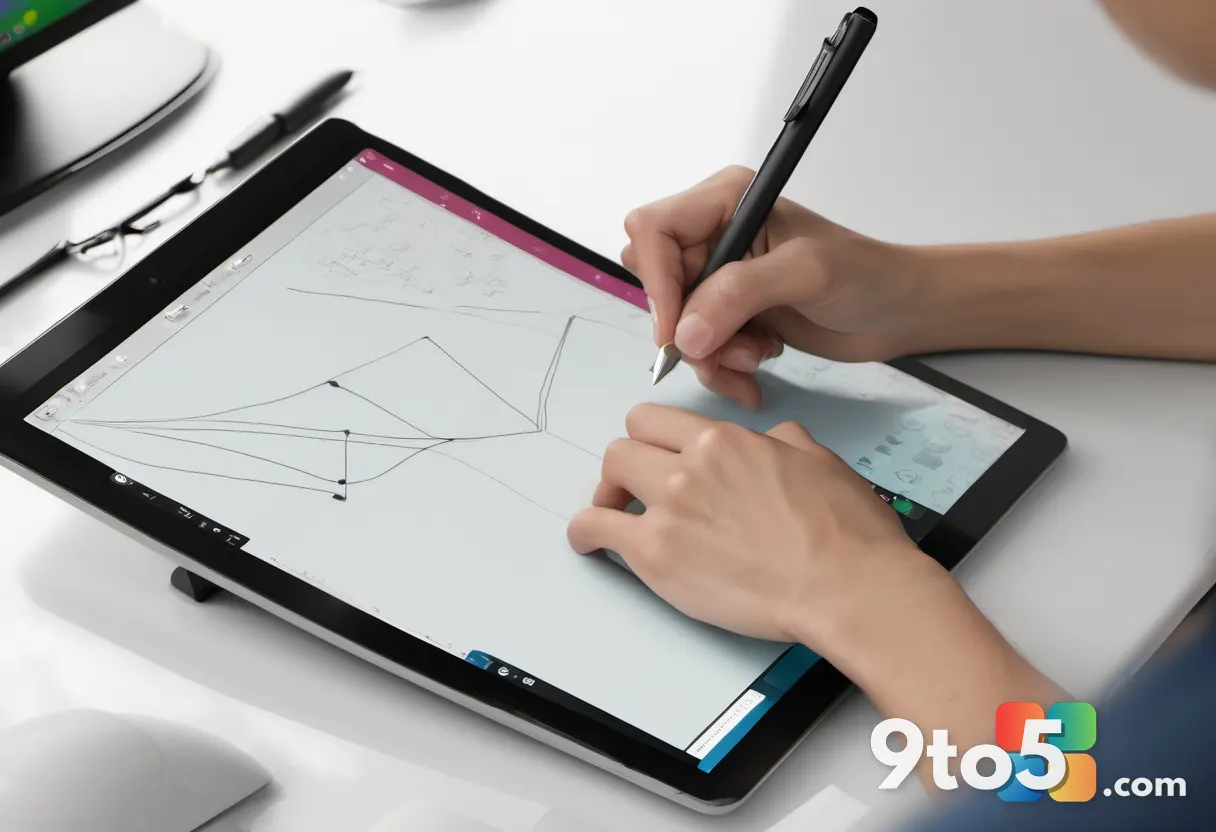
Picture passwords were originally introduced in Windows 8 as a way to showcase the operating system’s touch capabilities. The feature allowed users to unlock their PCs by drawing gestures on an image, such as tapping the eyes of a smiley face or swiping across its mouth. The system supported three types of gestures: circles, straight lines, and taps. While the feature remained available through Windows 10 and into Windows 11, it was never designed to be the primary security layer for the platform.
Security researchers have long flagged vulnerabilities in this approach. A 2013 research paper highlighted by Neowin pointed out that users tend to choose gestures around obvious parts of an image, making patterns easier to guess. Additionally, smudges on the screen can reveal where a user touches most frequently, further compromising security. Compared to modern standards like passkeys or strong alphanumeric passwords, picture passwords offer significantly less protection against unauthorized access.
What Microsoft Says
Microsoft addressed the change directly in a support document, stating: “To help enhance security, picture password is no longer available for new enrollment. Users who have already configured a picture password can continue to use it to sign in to Windows. If a picture password is removed, disabled, or not previously configured, it cannot be set up again. We recommend using Windows Hello PIN, facial recognition, or fingerprint recognition where available.”
The company is clear that this is a one-way door for new setups. While existing configurations are grandfathered in for now, Microsoft has not announced a timeline for disabling picture passwords for current users. However, the guidance is unambiguous: the feature is deprecated, and the focus is entirely on biometric and PIN-based alternatives.
What This Means for You
For everyday Windows 11 users, this change requires a quick review of your sign-in preferences. If you are currently using a picture password, you have two practical paths forward.
First, you can keep your current setup as long as you do not remove or disable it. Treat your existing picture password as your final configuration for this method. If you accidentally delete it, you cannot get it back after the July 2026 update is installed.
Second, Microsoft recommends switching to a more secure option before making any changes. Setting up a Windows Hello PIN, facial recognition, or fingerprint scan provides faster and more robust protection. These methods are already integrated into Windows 11 and offer better security than gesture-based patterns. If you have a compatible device, enabling biometrics is the most seamless upgrade path.
How to Get It
The removal of new picture password enrollment is part of the July 2026 security update for Windows 11. This update is currently rolling out to devices through Windows Update. To ensure your system reflects these changes, open Settings, navigate to Windows Update, and check for the latest updates. If the July 2026 update is available, install it to receive the security improvements and the updated sign-in options.
Once installed, you will notice that the option to create a new picture password is no longer present in the Sign-in options menu. Existing picture passwords will continue to work until you choose to remove them or until Microsoft potentially disables the feature in a future update.
Source: Windows News: Updates, Security Patches, Microsoft OS Changes – gHacks
Over to you: Are you keeping your existing picture password, or have you already switched to a Windows Hello PIN?
You may also like
 Why Windows 11 Still Can’t Shake Its Old Interface, Explained by a 2003 Microsoft Blog Post
 Windows Quick Machine Recovery: The Hidden Risks of Cloud-Based Boot Fixes
 Microsoft to Let Windows 11 Users Remove OneDrive Photos Without Breaking Sync
 Windows 11’s Modernization Push Can’t Excuse Years of Neglect