For years, the consensus among Windows on Arm enthusiasts was clear: external GPUs simply do not work with Snapdragon-powered laptops. Even with third-party docks and unofficial workarounds, NVIDIA and AMD graphics cards would refuse to initialize on the ARM-based processors. That barrier has finally been breached, and the results are enough to change how we view portable gaming on Windows 11 on Arm.
According to reporting from Windows Central, YouTuber ETA Prime successfully connected an NVIDIA GeForce RTX 4060 to an ASUS Zenbook A16. The achievement was made possible by leveraging the developer driver for RTX Spark, originally designed for NVIDIA’s handheld gaming PC project. Combined with a specific high-bandwidth dock, the setup bypasses the traditional x86 dependency that has long blocked eGPU support on Qualcomm silicon.
The Setup That Made It Possible
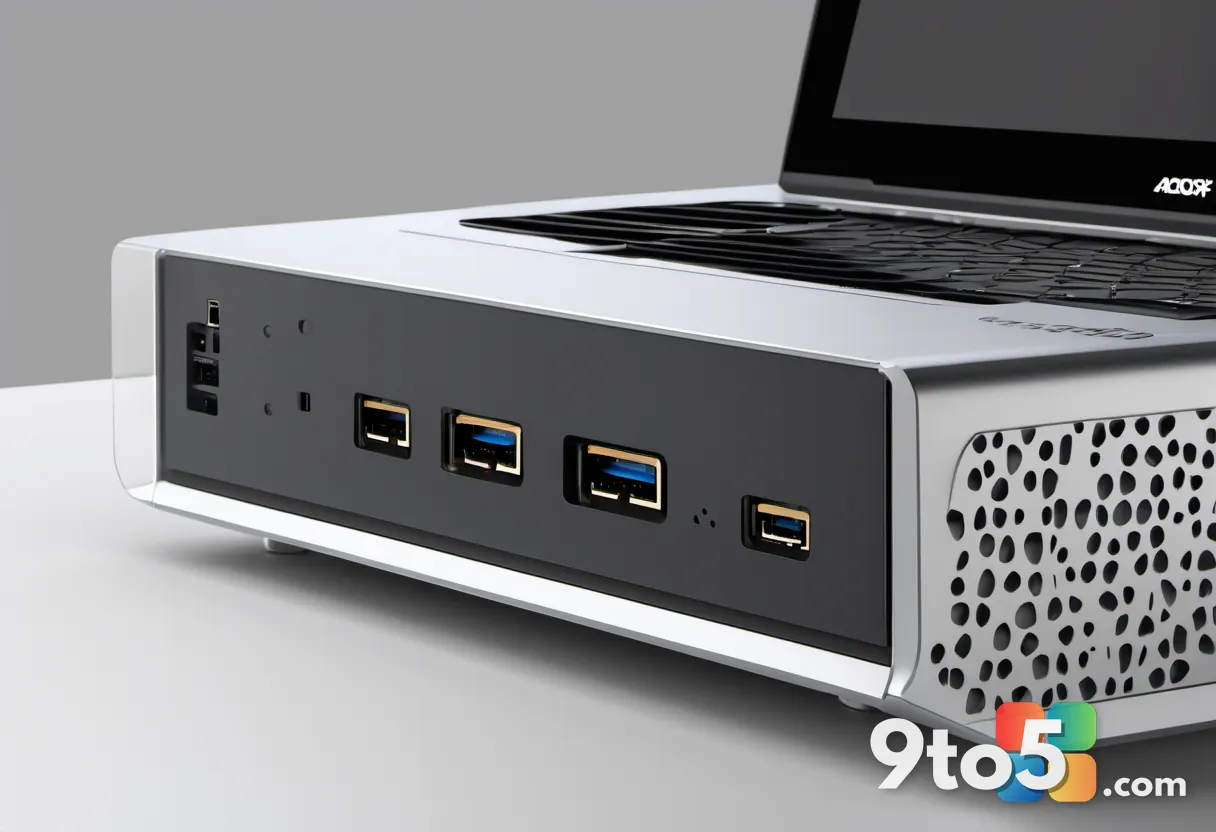
The hardware configuration behind this experiment is highly specific, and it is unlikely to be replicated with just any USB-C dock. The core of the connection relies on the AOOSTAR AG03 Thunderbolt 5 & OCuLink eGPU Dock. This dock provides the necessary bandwidth and physical interface to bridge the laptop’s internal pathway to the discrete graphics card.
On the software side, the trick involves installing NVIDIA’s developer driver for RTX Spark. This driver package was initially released to support NVIDIA’s own handheld gaming device, but it contains the underlying architecture required to recognize and initialize NVIDIA GPUs on non-x86 platforms. By installing this driver on the Zenbook A16, the operating system is forced to acknowledge the external RTX 4060, allowing it to initialize and accept render commands.
It is important to note that this is not an official or certified configuration. Neither ASUS, Qualcomm, nor NVIDIA has endorsed this setup for general consumers. It remains a proof-of-concept that demonstrates capability rather than a ready-to-use solution for the average buyer.
Performance Results in Real Games
Once the hardware handshake was complete, ETA Prime put the system through its paces with a variety of demanding titles. The test suite included Forza Horizon 6, Cyberpunk 2077, Project Cars 2, and DOOM: The Dark Ages. The results were surprisingly viable, especially when frame generation was enabled.
In Cyberpunk 2077, the ASUS Zenbook A16 equipped with a Snapdragon X2 Elite Extreme processor managed to hit the low 40s frame rate at high settings without frame generation. When frame generation was activated, those numbers climbed into the low 70s. While not matching the performance of a dedicated gaming desktop, these framerates cross the threshold of playability for many users.
The Snapdragon X2 Elite Extreme processor itself is highly capable for compute tasks, but its integrated Adreno graphics have historically struggled with modern game workloads. By offloading rendering to the RTX 4060, the laptop effectively transforms into a compact gaming rig. However, the experience is not entirely seamless. Some titles required manual tweaking, and the reliance on frame generation indicates that raw rasterization performance still has room to grow.
Why This Matters for Windows on Arm Gaming
This experiment directly addresses one of the biggest criticisms of Windows on Arm: the lack of gaming optimization. While emulation layers like Prism have improved significantly, allowing x86 games to run natively on ARM processors, graphical performance has often lagged behind. Connecting an external GPU sidesteps the integrated graphics bottleneck entirely.
However, the success of this hack highlights a broader issue. As noted in coverage from Windows Central, games are not always optimized for Windows on Arm. Users have reported issues such as missing textures and transparent ground in titles like Halo: Campaign Evolved when running on Snapdragon X2 chips. These are not hardware limitations, but rather software and driver gaps that developers need to address.
If driver support continues to improve and game developers embrace Windows on Arm, the potential for gaming on these devices could jump significantly. The RTX Spark driver proves that the foundational connectivity is already there. What remains is the ecosystem maturity required to make it a smooth, out-of-the-box experience.
What This Means for You
For everyday Windows 11 on Arm users, this development is a promising signal rather than an immediate upgrade path. If you are currently using a Snapdragon X laptop for productivity and light media consumption, your experience will not change overnight. However, if you are considering a Windows on Arm device specifically for gaming, this hack demonstrates that the hardware is capable of much more than previously thought.
Practically speaking, waiting for official driver support from NVIDIA and Qualcomm is the safer route. The developer driver used in this experiment may not receive long-term stability updates, and the AOOSTAR dock is a niche product that may not be widely available. Until Microsoft and its partners formalize eGPU support for Windows on Arm, this setup remains best suited for enthusiasts and tinkerers.
That said, the proof of concept is solid. It shifts the conversation from whether eGPUs can work on ARM laptops to when they will be officially supported. For now, enjoy the demonstration, but hold off on purchasing specialized docks until the ecosystem catches up.
Source: Latest from Windows Central
Over to you: Will you try connecting an eGPU to your Snapdragon laptop, or is native optimization still the priority for you?