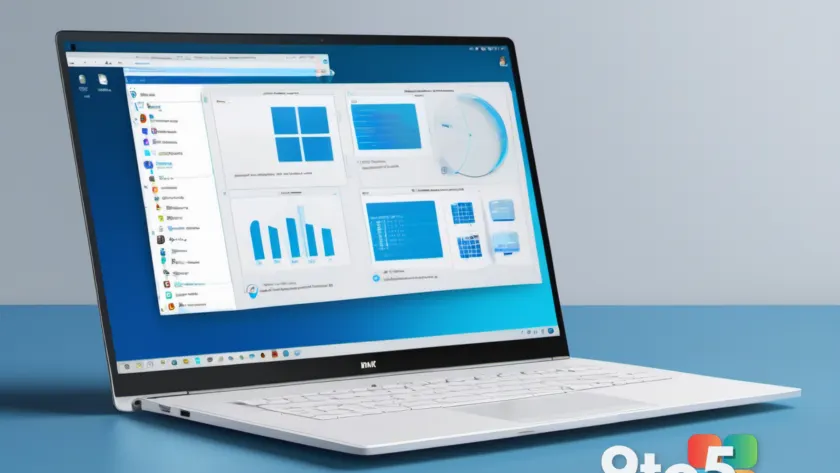
If you have ever typed a filename into the Windows 11 search bar only to be met with a blank results page, you are not alone. The issue usually stems from how the operating system handles Windows 11 Search indexing. By default, Windows only indexes a handful of standard locations like Documents, Pictures, and Desktop. If you store files in custom directories or rarely visited folders, those items remain invisible to the search engine until you manually add them.
Microsoft is addressing this limitation with a new capability called “Automatically find additional relevant locations.” This update moves away from static configuration and introduces a dynamic approach where the search engine adapts to your workflow. Instead of requiring you to dig through settings or enable broad indexing modes that slow down your system, Windows will now proactively identify which directories you interact with regularly.

How the New Automatic Indexing Works
The core mechanism behind this update is activity-based detection. According to the new setting toggle description, “Windows learns which folders matter to you based on your file activity and makes them searchable by properties and content automatically.” This means the operating system monitors your file access patterns over time. When you consistently open files from a specific directory, that location is flagged as relevant and added to the search index.
This approach eliminates the guesswork involved in manual configuration. Previously, users had to navigate to Indexing Options and manually add paths, a process that was both time-consuming and often overlooked. With the new automated system, the index expands organically as you work. If you stop using a folder, it will naturally drop out of the index, keeping search results focused on your current projects.
For users who prefer control, Microsoft has included an opt-out mechanism. You can manually block specific folders from being indexed if they are incorrectly identified as relevant. This ensures that sensitive or rarely used directories do not consume unnecessary storage or clutter your search results.
Why This Matters for Windows Search
To understand the significance of this change, it helps to look at how search indexing functions under the hood. Microsoft describes the index as a tool that “improves the speed and efficiency of searches by creating an index of files and their properties on your device.” Without an index, the search engine must perform a full, on-the-fly scan of your drive every time you type a query. This process is significantly slower and more resource-intensive than querying a pre-built database of file locations.
Before this update, the only alternative to the default limited index was “Enhanced mode.” While this mode indexes all partitions and folders, it comes with notable drawbacks. Microsoft explicitly notes that “Enhanced mode provides more comprehensive search results but may use more system resources.” For many users, the performance impact and the inclusion of irrelevant files in search results made this option impractical.
The new automatic indexing feature bridges this gap. It offers the comprehensiveness of Enhanced mode without the performance penalty, as it only indexes folders you actually use. This targeted approach ensures that search remains fast and responsive while significantly improving the likelihood that your files are found.

What This Means for You
For everyday users, this update removes a persistent friction point in file management. You will no longer need to rely on File Explorer to navigate through nested directories when you know the file name. If you interact with a folder regularly, Windows will eventually make those files searchable directly from the taskbar or Start menu.
From a storage perspective, there is a minor consideration. Indexing additional folders requires the search cache to grow. If you find that your search index is consuming more space than expected, you can clear the cache through the Indexing Options settings. However, for most users, the trade-off between a slightly larger cache and faster file retrieval is well worth it.
This feature is part of a broader push to modernize Windows Search. Microsoft is simultaneously working on improvements to typo tolerance, allowing you to find files with as few as two characters, and plans to give users more control over web results within the search interface.
When Will This Roll Out?
Microsoft has indicated that these changes will become available later this year. Some of the accompanying improvements, such as better typo handling, are already rolling out to users. As the automatic indexing feature approaches its release, users can expect a more intuitive and responsive search experience that adapts to their habits rather than requiring them to adapt to the system.
Source: Windows Latest
Over to you: Have you manually configured your search indexing before, or do you rely on the default settings?