Microsoft is expanding one of the least understood security features in Windows 11. Beginning with the August 2026 update, Enhanced Sign-in Security now supports compatible external fingerprint readers, extending the company’s most secure Windows Hello experience to devices without built-in biometric hardware. The timing matters because the feature has confused users ever since it was first introduced. Some assume it is simply a newer version of Windows Hello, while others believe it is reserved exclusively for enterprise deployments or Copilot+ PCs.
The reality is that Windows Hello and Windows Hello Enhanced Sign-in Security use the same sign-in experience, but they protect your biometric data in fundamentally different ways. After reviewing Microsoft’s official support documentation, the distinction most third-party explanations miss is that Enhanced Sign-in Security is not about making facial recognition more accurate or fingerprint sign-in faster. It is about making the entire authentication pipeline harder to intercept or manipulate.
What Exactly Is Enhanced Sign-in Security?
Standard Windows Hello already replaced traditional passwords with a much stronger authentication model. Instead of storing plaintext credentials that can be phished or reused across services, Windows Hello generates cryptographic keys that are bound to the Trusted Platform Module, or TPM, built into your motherboard. Your face or fingerprint only unlocks those keys, and the biometric templates never leave the device or reach Microsoft’s cloud servers.
For everyday users, that architecture already provides solid protection against credential theft and remote attacks. Enhanced Sign-in Security does not replace this foundation. It adds a hardware-isolated layer on top of it. Microsoft confirmed the expanded scope of the feature through its official Windows 11 servicing documentation, noting that the August 2026 Security Update lifts previous hardware restrictions to accommodate certified peripheral readers.
The core philosophy shifts from trusting the operating system to verify biometric data toward trusting dedicated secure hardware to perform the verification itself. When that trust model is in place, the attack surface shrinks considerably, because compromised software no longer has direct access to raw biometric signals.

How It Differs From Standard Windows Hello
The architectural gap between the two modes comes down to where the verification happens. With standard Windows Hello, your device’s sensor captures the biometric input and passes it to Windows 11. The operating system then processes the data against the TPM-backed credential, relying on system-level security boundaries to keep the exchange safe.
Enhanced Sign-in Security moves that processing into isolated, hardware-protected environments. Microsoft achieves this by leveraging Virtualization-Based Security, or VBS, alongside TPM 2.0. The facial recognition algorithms run inside a protected memory region, and compatible fingerprint sensors perform matching directly on their internal processors. Communication between the biometric sensor and the operating system becomes fully encrypted and logically isolated.
In practical terms, Windows Hello protects your stored credentials, while Enhanced Sign-in Security protects both the credentials and the data path they travel before Windows 11 grants you access. Even if malware gains elevated privileges, it encounters a harder barrier when trying to intercept or spoof the authentication handshake.
Why External Fingerprint Readers Now Matter
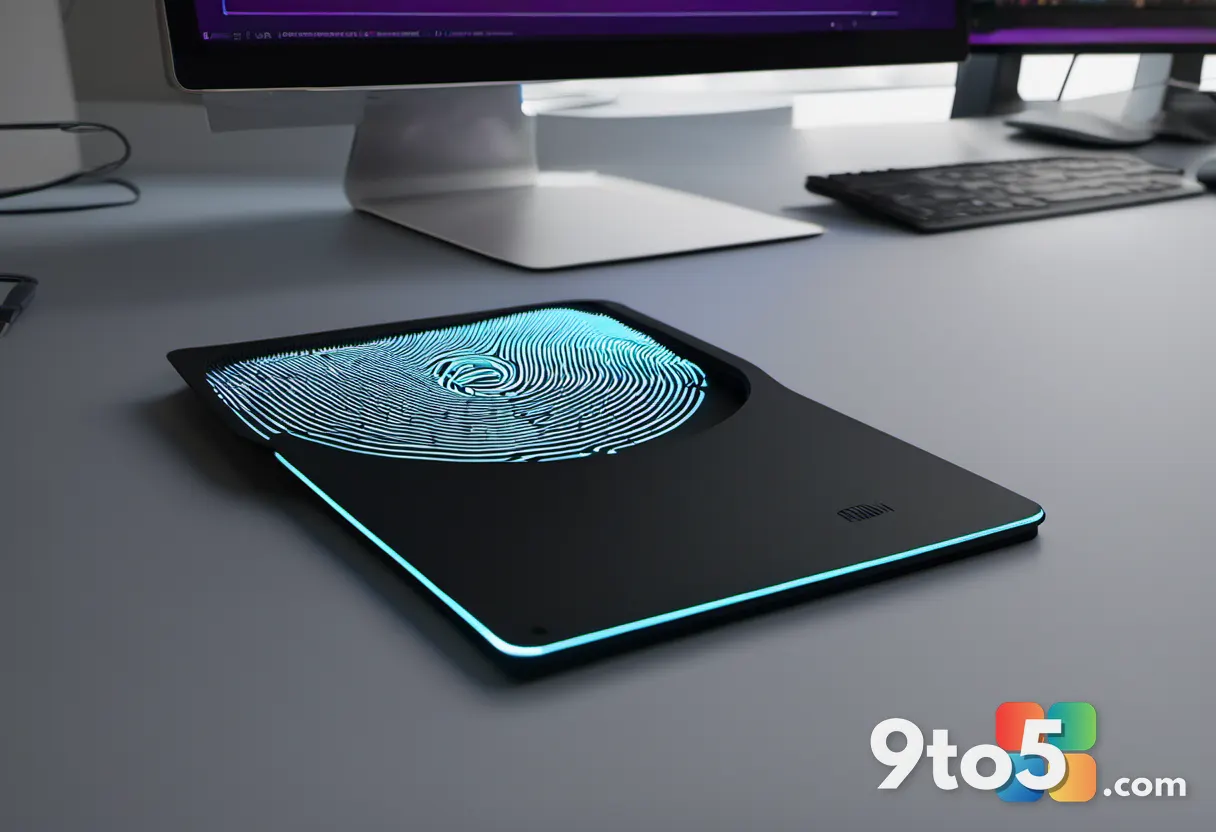
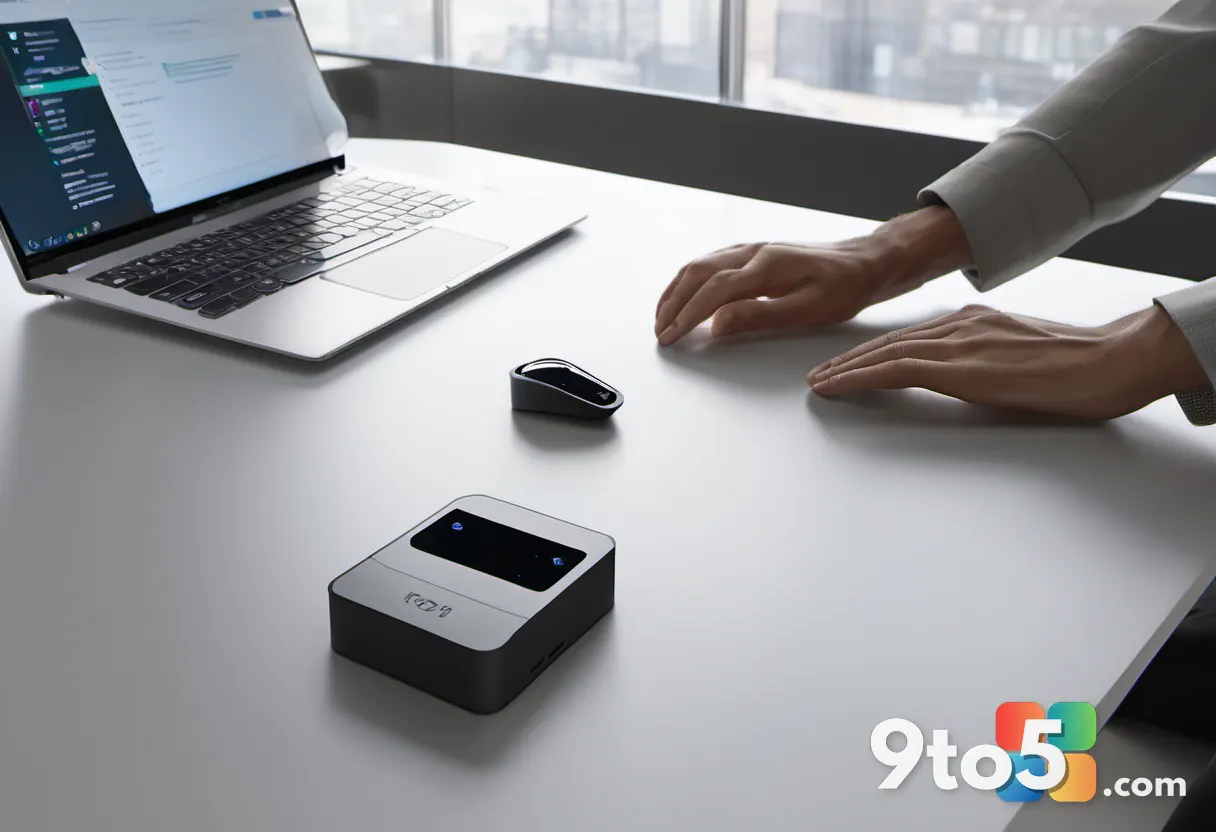
The August 2026 Security Update highlights the most tangible difference between the two modes: how fingerprint data is handled. Standard Windows Hello fingerprint readers capture your print and hand it off to the OS for verification. ESS-compatible readers, however, contain a dedicated secure processor, store fingerprint templates internally, carry a Microsoft-issued certificate proving hardware authenticity, and establish an encrypted channel with Windows 11.
Instead of receiving raw biometric data, the operating system only receives a signed authentication result. This design means that even if the USB connection is monitored, the actual fingerprint information never travels across the bus in a readable format.
Microsoft has not publicly explained why external Windows Hello cameras remain unsupported under this feature, though industry analysts point to USB bus vulnerabilities that could allow hardware-level interception. The company’s support page makes clear that facial recognition under Enhanced Sign-in Security still requires specific camera firmware and VBS isolation, whereas certified fingerprint readers can complete the entire matching process inside the device. That architectural distinction likely drove the decision to expand peripheral support to readers first.
What This Means for You
If your current setup does not support Enhanced Sign-in Security, there is no immediate cause for concern. Standard Windows Hello remains one of the strongest consumer authentication systems available and continues to outperform password-based logins by a wide margin. You do not need to replace working hardware solely to adopt this feature.
However, if your device already includes compatible hardware, or you are in the market for a new external fingerprint reader, enabling the feature is the safer default. The sign-in experience remains identical, but the underlying verification process gains an additional layer of hardware enforcement. For users who handle sensitive files, manage financial accounts, or work in regulated environments, that reduction in attack surface is a meaningful upgrade.
How to Enable Enhanced Sign-in Security
Enabling the feature requires a compatible device and a straightforward navigation path. Open Settings, navigate to Accounts, and select Sign-in options. Once your certified USB fingerprint reader is connected and recognized by Windows 11, scroll to the Additional settings section and locate the Enhanced sign-in security toggle.
If your system has not previously run this mode, Windows 11 will display a setup prompt. You may see a message indicating Pending set up or Update PIN. If the Update PIN option appears, follow the on-screen instructions to complete the cryptographic handoff. If Pending set up is shown, configure Fingerprint recognition under the Ways to sign in section first.
One important detail to keep in mind: upgrading to Enhanced Sign-in Security will remove any existing non-ESS biometric enrollments and associated credentials. You will need to re-register your PIN and scan your fingerprints using the new sensor. Once the process finishes, the toggle will report as enabled, and the encrypted authentication path will be active. While the feature remains on, Windows 11 will block sign-in attempts from peripherals that lack the required security certification.
Source: Latest from Windows Central
Build details:
- kb5101684
Over to you: If your hardware supports it, will you switch to Enhanced Sign-in Security, or does standard Windows Hello already meet your security needs?
You may also like
 Microsoft Unveils Long-Awaited Windows 11 Tool for IT Administrators
 Microsoft 365 Copilot Hits 30 Million Paid Seats as AI Adoption Accelerates
 Halo: Campaign Evolved Hits Xbox, But PS5 Data Reveals a Starker Reality
 Microsoft Confirms Windows 11 Memory Optimization for 8GB PCs Among Four New Focus Areas