In a recent status update shared via Thurrott.com, Microsoft’s Pavan Davuluri revealed he feels “energized” by the progress behind the latest Windows 11 design updates. The comment specifically addressed the team’s work in resolving “paint points”—a term developers use to describe visual inconsistencies, interface friction, and minor UX annoyances that accumulate over time. This acknowledgment signals a clear shift in development priorities, moving beyond feature addition toward deliberate refinement and polish.
Understanding “Paint Points” in Windows 11
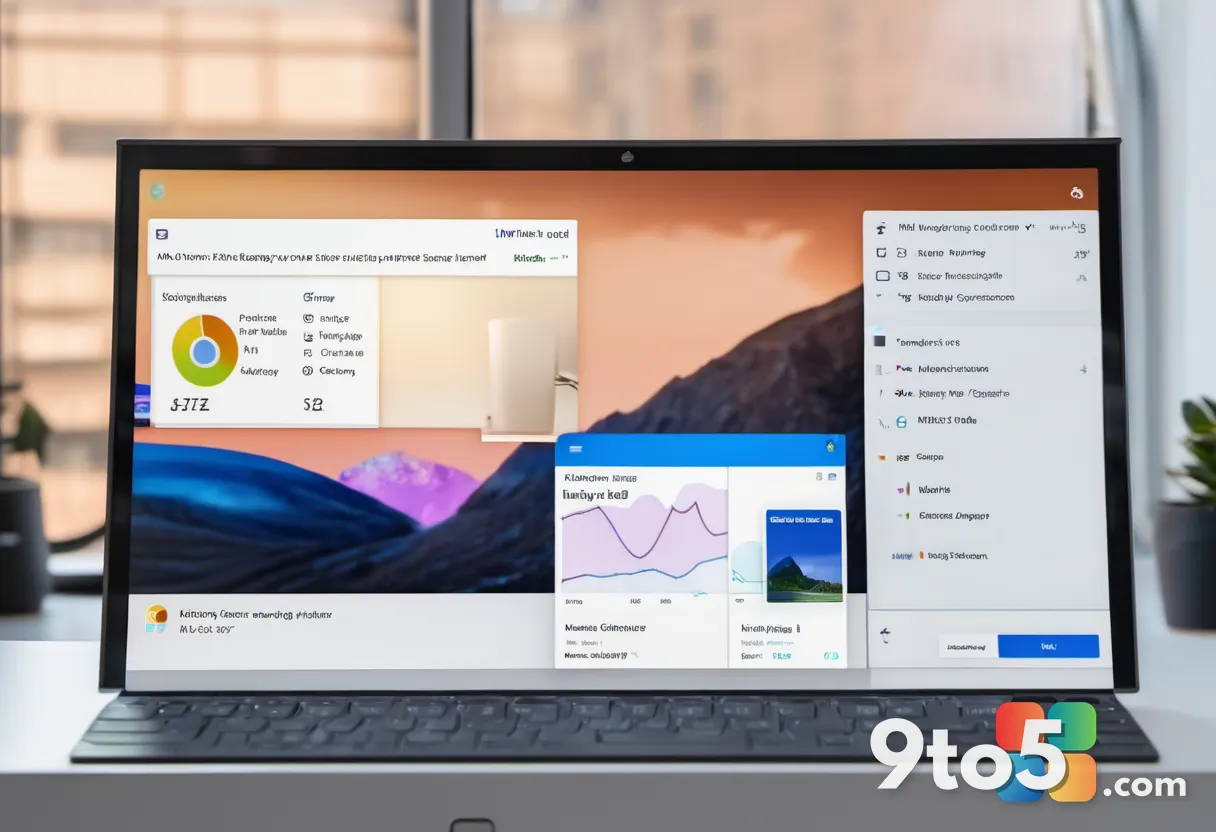
For those unfamiliar with the terminology, “paint points” refer to the small but noticeable visual and interactive rough edges in an operating system. In Windows 11, these can range from misaligned icons and inconsistent spacing in menus to subtle animation hiccups or mismatched color themes across different apps. While they rarely break functionality, they contribute to a sense of unfinished design that power users and casual observers alike notice.
Davuluri’s update suggests that the Windows team is actively auditing these areas. Rather than rolling out a massive feature drop, the focus appears to be on systematic cleanup. This approach aligns with Microsoft’s broader “Fluent Design” philosophy, which emphasizes depth, motion, and material consistency across the entire ecosystem. By targeting these granular details, the company aims to elevate the overall perceived quality of the OS without disrupting established workflows.
The Current State of Windows 11 Design Updates
Windows 11 launched with a heavy emphasis on modernization, bringing features like Snap Layouts, a redesigned Start menu, and deeper Android app integration. However, the initial release also drew feedback regarding stability and interface quirks. The current phase of development seems to be a direct response to that feedback loop.
When leadership publicly states they are “energized” by progress, it often reflects a milestone in internal testing or a successful pivot in engineering resources. For the Windows 11 design updates to land effectively, they will likely be distributed through the usual channels: cumulative updates for stable releases and Insider builds for early testing. This ensures that the polish reaches the widest audience while allowing the team to catch regressions before a broader rollout.
What This Means for Your Daily Use
For everyday users, the most immediate takeaway is that Windows 11 is entering a maturity phase. The heavy lifting of core architecture is complete, and the current focus is on smoothing out the edges. You can expect gradual improvements in how windows snap, how menus respond, and how visual elements align across the desktop.
These changes are typically delivered silently in the background. You won’t need to perform a major upgrade or reinstall the operating system. Instead, regular Windows Update checks will pull in the latest refinements as they are finalized. If you are running a recent version of Windows 11, you are already positioned to receive these updates as they become available. It is also worth checking your update history occasionally to see which cumulative patches have been applied, as they often contain the visual and performance tweaks discussed in these status reports.
How to Stay Updated
To ensure you are receiving the latest design refinements, keep Windows Update enabled and set to install updates automatically. For those interested in seeing these changes earlier, joining the Windows Insider Program provides access to preview builds where these “paint point” fixes are often deployed first. This allows the community to test the refinements and provide feedback before they reach the general public.
As Microsoft continues to refine the Windows 11 experience, the focus on visual consistency and user comfort will likely remain a top priority. The “energized” comment from leadership underscores a commitment to making the OS feel cohesive and polished, rather than just feature-rich. Users can expect the operating system to feel more mature and responsive in the coming months as these refinements roll out.
Source: Thurrott.com
Over to you: What’s the one Windows 11 interface change you’ve been waiting for?