Microsoft continues to advance the Windows 11 Insider Preview program with the release of a new build tailored for the Experimental (Future Platforms) channel. Designated as Insider Preview Build 29634.1000, this update focuses on refining core system experiences with significant additions to audio processing and accessibility features. The Future Platforms channel, historically used for testing cutting-edge technologies and experimental features, serves as a critical testing ground for innovations that may shape future Windows releases.
Enhanced Audio Clarity with Voice Isolation
One of the headline additions in this build is the introduction of Voice Isolation. This feature is designed to enhance audio clarity during calls, recordings, and other audio-intensive tasks. By leveraging advanced audio processing algorithms, Voice Isolation filters out background noise, ensuring that your voice remains the focal point. This is particularly beneficial for remote workers, content creators, and anyone who relies on clear communication in noisy environments.
Voice Isolation addresses a common pain point for users who frequently participate in virtual meetings or record podcasts. The technology works by analyzing audio inputs in real-time, identifying and suppressing unwanted sounds while preserving the nuances of speech. This results in a more professional audio experience, reducing the need for external noise-canceling hardware or post-processing software.
Streamlined Accessibility with Instant Braille Support
Another major update in Build 29634.1000 is the introduction of instant braille support. This accessibility feature is designed to improve the user experience for individuals who rely on refreshable braille displays. By reducing latency and optimizing the interaction between the operating system and braille output devices, instant braille support ensures a more seamless and responsive experience.
Accessibility is a cornerstone of Microsoft’s design philosophy, and this update underscores the company’s commitment to inclusivity. Refreshable braille displays are essential tools for users who are blind or have low vision, providing tactile feedback for reading text on screens. The improvements in this build aim to make these devices more efficient and reliable, enhancing productivity and independence for users who depend on them.
What This Means for You
For users enrolled in the Experimental (Future Platforms) channel, this build offers a glimpse into the future of Windows 11. The addition of Voice Isolation and instant braille support highlights Microsoft’s focus on enhancing both productivity and accessibility. These features are likely to appeal to a wide range of users, from remote professionals seeking better audio quality to individuals who rely on braille displays for daily tasks.
It is important to note that the Future Platforms channel is intended for testing experimental features and may include functionalities that are not yet finalized. Users should be prepared for potential bugs or instability, as this channel is designed to gather feedback and refine technologies before broader release.
How to Get It
To receive Windows 11 Insider Preview Build 29634.1000, you must be enrolled in the Experimental (Future Platforms) channel. You can switch your device to this channel through the Windows Insider settings. Once enrolled, the update will be delivered via Windows Update. Keep in mind that this build is intended for testing purposes, and users should back up important data before installing.
For those interested in contributing to the development of Windows 11 and testing cutting-edge features, the Future Platforms channel provides a unique opportunity. However, it is advisable to use a secondary device or virtual machine to mitigate the risk of encountering issues.
Looking Ahead
As Microsoft continues to iterate on the Windows 11 Insider Preview program, builds like 29634.1000 play a crucial role in shaping the future of the operating system. The integration of Voice Isolation and instant braille support demonstrates a commitment to addressing user needs and advancing accessibility. Users can expect further refinements and additional features in upcoming releases as Microsoft gathers feedback and perfects these technologies.
Source: Neowin
Over to you: Are you testing the Future Platforms channel, and which feature are you most excited to try?
You may also like
 Microsoft Pushes Fresh Updates to Notepad, Calculator, Media Player, and Clock
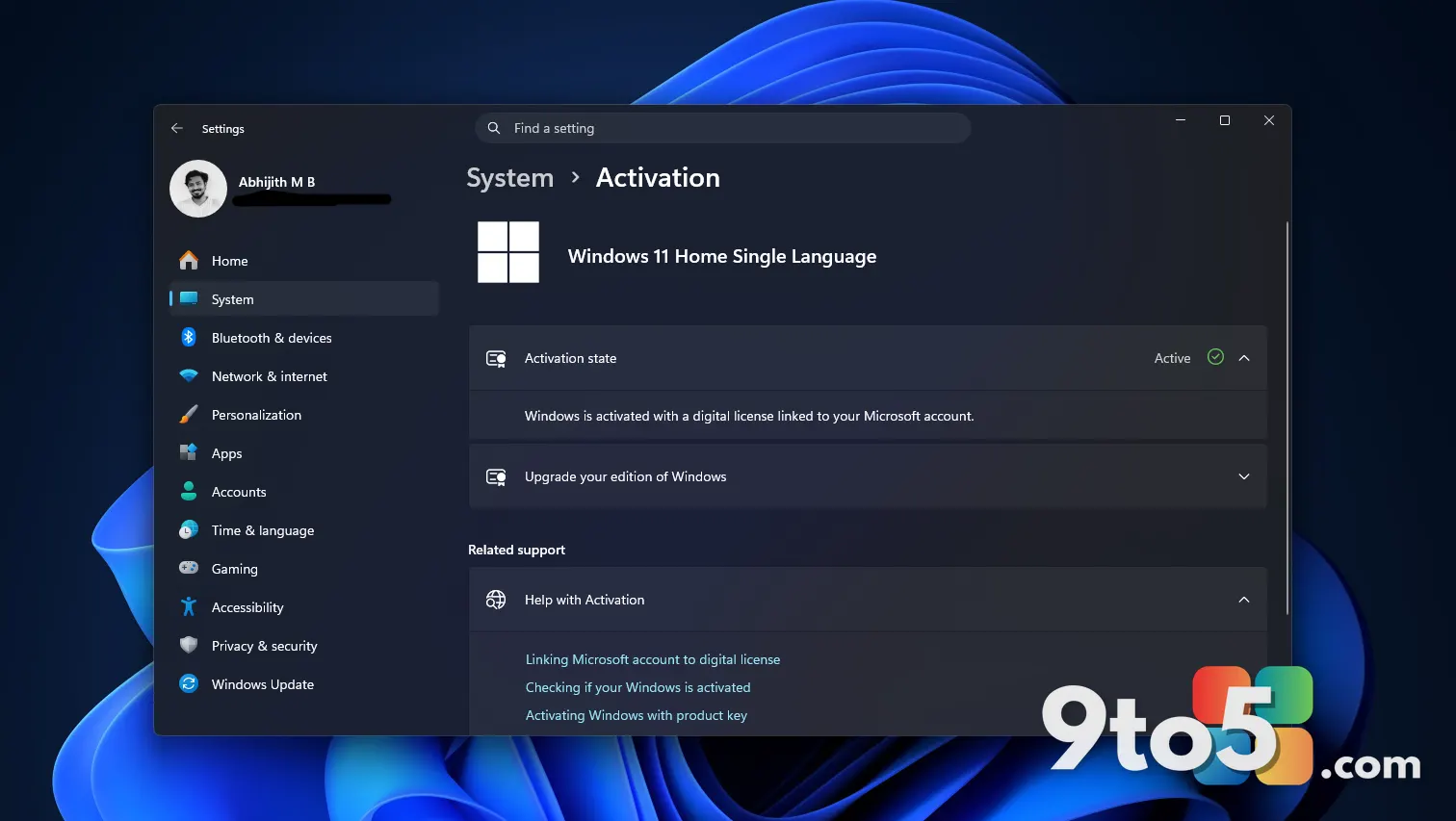 Microsoft’s New KMS Hardware-Secured Rule Targets Enterprise Servers, Not Pirated Home Windows
 How AI Security Patches Are Accelerating Across Major Vendors
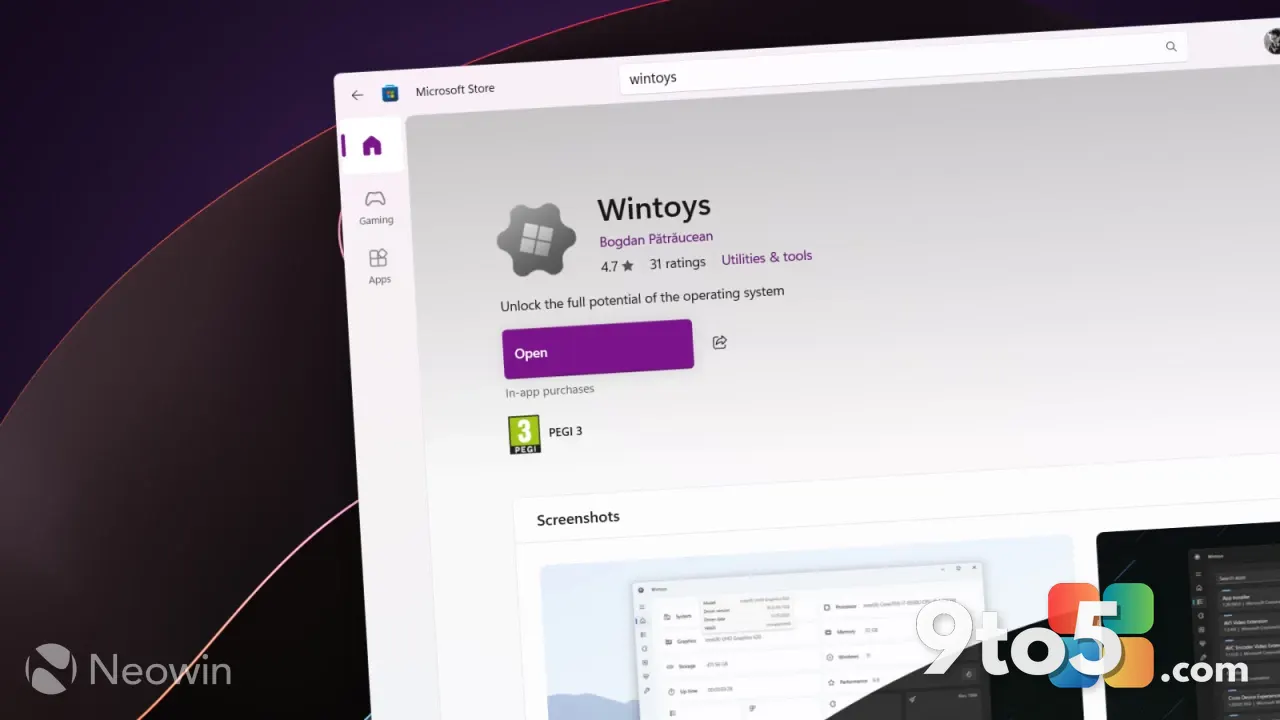 Wintoys Gets Major Overhaul: Windows 11 Utility Gets Significant Improvements