Microsoft is addressing one of the most common frustrations in email communication: accidentally replying to an outdated message while newer context exists. The company has confirmed that New Outlook for Windows will soon alert you if you attempt to respond to an older email in a thread where more recent replies are available.
This feature, currently being tested on New Outlook for Windows 11 and Windows 10, aims to reduce confusion in multi-person conversations. Microsoft states the warning will be enabled by default, automatically checking for newer messages before you hit send. The rollout is scheduled to reach users by the end of August 2026.
#1 Reply-to-old-email warning
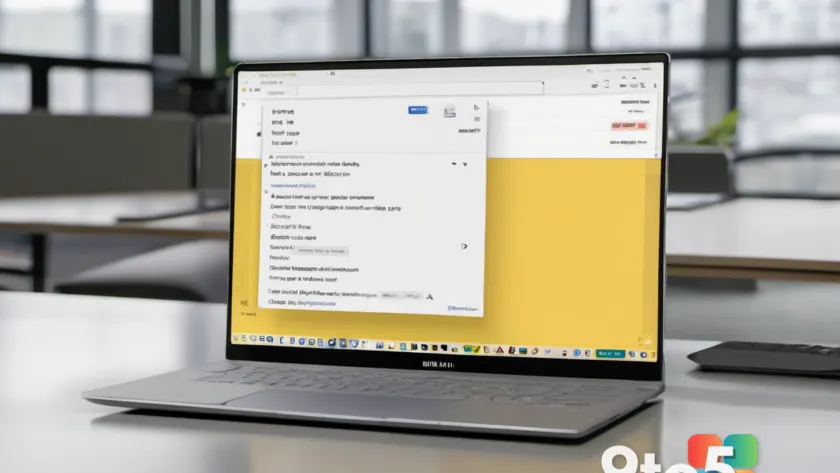
Have you ever sent a reply only to realize someone had already answered your question five minutes later? This new feature prevents that embarrassment. When you open a thread, Outlook will scan for newer messages. If you try to reply to an older entry without seeing the latest update, a notification will appear.
Microsoft notes this change helps users feel more confident they are responding to the correct message. The functionality is also planned for Outlook.com, ensuring consistency across platforms. It addresses a long-standing pain point where losing track of thread progression could hurt productivity or cause duplicate responses.
#2 Auto-reply with templates via rules
Starting in September 2026, you will be able to automate replies using existing email templates. Currently, New Outlook supports creating mails from templates by clicking the arrow below the “Mail” button and selecting “Mail from a template.” However, this process requires manual selection.
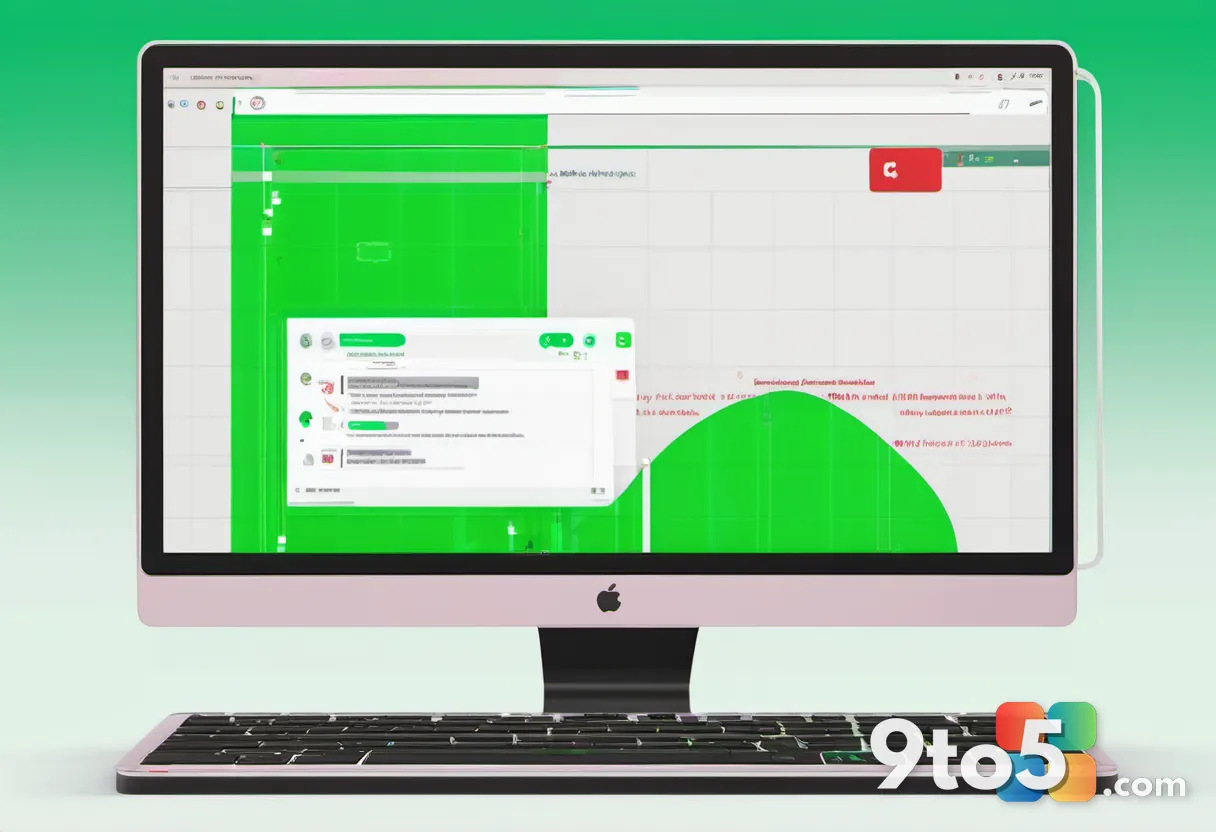
The upcoming update allows you to configure rules that automatically apply these templates based on specific conditions. For instance, you could set a rule to auto-reply with a pre-written acknowledgment when certain keywords appear in incoming messages. This feature relies on standard Outlook rules rather than AI, giving users precise control over when and how automated responses are triggered.

#3 Faster categorization and drag-and-drop
Managing categories has historically been cumbersome in New Outlook. The September 2026 update introduces significant improvements to this workflow. You will be able to create categories by right-clicking an email, opening the Categorize menu, and selecting a label.
More importantly, you can now pin categories to your Favorites list. This enables drag-and-drop functionality: simply drag an email onto a pinned category like “Invoices” or “Urgent,” and Outlook will automatically apply that tag. This mirrors the efficiency of Classic Outlook, reducing clicks needed for organization.
These changes arrive alongside other improvements mentioned in Microsoft’s roadmap, including advanced .PST support, unified inbox views, and notification grouping. All these features are expected to be available by the end of September 2026.
What this means for you: If you rely on New Outlook for work, these updates directly target productivity leaks. The reply warning prevents awkward miscommunications, while drag-and-drop categorization speeds up inbox zero routines. You don’t need to change settings; the reply alert is default-on, and template rules are user-configurable.
Source: Windows Latest
Over to you: Will you enable the reply-to-old-email warning immediately, or do you prefer to manage thread context manually?
You may also like
 Microsoft retains #2 spot in Interbrand’s Best Global Brands despite Xbox layoffs
 id Software was developing a John Wick-style shooter and Perfect Dark before Xbox layoffs
 Obsidian cancels Avowed sequel to make new Fallout game with Josh Sawyer
 Obsidian Entertainment reportedly shifting focus to new Fallout game amid Xbox layoffs