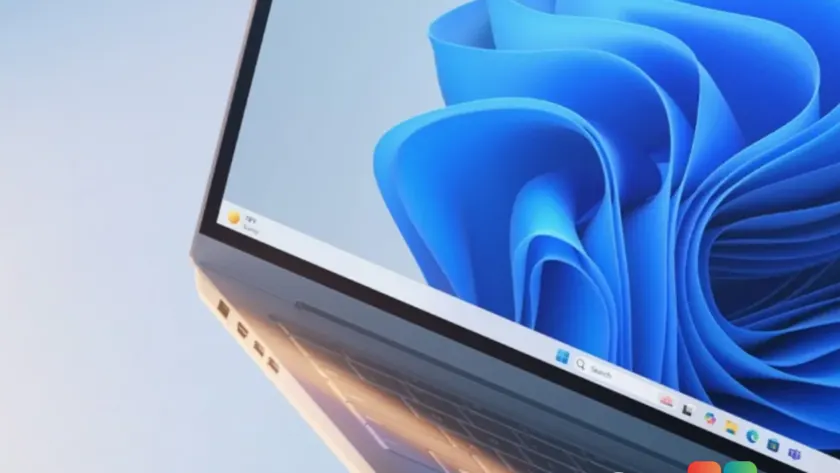
Microsoft has introduced a long-requested feature for Windows 11 users: a dedicated setting to resize the entire taskbar. Previously, users could only make icons smaller while the taskbar itself remained at its default height. This new control is now available in the Experimental Preview Build 26300.8758.
This update is part of Microsoft’s broader Windows K2 initiative, which aims to address longstanding user complaints about the operating system’s interface. The change allows for a more compact desktop experience, particularly beneficial for users with smaller screens or those who prefer maximizing vertical workspace.
#1 Dedicated Taskbar Size setting
The headline feature in this build is the new Taskbar Size toggle. Microsoft states that customization has “just got easier” with this addition, designed to make it simpler to find and personalize your ideal taskbar layout.
Unlike previous Insider builds that only offered a “show smaller taskbar buttons” option—which reduced icon size but left the bar’s height unchanged—this new setting reduces both the height of the taskbar and the size of its icons when set to Small. You also have the flexibility to keep the taskbar at its default height while using small icons if you prefer that specific look.
Microsoft has also improved the transition between different taskbar sizes, aiming for a smoother visual experience when switching settings. This addresses a common pain point where resizing felt disjointed or visually jarring in earlier previews.
#2 File Explorer improvements and fixes
Alongside the taskbar changes, Build 26300.8758 brings several updates to File Explorer. Thumbnails for cloud files now preview more reliably in the Details pane, addressing a consistency issue that frustrated users working with OneDrive or other cloud storage providers.
The Details pane itself has been reorganized to make file properties easier to find and review. Additionally, Microsoft fixed an issue where the OneDrive shortcut would stop working if File Explorer was run as administrator. This is a significant fix for power users who frequently need elevated privileges to manage files.
#3 Recycle Bin bug resolved
A persistent bug affecting the Recycle Bin has been addressed in this build. Previously, when deleting a file permanently, the confirmation dialog would display an internal filename instead of the original name. This issue was introduced in the June 2026 Patch Tuesday update and has been acknowledged by Microsoft.
The fix ensures that users see the correct filename during deletion confirmations, restoring clarity to a fundamental system operation. This resolves a confusion point for many users who noticed the strange behavior after the previous security update.
#4 Other minor updates
System sounds have been improved when using Windows in dark mode, enhancing the audio feedback experience for users who prefer darker themes. Additionally, Xbox mode has been renamed to XBOX mode, a minor branding adjustment noted in the release notes.
These changes reflect Microsoft’s ongoing effort to refine Windows 11 based on user feedback. While this build is currently limited to the Experimental channel, features like the taskbar resize option are likely candidates for future stable updates, given their high demand among users.
What this means for you: If you have been waiting for a way to reclaim screen real estate on Windows 11, this feature is exactly what you need. However, since it is in the Experimental channel, it may still be some time before it reaches stable Windows 11 builds. For now, only Windows Insiders testing Build 26300.8758 can enjoy the smaller taskbar.
Source: gHacks
Over to you: Will you switch to the Experimental channel to test the new taskbar size slider, or wait for it to reach stable builds?