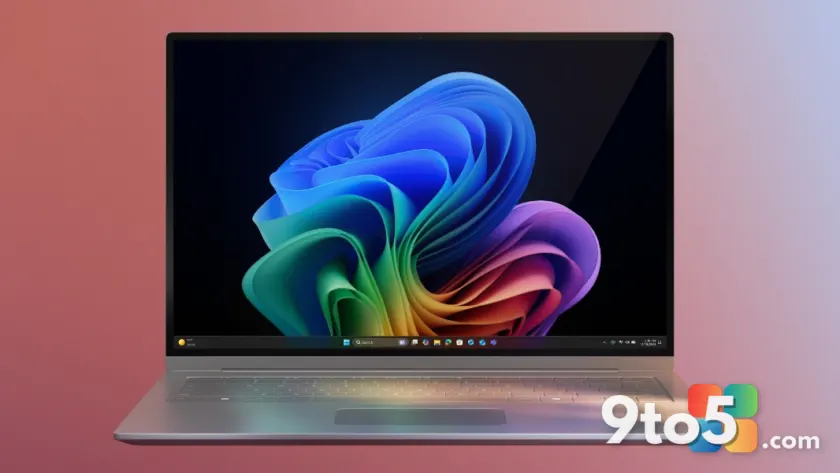
Microsoft has officially released the Windows 11 July 2026 updates, rolling out a fresh batch of optional improvements for users running the operating system. As with previous monthly cycles, these updates focus on refining the user experience through targeted enhancements rather than broad feature drops. According to the initial release notes, the package brings expanded gesture controls for precision touchpads, alongside stability and performance tweaks for Windows Search and File Explorer.
Optional updates have long served as Microsoft’s testing ground for changes that fall outside the cumulative update pipeline. While these patches do not address critical security vulnerabilities, they often deliver the most noticeable day-to-day quality-of-life improvements. If you have been waiting to fine-tune your Windows 11 experience, this month’s release provides a straightforward way to access those refinements without waiting for the next major feature update.
#1 Precision Touchpad Gesture Controls
The headline addition to this month’s release is the expansion of gesture support for precision touchpads. Microsoft has historically relied on third-party drivers or manufacturer-specific software to unlock advanced multi-finger inputs on non-precision touchpads. With this update, the operating system now recognizes and processes a wider array of gestures natively across compatible hardware.
In practice, this means users can expect smoother navigation when performing actions like two-finger scrolling, three-finger swipes for virtual desktop switching, or four-finger gestures for accessing the task view. The update also standardizes the latency handling for these inputs, which should reduce the occasional lag that some laptop users have reported when executing complex multi-finger sequences. For users who rely heavily on touchpad navigation over a mouse, this refinement addresses a long-standing friction point in the Windows 11 input stack.
#2 Windows Search Improvements
Windows Search has undergone significant restructuring since the initial Windows 11 launch, and this July patch continues that trajectory. The update targets indexing efficiency and result ranking, aiming to surface the files, settings, and apps you use most frequently with greater accuracy.
Microsoft confirmed via the Windows Insider Blog that the underlying search service has been optimized to reduce background resource consumption during indexing cycles. From a practical standpoint, this translates to less noticeable performance dips when your system is actively cataloging new files. Additionally, the update refines the contextual suggestions in the search bar, making it easier to locate recently modified documents or pinned applications without typing full queries.
#3 File Explorer Enhancements
File Explorer continues to receive incremental polish in this update cycle. The July 2026 release introduces minor UI adjustments to the navigation pane and refines the behavior of the quick access list. These changes are designed to reduce visual clutter and make frequently used folders more accessible.
Users will also notice improved handling of network drive connections within the file manager. The update addresses a known issue where certain mapped drives would occasionally fail to refresh their status after a network interruption. By streamlining the reconnection logic, File Explorer now maintains a more consistent view of your storage locations, which is particularly useful for professionals managing hybrid local and cloud storage setups.
What This Means for You
For the average Windows 11 user, these changes represent a maturation of the operating system’s core utilities. The touchpad gesture expansion reduces reliance on external driver packages, while the search and File Explorer tweaks address common workflow bottlenecks. Since these are optional updates, they carry a lower risk profile than cumulative security patches, making them a safe addition for most systems. However, as with any system modification, it is advisable to ensure your current backups are current before installing.
How to Get the Updates
To install these improvements, open Settings and navigate to Windows Update. Click on Advanced options, then select Optional updates. You should see the July 2026 update listed under driver and quality updates. Check the box next to the update and select Download & install. Your system will restart to complete the process. If you do not see the update immediately, use the Check for updates button to trigger a fresh scan of Microsoft’s update servers.
Source: Thurrott.com
Over to you: Are you planning to install the optional July touchpad and search updates, or will you stick with your current configuration for now?
You may also like
 Windows 11 August 2026 Update Rolls Out August 11 With AI Uninstall and Touchpad Tweaks
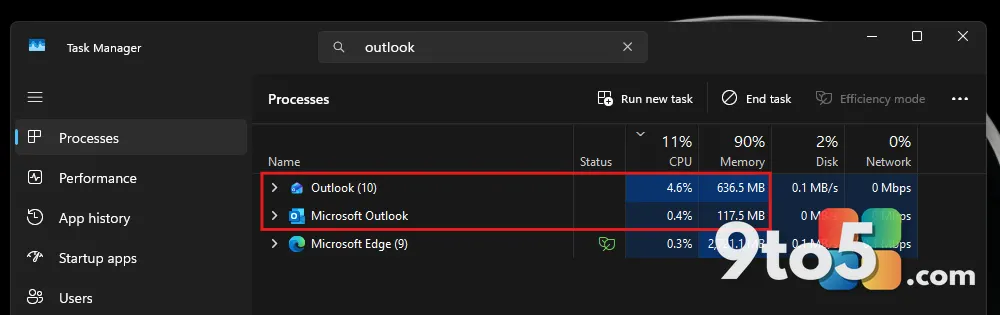 New Outlook Notification Delay Finally Drops, But Classic Still Wins
 Windows 11 Gets Major Windows Hello Upgrades in Latest Cumulative Update Preview
 Windows 11 26H1 Gets Calendar-Based Update Pause in New Preview Build