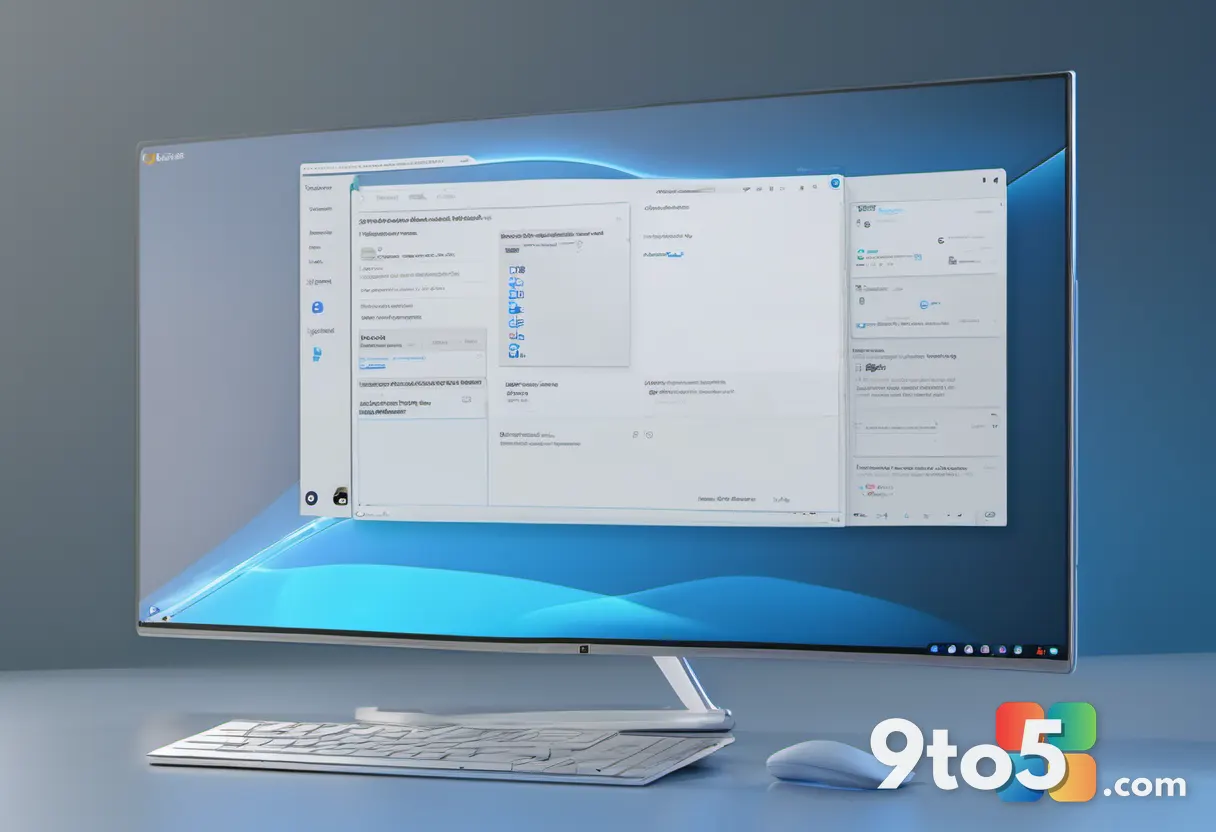
The AI Assistant Built Into Windows 11
Windows 11 ships with a conversational AI-powered assistant called Copilot, fundamentally shifting how users interact with their devices. Rather than relying solely on traditional menus and search bars, this integrated tool uses large language models to understand natural language commands and context. According to the original reporting, Copilot is designed to bring ever-improving productivity and creation capabilities directly to your PC. This means the assistant evolves over time, learning from updates to handle increasingly complex tasks without requiring you to memorize specific shortcuts or navigate deeply buried settings.
From a broader industry perspective, Microsoft has been steadily weaving artificial intelligence into the core of its operating system. This contextual shift represents a move away from static software toward adaptive tools that anticipate user needs. While the core functionality relies on established AI frameworks, the way it is packaged within Windows 11 emphasizes seamlessness. You can summon it from the taskbar, and it operates across your open applications, documents, and system settings. This contextual awareness is what separates a dedicated AI chatbot from an integrated operating system assistant.
Productivity and Creation at Your Fingertips
The emphasis on productivity and creation capabilities highlights the dual role Copilot plays for different types of users. For professionals, the assistant can help draft emails, summarize long documents, organize files, and automate repetitive workflows. If you are managing a heavy inbox or working through complex spreadsheets, Copilot acts as a second pair of hands, processing information and suggesting next steps based on the content you are actively viewing.
For creative users, the creation aspect opens up new pathways for generating images, refining designs, and brainstorming concepts. Instead of switching between multiple specialized applications, you can describe what you want to build or illustrate, and the AI provides a starting point or a refined version of your work. This reduces the friction between having an idea and seeing it materialize on screen. The ever-improving nature of the tool means that as underlying models get more sophisticated, the quality and accuracy of these creative outputs will naturally increase over time.

What This Means for You
For everyday Windows 11 users, the integration of Copilot signals a permanent change in how the operating system handles routine tasks. You no longer need to spend time hunting through settings or reading lengthy documentation to accomplish basic goals. The conversational interface lowers the barrier to entry for complex operations, making the PC more accessible to those who prefer natural language over technical commands. In practice, this means you can focus more on the outcome of a task rather than the mechanics of how to execute it.
However, adapting to an AI-driven workflow requires a slight shift in expectations. Since the assistant relies on cloud-connected models to function, your experience will depend on a stable internet connection. Additionally, while the tool is designed to be intuitive, providing clear and specific prompts will yield the best results. You may find yourself refining your requests over time to get the precise assistance you need, which is a normal part of working with generative AI tools.
How to Get It
Copilot is already included with Windows 11, so there is no separate purchase or complex installation process required. It is built directly into the operating system and can be accessed via the taskbar icon or by using the dedicated keyboard shortcut. Microsoft continues to roll out updates that enhance its capabilities, meaning the version you have today will likely become more capable in the months ahead as new features are deployed. If you are running the latest version of Windows 11, you should already have access to the assistant without any additional configuration.
Privacy and Data Considerations
When working with a cloud-based AI assistant, understanding how your information is handled is essential. Microsoft has stated that Copilot processes data using secure cloud services, and it does not use your personal files to train its underlying models. Context from your current session is typically used only to generate the immediate response and is not stored long-term for training purposes. That said, it is always wise to avoid inputting highly sensitive personal or financial information into any AI tool. Reviewing Microsoft’s privacy statements for Copilot will give you the most current details on data retention and security protocols.
Source: Thurrott.com
Over to you: Have you started using Copilot for your daily tasks, or do you prefer keeping your workflow traditional?