Microsoft is adding a new layer of protection to OneDrive that prevents users from capturing screenshots of PDFs marked as sensitive. The update aligns the web-based PDF viewer with the restrictions already enforced in the desktop app, but it comes with specific limitations regarding browser support and audience.
According to an admin portal update first spotted by Windows Latest, the new control is designed to close a known gap in Microsoft Purview Information Protection (MIP). Previously, browser-rendered PDFs did not enforce screen capture restrictions, allowing users to bypass protection by simply taking a screenshot of their display.
When the feature is active, PDFs labeled with a “Do not allow screen capture” sensitivity setting will trigger a restriction in OneDrive’s web viewer. If a user attempts to capture the screen, the content will either be blocked entirely or replaced with a black screen. This ensures that the security posture of the document remains consistent regardless of how it is accessed.
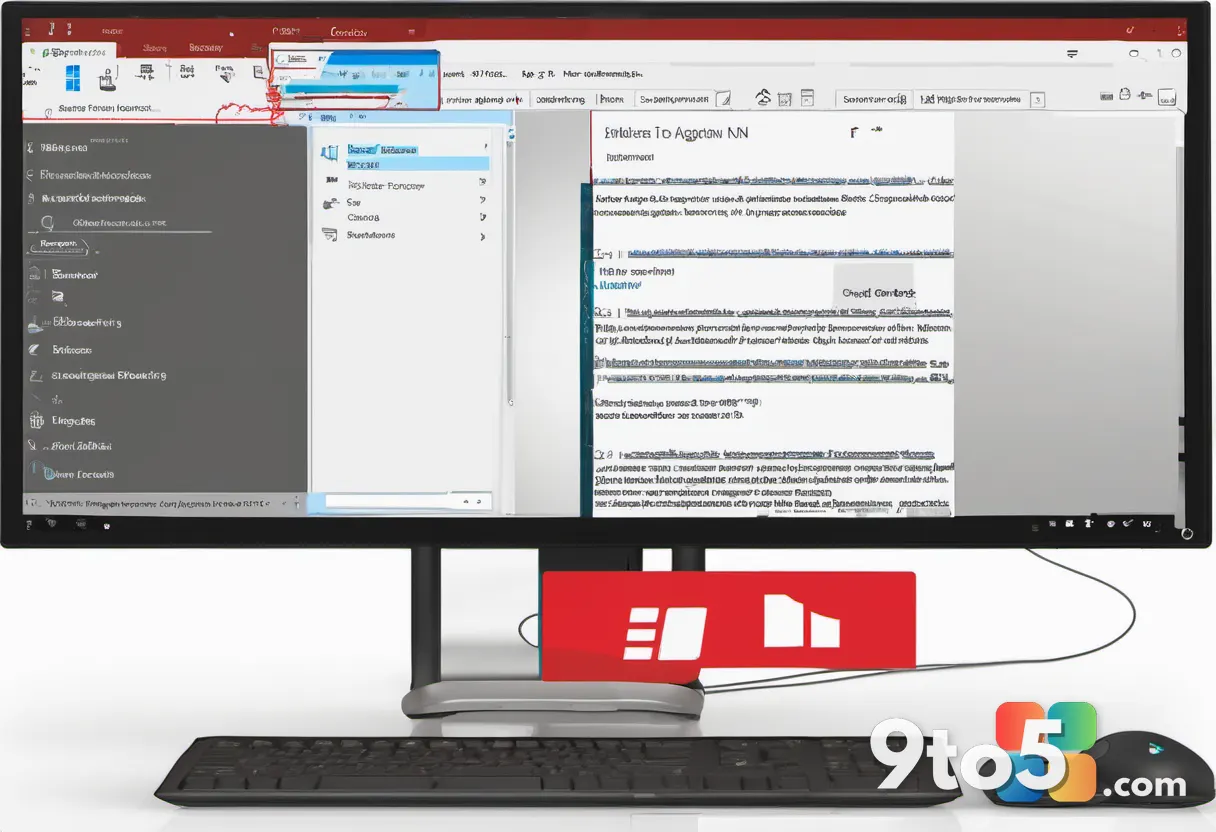
How the restriction works
The enforcement of this feature is tied directly to existing administrative policies. Microsoft confirmed that it will automatically activate the screen capture block when the “Do Not Allow Screen Capture in OneDrive and SharePoint” policy is enabled within the organization’s admin center.
This means the feature is not opt-in for end users; it is a top-down control managed by IT administrators. If an organization has already configured MIP labels to restrict copying or printing on sensitive documents, this update ensures those labels are also respected during screen capture.
In practice, this closes a significant security gap. Before this update, a user could view a restricted PDF in the browser and capture it using Windows Snipping Tool, Snip & Sketch, or third-party software without triggering any warnings. With the new enforcement, the browser instructs the operating system to suppress the capture, similar to how high-security content is handled in other protected environments.
Additionally, administrators can combine this with download restrictions. If a PDF is blocked from being downloaded by the uploader or the organization, users will be unable to save the file locally to view it outside the protected environment. This creates a more comprehensive control loop for sensitive data.

Why only Microsoft Edge?
The most notable limitation of this rollout is that it currently only works in Microsoft Edge. Microsoft has stated that it cannot guarantee consistent enforcement across other browsers at this time. While Edge is built on the Chromium engine, which theoretically allows for shared protection mechanisms, Microsoft is prioritizing a controlled release.
This limitation likely stems from the target audience. The feature is initially available to business customers, and many organizations already enforce Microsoft Edge as the default browser on managed devices. By limiting the scope, Microsoft can ensure the feature works reliably for the majority of enterprise deployments before expanding to consumer and third-party browser environments.
Microsoft is not ruling out support for other browsers or mobile apps. The company indicated that these platforms will be added in the future as development progresses. The current restriction is described as a result of the feature being in early development, with Microsoft aiming to roll it out sooner rather than later to address urgent security needs.
What This Means for You
For IT administrators managing Microsoft 365 environments, this update provides a critical tool for data loss prevention. If your organization relies on sensitivity labels to protect confidential documents, you now have a way to enforce those labels in the browser. Review your current MIP policies to ensure the “Do Not Allow Screen Capture” setting is enabled where needed.
For general users, this means that sensitive documents shared via OneDrive will have stricter viewing restrictions. If you encounter a PDF that cannot be screenshotted, it is likely due to an organizational policy rather than a bug. You will need to rely on the provided copy or print options, if available, to extract information from the document.
How to Get It
The protected PDF feature will generally become available by the end of August 2026. Availability may vary based on your organization’s update channel and policy configuration. To enable the restriction, administrators must navigate to the Microsoft Purview compliance center and activate the relevant screen capture policy.
As the feature expands to other browsers and mobile platforms, Microsoft will likely provide additional guidance on compatibility and enforcement mechanisms. Keep an eye on official Microsoft documentation for updates on broader support.
Source: Windows Latest
Over to you: Will your organization enable the screen capture policy, or do you rely on other methods to protect sensitive documents?
You may also like
 Windows 11 26H1 Experimental Build 28120.2546 Adds Braille Display Support and Expanded Language Options
 Firefox on Windows 11 Finally Opens New Tabs in the Background, Matching Chrome and Edge
 Windows Insider Program Pushes New Builds for July 20, 2026
 Windows 11 Insider Preview Build 28120.2546 Brings Smart Card Policies, Braille Support, and More