Microsoft is retiring the Copilot Studio Teams app, consolidating the platform’s building tools into a browser-based portal. The change affects admins and makers who have been using the in-app entry point to design copilots, agents, and automation flows.
According to a Microsoft 365 admin message (message ID MC1511056), the retirement has been flagged as a “major change,” which is Microsoft’s way of signaling that it will require action on the admin side rather than being a silent background update. Here’s what the change involves and what you should do about it.
What’s happening to the Copilot Studio Teams app
The Copilot Studio app that lived inside Microsoft Teams is being phased out. For users who accessed the platform through Teams, this was the primary way to open the Copilot Studio builder without leaving the Teams client.
Once the removal takes effect, that in-app icon and entry point will no longer be available inside Teams. The underlying Copilot Studio service itself is not going away — Microsoft is simply moving the building experience out of Teams and into a dedicated web portal that you can reach through a browser.
Microsoft labels this a “major change” rather than a routine update because it expects administrators to take a concrete step: updating any internal support documentation and links that currently point users to the Teams app, and redirecting them to the web version instead.

Why Microsoft is making the move
Copilot Studio is Microsoft’s low-code platform for building custom AI copilots, chatbots, and agents. It grew out of earlier products — the company folded Power Virtual Agents and Power Automate for Teams into the broader Copilot branding as it unified its AI builder tools under one umbrella.
By centralizing the builder in a web portal, Microsoft keeps the experience consistent regardless of which client you open it from. This mirrors a broader pattern across its Copilot ecosystem, where features that once lived inside individual apps are being migrated to shared web experiences.
The shift also aligns with how many makers and developers already work: most advanced Copilot Studio building happens in a browser anyway, since the web portal offers the fullest set of tools. The Teams app served as a convenient shortcut for lighter tasks, but it was never the primary authoring environment.
What admins need to do before removal
Because Microsoft has classified this as a major change, administrators should treat it as an action item rather than something that resolves itself. The core ask is straightforward: point your support materials at the web portal.
This means updating any internal wikis, help-desk articles, onboarding guides, or communication that currently tells users how to open Copilot Studio from Teams. Replace those instructions with links to the web version so users aren’t left hunting for an app that no longer exists.
If you manage a fleet of organizations or teams, it’s worth flagging this change to anyone who has built or maintains copilots, so they know where to return to continue their work once the Teams entry point disappears.
What this means for you
If you used the Copilot Studio app inside Teams for everyday tasks, your tools aren’t going away — you’ll just reach them through a browser instead. The web portal offers the same (and in many cases more) capabilities, so there’s no loss in functionality, only a change in where you click to start.
The main practical impact is on how you and your team find the app. If your organization shared a Teams shortcut or bookmarked the in-app entry point, that link will stop working once the removal lands, so it’s worth updating your own references ahead of time.
How to access Copilot Studio going forward
Instead of opening Copilot Studio from within Teams, navigate to the Copilot Studio web portal in your browser. Sign in with the same work or school account you’ve always used, and your existing copilots, agents, and flows will be there.
If you’re unsure of the exact URL, you can reach the portal through the Copilot hub in Microsoft 365, or search for “Copilot Studio” from your Microsoft 365 app launcher. Bookmark it there so you don’t rely on the Teams entry point.
For admins who want the definitive timeline, keep an eye on the Microsoft 365 admin center and the message referenced as MC1511056, which will carry the official removal date and any final instructions. Microsoft has not published a specific date in the summary of the announcement, so treat the official message as the source of truth for when the Teams icon actually disappears.
Source: Neowin
Over to you: Have you been using the Copilot Studio app inside Teams, and do you think moving it to a web portal is the right call?
You may also like
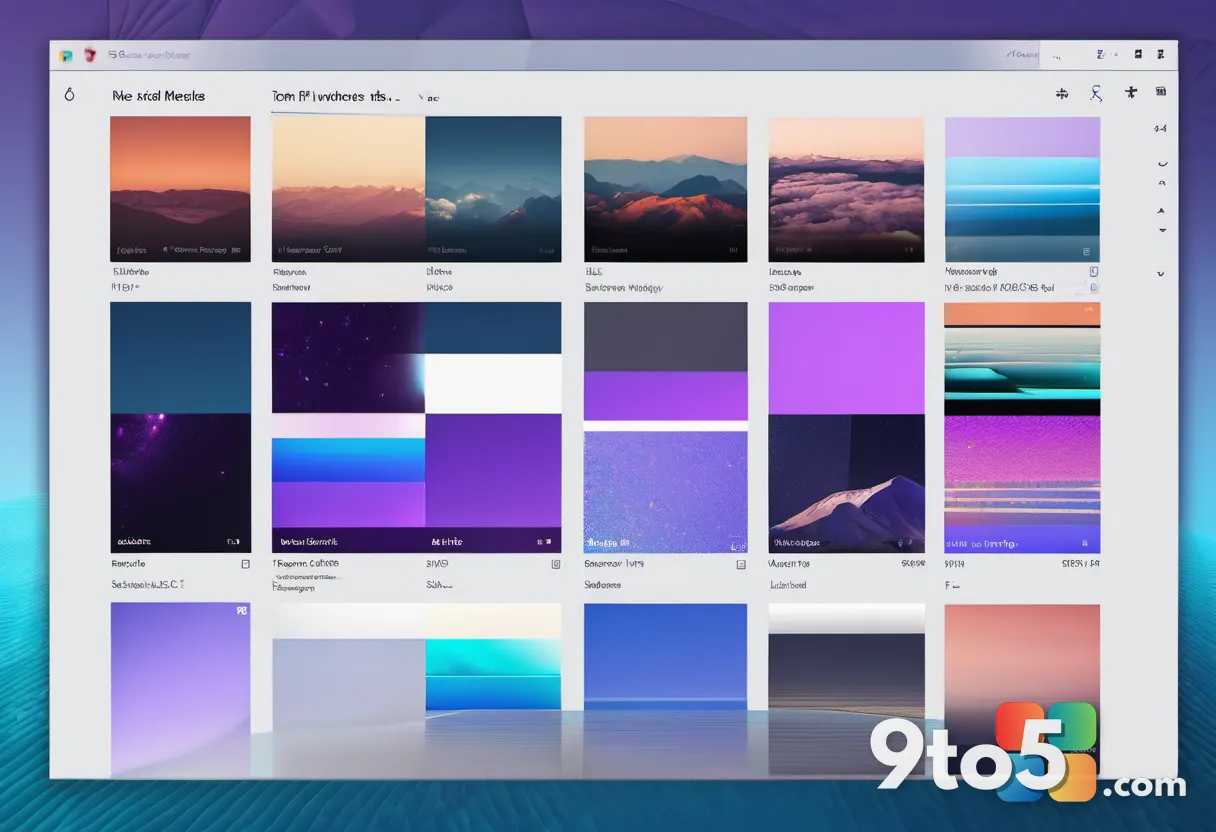 Microsoft Releases 10 New Windows Insider Wallpapers for the Program’s 12th Year
 Microsoft Ends Native XSLT Support in Edge, Giving Enterprises a Narrow Window to Adapt
 Microsoft Edge is rethinking updates for faster protection and fewer interruptions
 Microsoft Wants Copilot for Legal Teams to Handle Sensitive Work