Microsoft has once again moved the deadline for resolving a long-running OneDrive problem, this time delaying the fix for errors tied to maximum file path sizes. According to reporting from Neowin, the update expected to arrive sooner is now being held back by roughly a month, so users who have been waiting for relief will need to keep their patience a little longer.
For context, these max file path errors are among the more common headaches OneDrive users report, and they can bring syncing to a complete halt. When the issue strikes, files simply refuse to upload or download, and the OneDrive client throws errors that are frustrating to untangle. Now the timeline for a proper fix has slipped further out.
What is the OneDrive max file path issue?
At its core, the problem comes down to length. Windows has historically capped the total length of a file path — the full string of characters describing where a file lives on your drive, from the drive letter all the way down to the file name — at 260 characters. This limit is known as MAX_PATH, and it has been a source of friction for decades.
OneDrive makes the problem worse in practice because it stores files in a local sync folder that already adds several layers of folders to the path. If you keep files in deeply nested subfolders, or give them long names, it is easy for the combined path to blow past that 260-character ceiling. When OneDrive encounters such a file, it cannot process it and throws a max file path error.
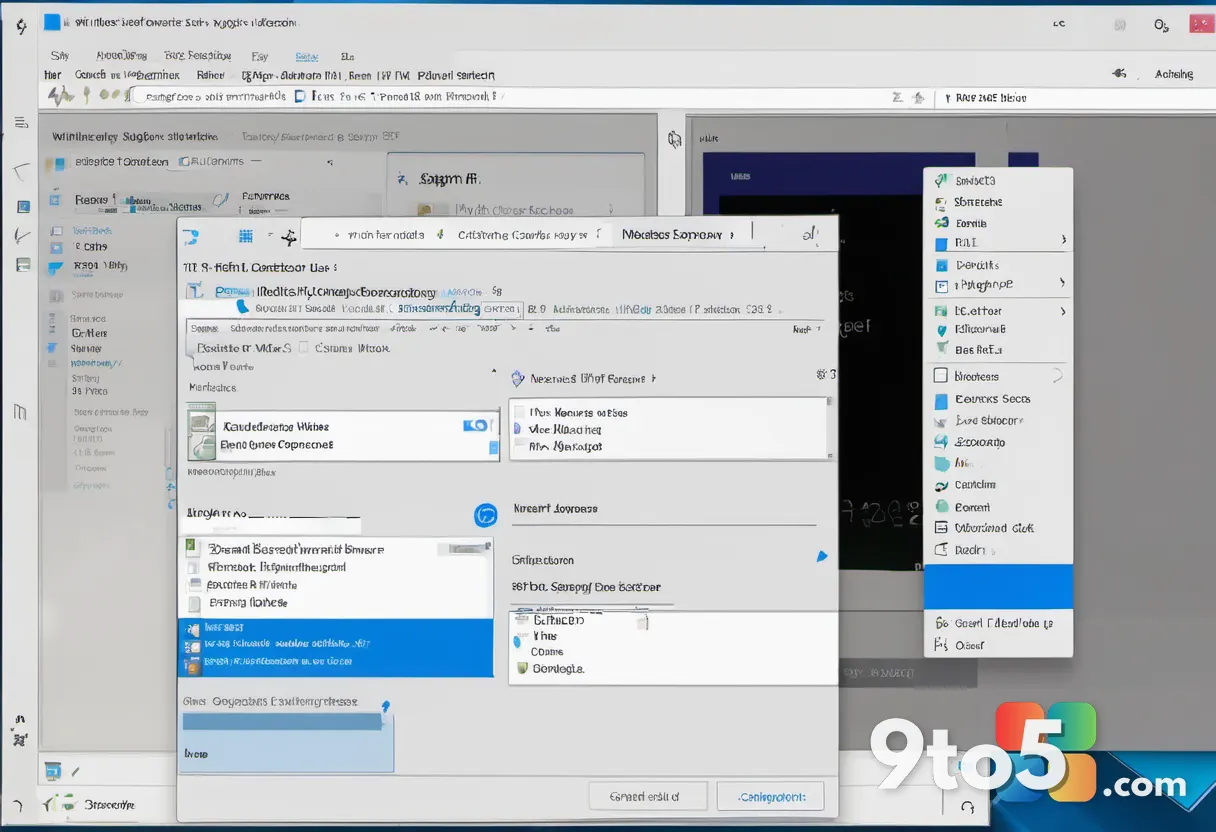
The result is exactly the kind of sync failure that makes cloud storage feel unreliable: your files sit in the cloud, your computer can see them listed, but the actual download or upload stalls with an error. This tends to hit power users most — anyone who organizes documents into many levels of folders, or who works with files that already carry lengthy names.
Why the delay matters
Microsoft has acknowledged the issue and has been working on a fix, but the company has now moved the target date back by about a month. That is a meaningful slip for users who were counting on the update to clear up their sync problems.
While Microsoft has not spelled out every detail of what is causing the holdup, delays like this typically point to the usual pressures behind Windows and OneDrive releases: additional testing to avoid introducing new bugs, coordination across teams, and the need to roll out changes gradually so they do not destabilize large numbers of users at once.
It is worth noting that this is not the first time OneDrive path-related fixes have shifted. Microsoft has periodically adjusted timelines for OneDrive improvements as it balances user feedback against stability concerns, so a one-month delay, while disappointing, fits a pattern users of the service have seen before.
What this means for you
If you have never hit this error, you may not notice anything — OneDrive will keep syncing normally for the vast majority of files. But if you regularly work with deeply nested folders or long file names, a stalled sync can waste a lot of time and leave important files out of date across your devices.
Until the fix arrives, the practical workaround is to keep your file paths short. That means trimming long file names where you can and avoiding excessive nesting of subfolders. It is not the most convenient solution, but it is the most reliable way to keep OneDrive syncing while you wait.
For most casual users who store photos and documents in a handful of folders, this is unlikely to affect you at all. The delay mainly matters to the segment of users who push OneDrive hard with complex folder structures.
How to get the fix
Once Microsoft ships the updated fix, it should roll out through your normal OneDrive update channel, meaning you will typically receive it automatically without having to do anything. Keep your OneDrive app up to date and make sure Windows updates are enabled so you do not miss the rollout.
In the meantime, there is no known manual workaround that forces the fix early, so the best move is to shorten file paths as a temporary measure and check for OneDrive updates regularly. If your sync errors persist or worsen, reaching out to Microsoft support with the exact error message can help document the impact.
As with any delayed software fix, the expectation is that Microsoft will announce the release when it is ready, and affected users should watch for that update to land. Until then, keeping paths short remains the safest way to avoid the max file path error altogether.
Source: Neowin
Over to you: Are you one of the users who hits OneDrive’s max file path error with deeply nested folders, or has your syncing stayed smooth?
You may also like
 Microsoft Adds Windows 11 26H2 Support to Configuration Manager for Enterprise Admins
 Microsoft Authenticator Backups Move to Google One in 2027 — With a Catch
 Microsoft Working on Fix for New Classic Outlook Bug Throwing Error Messages
 Florida Woman Arrested After Claude AI Safety System Flagged Sheriff’s Office Threat