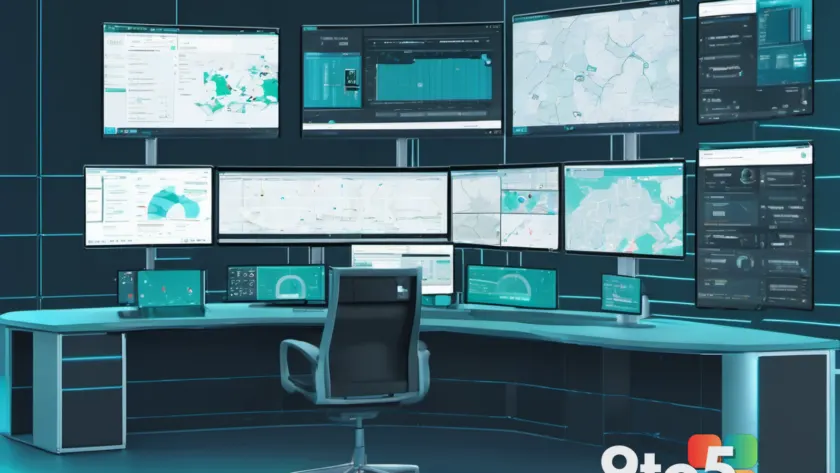
Microsoft has announced Windows 11 26H2 support on Configuration Manager, the endpoint management platform that enterprise IT teams use to deploy, inventory, and control Windows machines across the organization.
The move gives admins a smoother path to manage the newest Windows release, according to Neowin’s report on the announcement. In practice, that means IT departments should be able to plan their Windows 11 26H2 rollout with far less guesswork about whether their existing management infrastructure can actually handle it.
What Configuration Manager support actually means
Configuration Manager (long known as SCCM, and now officially Microsoft Endpoint Configuration Manager, or MECM) is Microsoft’s on-premises and hybrid endpoint management tool. Enterprises use it to push software updates, inventory hardware and software, enforce security policies, and manage Windows deployments across thousands of machines without ever touching each one individually.
Here’s the catch: whenever Microsoft ships a new major Windows release, Configuration Manager needs its own support layer before admins can fully manage it. That support usually arrives as a Configuration Manager update that adds compatibility for the new OS build, refreshes task-sequence templates, and updates the inventory and compliance data the tool depends on.
Windows 11 26H2 is the next major Windows 11 release on Microsoft’s annual release cadence, targeting the second half of 2026. Announcing its support on Configuration Manager signals that Microsoft is lining up the management tooling ahead of or alongside the OS rollout, so IT departments aren’t left managing a brand-new OS with a management tool that hasn’t caught up.

Why this matters for Windows 11 26H2 deployments
For enterprise IT, the gap between a new Windows release and the tooling needed to manage it has historically been a source of friction. Without Configuration Manager support, admins can still deploy machines, but they lose the finer-grained controls – things like automated compliance checks, targeted software distribution, and accurate software-and-hardware inventory reporting.
By confirming 26H2 support, Microsoft is essentially telling admins that they can plan their rollout with confidence that their existing management infrastructure will handle it. That reduces the risk of a botched deployment where machines go online but become invisible or unmanaged to the IT team.
This also fits into Microsoft’s broader push toward unified endpoint management, where Configuration Manager works alongside Microsoft Intune in a hybrid “co-management” model. Supporting 26H2 on Configuration Manager keeps that hybrid path smooth for organizations that haven’t fully migrated to the cloud.
What This Means for You
If you’re an individual Windows user, this announcement changes nothing about your personal PC. Configuration Manager is an enterprise-only tool used by IT departments, not something that lands on home machines.
But if you work in IT or manage a fleet of business computers, this is worth noting as you plan your upgrade timeline. The main practical takeaways are:
- Your Configuration Manager environment will need to be at a version that supports Windows 11 26H2 before you can fully manage those machines.
- Plan your 26H2 pilot and rollout around the Configuration Manager support release, not just the OS release date.
- Test deployment task sequences and compliance policies against 26H2 before rolling it out company-wide.

How to Get It and What to Do
The way to obtain Configuration Manager support for a new Windows release is through your normal Configuration Manager update channel – Microsoft ships these as part of its regular servicing cadence for the product. Keep your Configuration Manager environment updated, and watch the official Microsoft documentation and release notes for the specific update that adds 26H2 compatibility.
For most IT teams, the steps are straightforward:
- Ensure your Configuration Manager version is current and receiving updates.
- Check the release notes for the 26H2 compatibility update when it publishes.
- Update your deployment templates, task sequences, and compliance baselines to reflect the new OS.
- Run a controlled pilot before a broad 26H2 deployment.
If you’re not sure which Configuration Manager version you’re running or whether it already supports 26H2, your Configuration Manager admin console will show your current version, and Microsoft’s official release documentation will confirm compatibility.
Source: Neowin
Over to you: Has your IT team already started planning a Windows 11 26H2 rollout, or are you waiting to see the Configuration Manager support release first?
You may also like
 Microsoft Authenticator Backups Move to Google One in 2027 — With a Catch
 Microsoft Working on Fix for New Classic Outlook Bug Throwing Error Messages
 Florida Woman Arrested After Claude AI Safety System Flagged Sheriff’s Office Threat
 Who Gets What with Copilot? A Breakdown of Benefits by Account Type