Microsoft has rolled out its next batch of Excel updates for August 2026, and once again the spotlight is on Copilot. According to the company’s changelog, the update brings a fresh set of new Excel Copilot features aimed at making change tracking, data visualization, chat history, and Python analysis smoother for everyday users and power users alike.
This isn’t Microsoft’s first pass at weaving an AI assistant into its spreadsheet app. Copilot has been gradually gaining capabilities in Excel since its broader rollout, and each monthly update tends to layer on more specialized workflows. Here’s what’s new this time around.
The new Excel Copilot features
#1 Copilot change tracking
One of the most-requested areas for improvement in collaborative spreadsheets is keeping track of who changed what and when. The August update expands Copilot’s role in change tracking, giving you a more guided way to review edits across a shared workbook.
In practice, this means you can lean on the assistant to summarize modifications rather than hunting through revision history cell by cell. For teams working on budgets, project trackers, or any living document, that can save a considerable amount of time when it comes time to reconcile differences.
Change tracking has long been a staple of Excel’s collaboration features, but pairing it with Copilot is meant to turn a tedious audit into a quick review. The exact controls available depend on your plan and whether you’re working in the desktop app or the browser version.
#2 Copilot data visualization
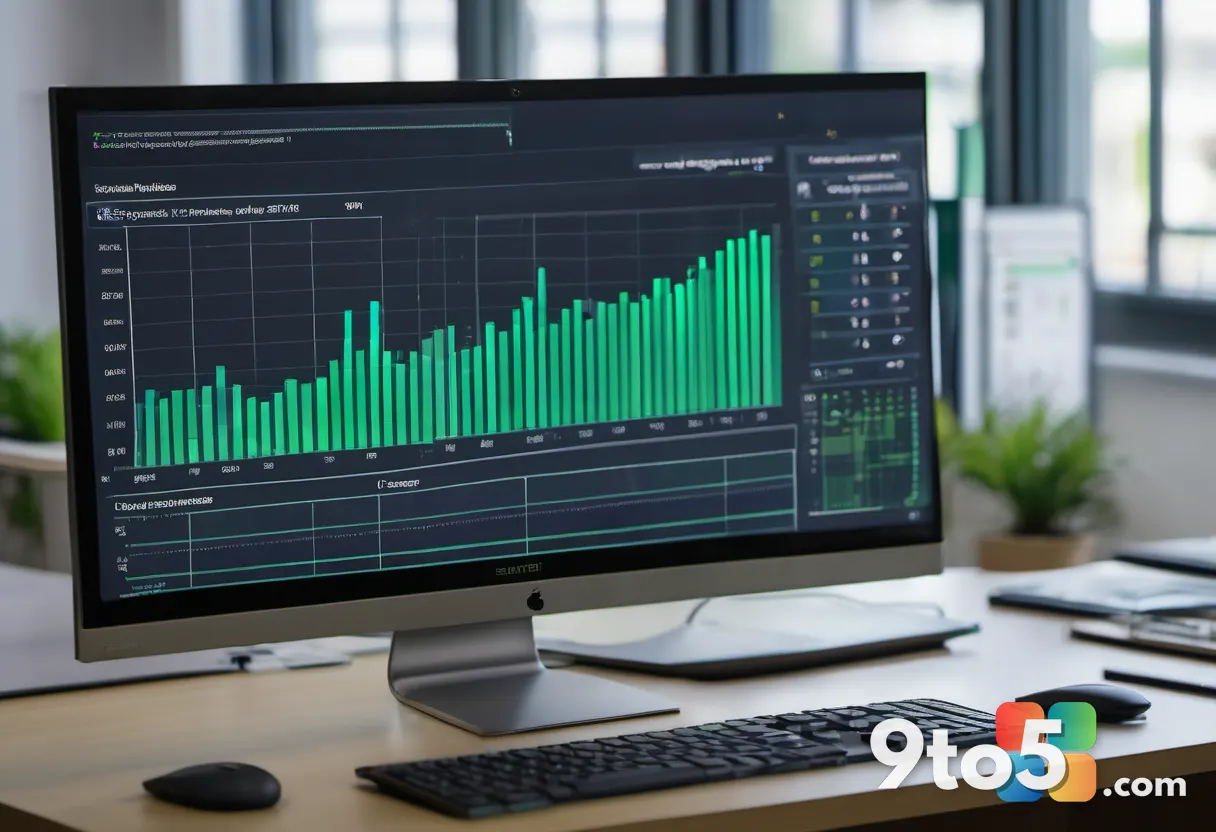
Data visualization is another area getting a Copilot boost. The update adds tools to help you turn raw numbers into charts and visual summaries with less manual effort.
Rather than manually selecting ranges and cycling through chart types, you can ask the assistant to suggest or build a visualization based on your data. This is especially handy for reports where you need to communicate trends quickly to colleagues who may not want to dig through the underlying figures.
Excel has offered charting for years, and Copilot is layered on top to speed up the “what should this look like” decision. As with other Copilot features, availability will vary by edition and channel, so some users may see the option before others.
#3 Copilot chat history
As Copilot becomes more central to how people work in Excel, being able to revisit past conversations matters. The August update introduces a chat history feature so you can look back on earlier prompts and responses.
This addresses a common complaint: once you close a Copilot session, the trail of what you asked and what it returned can disappear. With history in place, you can pick up where you left off, reuse a formula or analysis you built earlier, or share a previous exchange with a teammate.
It’s a smaller feature on the surface, but for anyone who relies on Copilot for recurring tasks, having that continuity is genuinely useful. It also makes it easier to audit how a particular result was reached.
#4 Python analysis
Python in Excel has been one of the more exciting developments for data-focused users, and the August update extends Copilot’s involvement in that workflow.
For those unfamiliar, Python in Excel lets you run Python code directly inside a worksheet, opening the door to more advanced analysis than Excel formulas alone can handle. Copilot’s role here is to help write, explain, and refine that code, lowering the barrier for users who aren’t Python developers.
This is a meaningful step for analysts who want the power of Python without leaving the spreadsheet environment. It also reinforces Microsoft’s broader strategy of making Excel a place where both formula users and coders can work side by side.
What this means for you
The through-line across all four updates is the same: Microsoft keeps pushing Copilot deeper into routine Excel tasks. If you spend a lot of time in spreadsheets, these changes could meaningfully cut down on the manual grunt work of tracking edits, building charts, revisiting past work, and writing code.
That said, it’s worth keeping expectations grounded. Copilot features in Excel are typically gated behind specific plans and channels, and not every capability ships to every user at once. If you don’t see a feature yet, it doesn’t necessarily mean it’s broken — it may just be rolling out in stages.
How to get it
To try the new Excel features, make sure your app is up to date. In the desktop app, go to File > Account (or Account Options) and check for updates. If you’re using the web or mobile versions, you’ll generally get the latest changes automatically.
Copilot-specific capabilities may require a compatible subscription or license, so if an option doesn’t appear, checking your plan’s Copilot access is the logical next step. Microsoft typically announces these features on its official channels as they reach broader audiences.
What’s next
Microsoft tends to ship Excel updates on a regular cadence, so expect more Copilot enhancements in the months ahead. The August batch reinforces a clear direction: the goal is to make Excel feel less like a tool you operate manually and more like a collaborator that helps you get analysis done faster.
Source: Neowin
Over to you: Which of these new Copilot features — change tracking, data visualization, chat history, or Python analysis — are you most eager to try in Excel?