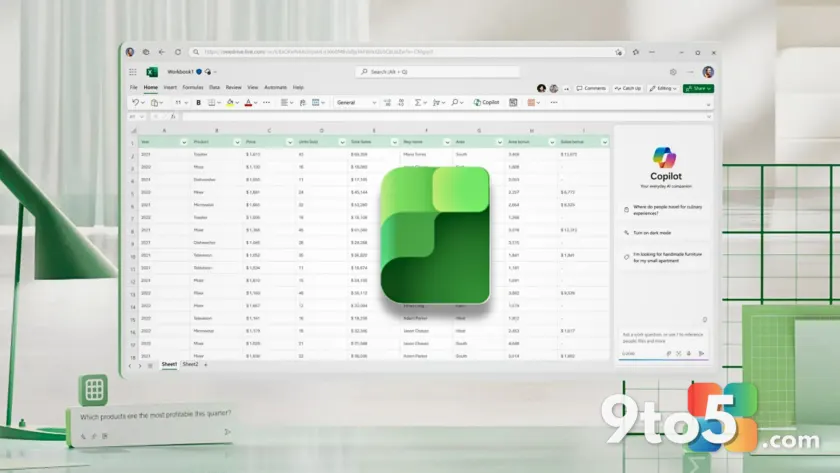
Microsoft has revealed that usage of Excel for the Web has grown tenfold over the last six years. Brian Jones, who leads the Excel Product Group at Microsoft, shared this data point on X (formerly Twitter), attributing the surge to a major strategic shift made eight years ago.
This growth comes despite the long-held assumption that Google Sheets had quietly become the default choice for casual spreadsheet users due to its speed and free nature. While Google Workspace still holds a larger share of the productivity market by domain count, Excel’s browser-based version is proving to be a significant player in its own right.
The 2018 cloud-first pivot
The “significant funding shift” Jones refers to dates back to March 2018. At that time, CEO Satya Nadella reorganized Microsoft’s internal structure, dissolving the Windows and Devices Group led by Terry Myerson. Most of the Windows software engineering efforts were folded into Scott Guthrie’s cloud and enterprise team.
This move signaled a clear deprioritization of the Windows operating system in favor of cloud services. In the quarter immediately preceding the reorganization, Azure revenue had jumped 98% year-over-year, while Office 365 was up 41%. Conversely, commercial Windows revenue had dropped 4%. By redirecting resources toward growing sectors, Microsoft laid the groundwork for Excel for the Web to evolve from a limited fallback option into a robust tool that users actively choose for their work.

Free access vs. Google’s speed
Jones emphasized that Excel for the Web is free with a Microsoft account, a fact many users overlook. You can start a blank workbook by typing excel.new into your address bar, with no purchase required. However, perception often lags behind reality; Google built its brand around free browser tools long before Microsoft embraced the model.
In practical testing, there is still a noticeable difference in performance. While excel.new works as advertised, it can take several seconds to load the worksheet interface. In contrast, typing sheets.new typically opens a blank Google Sheet almost instantly. This speed advantage continues to give Google Sheets an edge for quick, lightweight tasks, even as Excel catches up on feature parity.
Copilot integration and mixed reception
Microsoft’s future roadmap for Excel is heavily centered on AI. Jones has described Excel as a “literate computation surface for AI,” highlighting new Copilot features designed specifically for finance teams. These include custom “skills” for repeatable workflows like building discounted cash flow (DCF) models, new data connectors from providers such as FactSet and Morningstar, and a “Plan with Copilot” mode that previews changes before applying them.
However, the rollout of AI features for everyday users has faced criticism. Just weeks before announcing these advanced finance tools, Microsoft admitted that the floating Copilot button introduced in Word, Excel, and PowerPoint was a mistake. The button, which appeared in the bottom-right corner by default, often covered live cells and data in Excel. Despite internal metrics showing higher engagement, user backlash forced Microsoft to move the button to the ribbon and allow users to hide it.

What this means for you
The 10x growth in Excel web sessions demonstrates that patient investment in cloud infrastructure can yield long-term results. For everyday Windows users, this means the browser version of Excel is becoming increasingly capable, potentially reducing the need to install the desktop app for complex tasks.
However, the broader question remains whether Microsoft’s heavy spending on AI will translate into widespread adoption. With Copilot+ PC branding being quietly dropped for new hardware like the Surface Laptop Ultra, and local AI features extending to older RTX 30-series GPUs, the company is pivoting its strategy again. Whether Copilot becomes a standard utility or remains a niche feature depends on how well these tools solve real problems without getting in the way.
Source: Windows Latest
Over to you: Do you prefer using Excel for the Web or stick to the desktop app for your daily tasks?