- Status: Resolved via Hotfix
- Affected Systems: Windows 10 PCs with AMD Radeon GPUs
- Issue: Latest driver installation fails or hangs
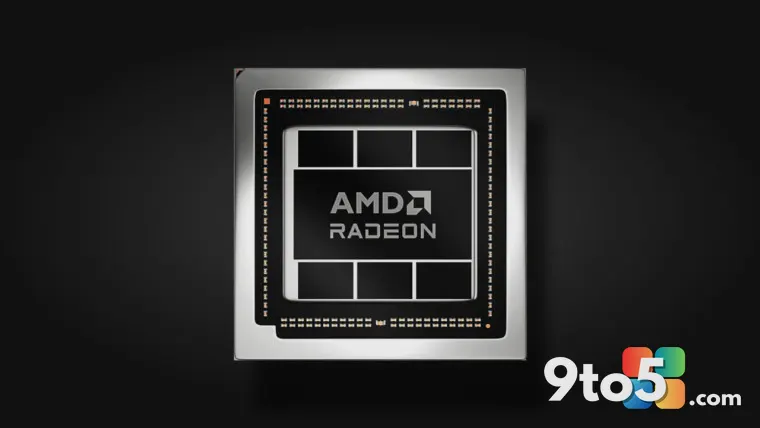
If you have been trying to update your graphics drivers on a Windows 10 machine and the installer keeps failing, AMD has addressed the problem. The company released a targeted hotfix specifically designed to resolve installation issues that were preventing users from applying the latest Radeon software updates.
What went wrong
Some Windows 10 users reported that the standard driver installation process would stop working correctly. This prevented the system from receiving critical performance improvements and bug fixes included in recent driver releases. The issue was not related to hardware failure but rather a software conflict during the installation phase.
The fix is available now
AMD has distributed a hotfix that resolves these installation errors. Applying this update should allow the driver installer to complete successfully without interruption. Users who previously encountered errors when launching the Radeon Software installer should download and apply this patch first before attempting another driver update.
What this means for you
If your system is running smoothly, you may not need to take immediate action unless you are planning to update your drivers. However, if you have been stuck on an older driver version due to installation errors, this hotfix clears the path for you to get back up to date. Keeping your drivers current ensures better compatibility with new games and applications.
Source: Neowin
Over to you: Have you experienced any issues installing recent AMD drivers on your Windows 10 PC?
You may also like
 Windows 11 Canary builds bring targeted audio driver and settings improvements
 Microsoft drops new Windows 11 builds for June 19, including version 26H2 for Experimental
 Windows Insider builds for June 12: New unified update experience, typo-tolerant search, and 26H1 updates
 Windows 11 Insider builds for June 12: Unified updates, smarter search, and new inbox app notes