Microsoft is quietly making Outlook Classic’s search better, and it is giving users yet another reason to hold off on switching to New Outlook. The update brings faster searches, more relevance-ranked results, and a new ability to fall back to your PC when the cloud drags.
According to reporting from Windows Latest, the changes are now rolling out to Outlook Classic, while a broader search overhaul continues in development across all versions of the app.
#1 More relevant results at the top
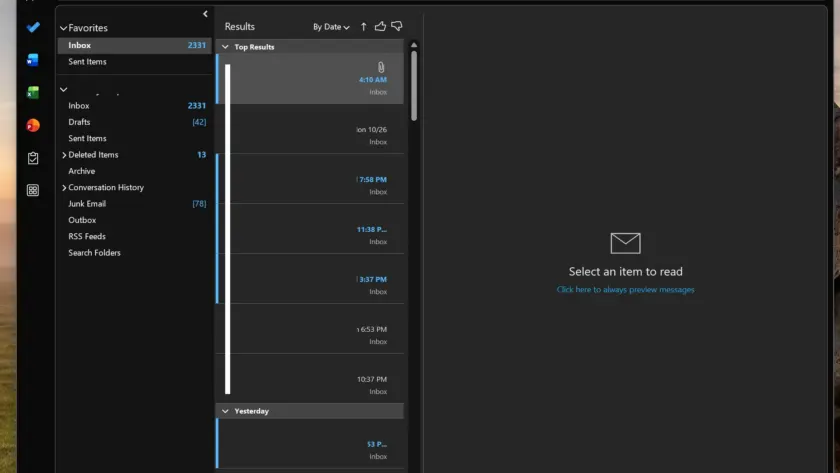
When you search for an email or attachment in Outlook, you have likely noticed a small “Top results” section sitting above your regular chronological list. Previously, that section was capped at just three items.
Now, the latest update expands it to show up to seven relevance-ranked results before your normal results appear. Microsoft calls this the “relevance-ranked set.”
The ranking is not random. Outlook picks a “top result” — also known as a “relevant result” — based on your previous interactions, how recent the message is, and who sent it. If you email a particular contact often and their message matches your keyword, that email is more likely to surface at the top.
For most searches, the top results are enough to find what you need. But when a query returns a wider net, having seven instead of three saves you from scrolling through the full chronological list.
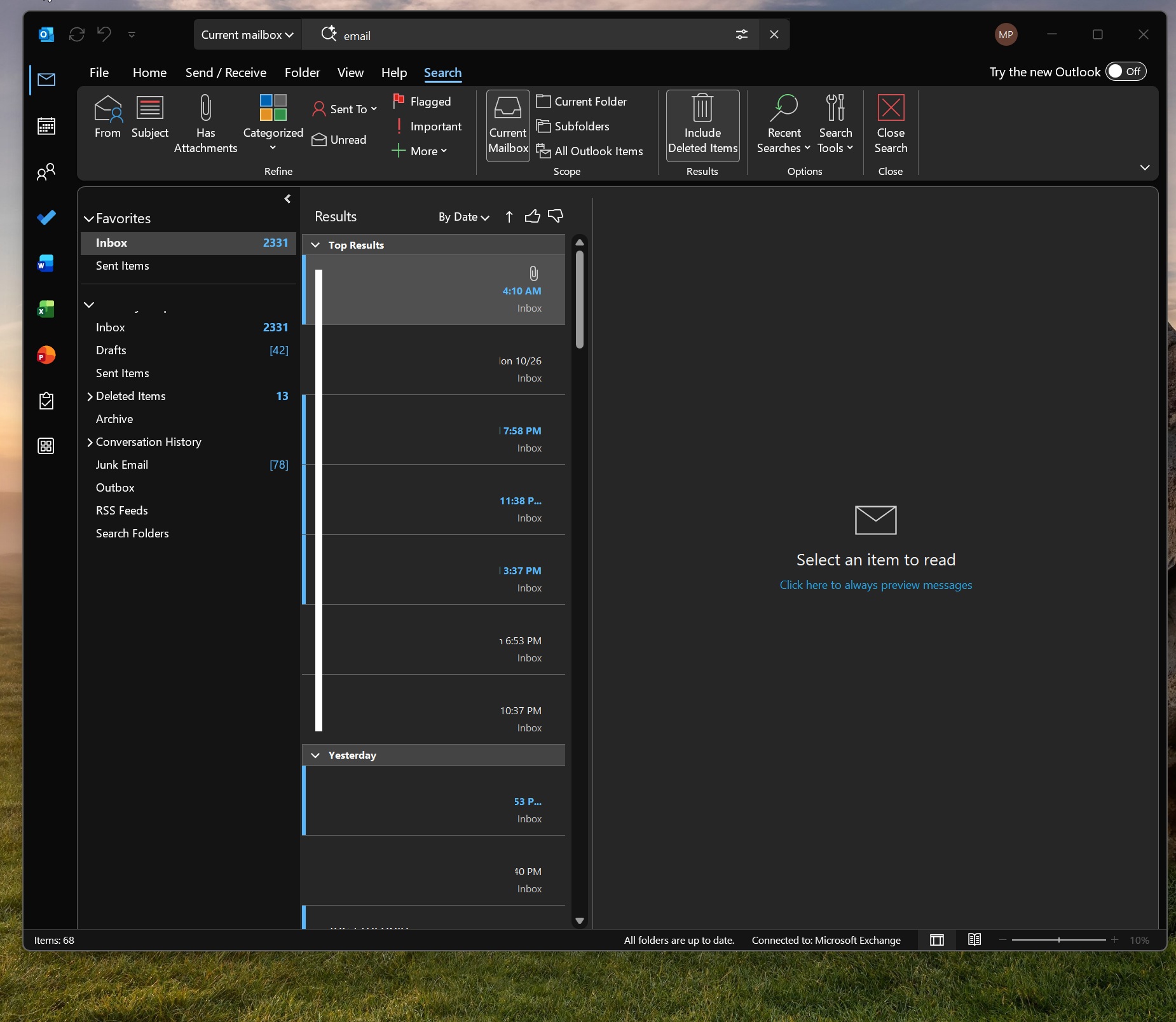
For those unaware, Outlook selects an email as a “top result,” also known as a “relevant result,” based on your previous interactions, recency, and sender.
#2 Outlook Classic search falls back to your PC
The more substantive change is how Classic Outlook handles search when the cloud is slow or unreachable.
When Microsoft’s cloud search does not respond in time, Outlook Classic now automatically falls back to the local index powered by Windows Search. This means you can still find emails and saved attachments even when connectivity is poor.
There is a catch, though. Local search can only find content stored on your PC. If a message was never synced or opened — say, a years-old email — it will not appear.
Microsoft explained the reasoning in a support document, noting that “local search remains necessary for offline scenarios and for content that is not stored in the cloud, including PST files and POP or IMAP accounts.”
The company added that “Classic Outlook search now automatically falls back to the local index when connectivity or service latency prevents a timely response from the cloud service.”
This capability is exclusive to Outlook Classic. New Outlook is a web wrapper, and its offline features are still under development. While you can attach files and view your calendar offline in New Outlook, offline search via Windows Search is not available yet.
For now, other versions of Outlook — including those on Android and macOS — support local or offline search, but support for New Outlook is still in development.
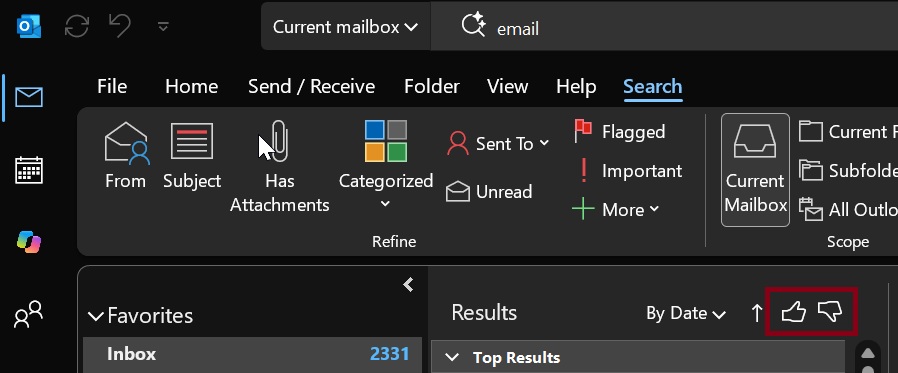
#3 Feedback thumbs to refine results
Microsoft is also adding a way for you to shape how search ranks results.
On the search results page, you will now find a thumbs-up and thumbs-down prompt. If a suggestion is not useful, a thumbs-down helps Outlook learn to improve its relevance over time.
It is a small touch, but it closes the loop between what you search for and how the system adapts to your habits.
#4 Faster searches overall
Beyond relevance and resilience, Microsoft says it has made Outlook searches faster.
The company reports a 5% speed improvement and says larger changes are coming down the line. This is part of a wider push to get search right across Microsoft’s products.
You can see the same strategy playing out on Windows 11, where Microsoft recently released faster, Bing-free search. The Outlook team appears to be catching up to that effort. But there is still no word on whether a native Windows 11 app will ever ship for New Outlook.
What This Means for You
For everyday users, the immediate takeaway is that Outlook Classic search is more forgiving when your connection is iffy, and it surfaces more relevant hits before the chronological dump.
If you are still on Classic and have not been convinced to switch to New Outlook, this is another reason to stay. The local fallback is something New Outlook simply cannot match today.
That said, Microsoft insists every version of Outlook will eventually get better search. New Outlook users just have to wait for the remaining work to land.
How to Get It
The improvements are rolling out to Outlook Classic now, so they should appear on your PC soon without any action on your part. There is no setting to toggle — the changes ship as part of the update.
New Outlook users will see the broader search enhancements later, as they are still in development.
Source: Windows Latest
Over to you: Are these search upgrades enough to keep you on Outlook Classic, or are you still planning to switch to New Outlook?