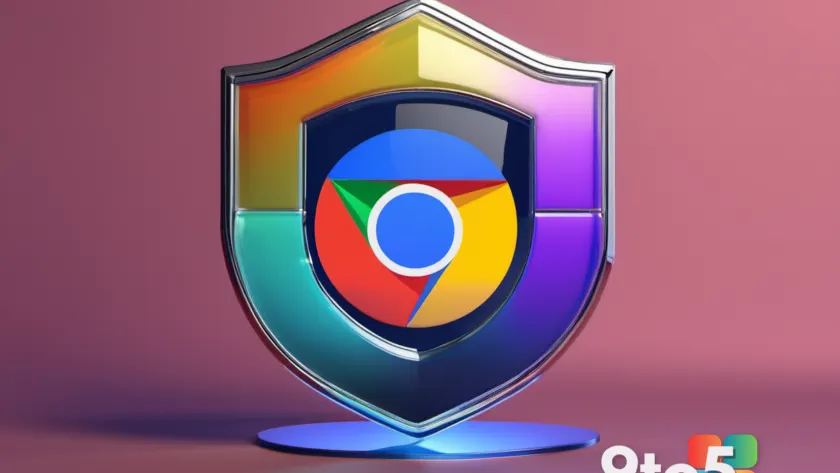
Google Chrome 154 is rolling out to the stable channel with one of the most substantial security patches the browser has shipped in recent memory. According to Neowin, version 154.0.8037.57 closes 108 security vulnerabilities across Windows, macOS, and Linux — a figure that towers over the typical per-release count, which usually lands in the single or low double digits.
The most notable part of the patch is a batch of memory safety fixes. These are the class of bugs that, when exploited, let an attacker read or tamper with memory the browser wasn’t supposed to expose, which can escalate into running arbitrary code on your machine. That makes this update worth installing promptly rather than waiting for the next automatic background refresh.
What changed in Google Chrome 154
The update ships as build 154.0.8037.57 and covers all three major desktop operating systems. Chrome’s development team tracks security issues with internal severity ratings, and memory safety flaws consistently rank among the most serious because they can often be triggered just by loading a maliciously crafted page or media file.
When Chrome releases a large batch of fixes like this, it usually means the team caught several issues at once — some patched internally before anyone reported them, others addressed after external researchers flagged them. The exact breakdown of which issues were fixed internally versus externally isn’t detailed in the report, so treat the 108 figure as the total number of issues addressed rather than 108 independently discovered exploits.
Why memory safety matters
Memory safety bugs are what browser makers worry about most, and here’s why. When a program manages memory incorrectly, it can leave gaps that let data spill into areas it shouldn’t. Common examples include use-after-free errors, where code still references memory that has been freed, and buffer overflows, where more data is written than a region can hold.
In a browser, these flaws are especially dangerous because you visit countless pages daily, many of which you don’t control. A single crafted advertisement or compromised site could theoretically turn one of these bugs into remote code execution — meaning an attacker could run programs, steal data, or install malware without your permission.
Google has spent years hardening Chrome against exactly these problems, and memory safety patches are a regular part of that effort. Each release tends to include at least a few, and this one apparently included a larger-than-average share.
What this means for you
If you use Chrome on a desktop or laptop, this update affects you directly. The practical takeaway is simple: make sure you’re running 154.0.8037.57 or newer, because staying on an older build leaves you exposed to the flaws this patch closes.
Most users won’t even notice the change, because Chrome normally updates itself in the background and then asks you to relaunch. But if automatic updates are disabled, if you’re on a managed device, or if the background update simply hasn’t fired yet, you may still be on an older version.
There’s no need to panic about having missed this — the vulnerabilities require you to interact with a malicious page to be exploited, so simply updating as soon as convenient removes the risk. Still, it’s worth doing today rather than next week.
How to get the update
The easiest path is to let Chrome update itself. Open the browser and check for the update, or simply relaunch — Chrome will usually install pending updates automatically on launch and prompt you to restart.
If it hasn’t updated on its own, you can force the install through the about menu. Open Chrome’s about page and look for the update option, which triggers the download manually and forces the browser to grab the latest build regardless of what the background process may have skipped.
Once the update completes, relaunch Chrome to finish applying the patch. You can confirm you’re on the new version by checking the same about screen, where the current build number should read 154.0.8037.57.

Source: Neowin
Over to you: Do you let Chrome update itself automatically, or do you check for updates manually like this one?