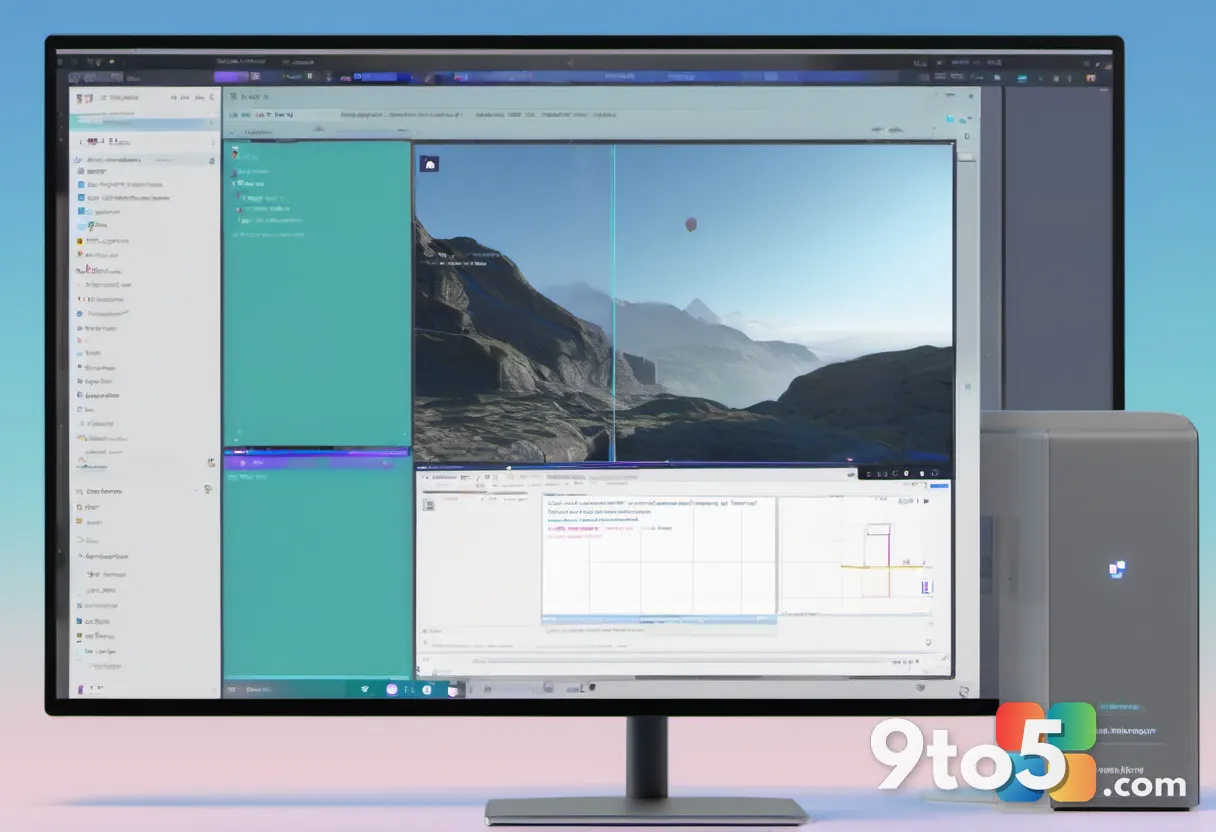
Microsoft is adding a new AI-powered video feature to Clipchamp on Windows 11, letting you upscale low-resolution footage straight to 4K without leaving your PC. The capability, known as Video Super Resolution, is designed to take clips recorded or captured at lower resolutions and enhance them into sharper, higher-resolution exports — a move that puts Clipchamp’s AI video upscaling directly on your desktop.
How Clipchamp’s AI video upscaling works
The feature uses artificial intelligence to fill in detail that’s missing from lower-quality footage, boosting the final output to up to 4K resolution. Rather than pushing the heavy lifting to Microsoft’s servers, the processing runs locally on your Windows 11 machine. That on-device approach means your clips don’t necessarily have to be uploaded to the cloud to be enhanced, which can speed things up and keep your footage more private.
In practice, this is handy for anyone who has older or lower-resolution video lying around — clips recorded on an older phone, screen recordings, or footage shot in modest resolutions — and wants to deliver something that looks crisp at 4K. You’d apply the tool within the Clipchamp editor and export the enhanced clip at the higher resolution.
Technically, upscaling means generating new pixels to enlarge an image or clip beyond its native resolution, and AI tools do this by predicting and reconstructing detail rather than simply stretching the original frames. Because the enhancement happens on your hardware, the quality of your results will partly depend on how capable your PC is. Machines with stronger GPUs and more RAM should handle 4K upscaling more smoothly than lower-end laptops, though Microsoft hasn’t published formal system requirements for the feature yet.
Clipchamp’s road to the desktop
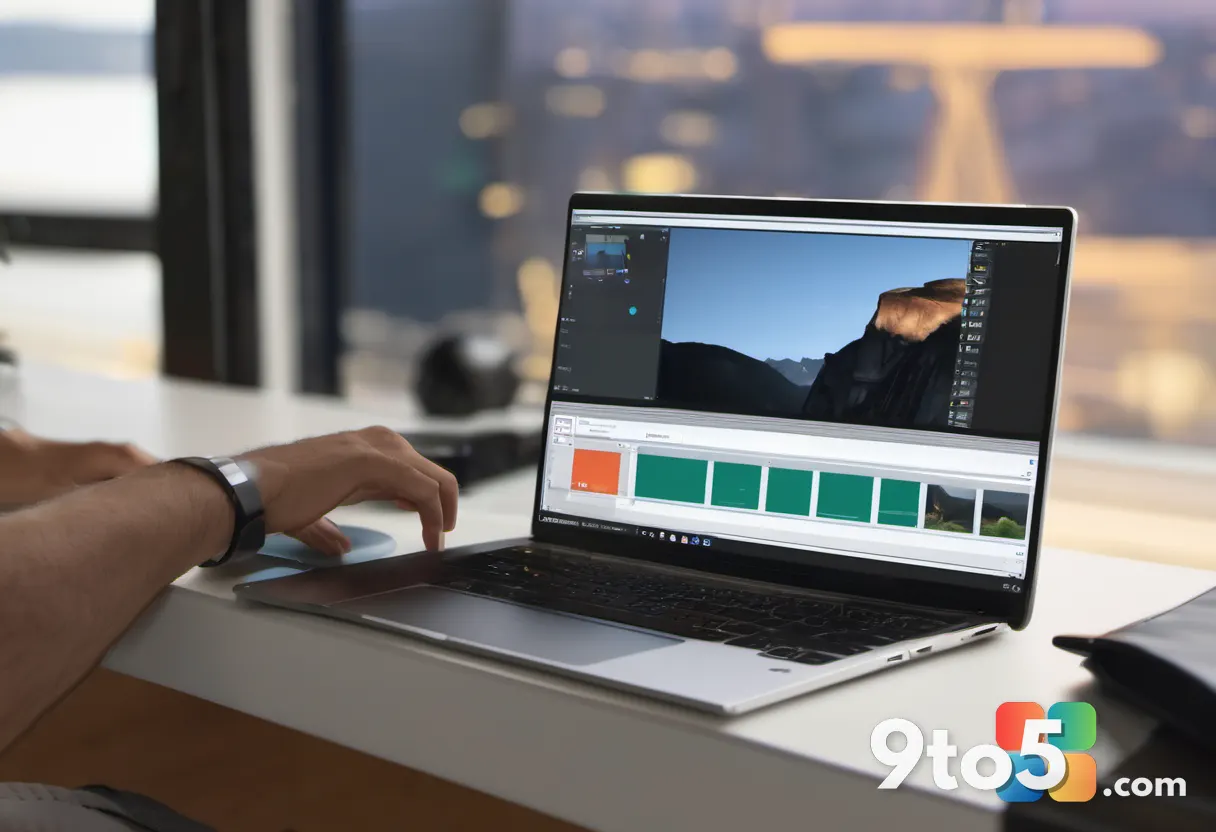
Clipchamp has been Microsoft’s video editor for a while now, but its path to becoming a staple on Windows 11 has been eventful. Microsoft announced the acquisition of Clipchamp in early 2024 and completed the deal later that year, then rolled the app out as the default video editor in Windows 11. It’s available both as a web app and as a downloadable desktop app, and it’s been steadily adding AI tools to compete with other online editors.
This Video Super Resolution update fits into that broader strategy of packing Clipchamp with AI features — the same kind of smart-assistant and enhancement tools that Microsoft has been weaving into Office, Photos, and other first-party apps. The move also reinforces Clipchamp’s role as Microsoft’s in-house video editing solution, positioned against third-party tools like CapCut and Canva’s own editor.
Notably, Clipchamp has historically offered 4K exports behind its paid Pro tier, so this new AI upscaling capability is another step toward making higher-resolution output more accessible within Microsoft’s own editor. Whether the feature remains free or stays gated behind a subscription is something to watch as the rollout continues.
What this means for you
For everyday Windows 11 users, the practical payoff is straightforward: you can turn lackluster clips into 4K-ready exports without a powerful GPU or a subscription to a heavy third-party editor. Because the processing runs locally, you don’t have to worry about a slow internet connection grinding your exports to a halt, and your footage stays on your machine rather than being pushed to the cloud.
The one caveat is availability. Microsoft tends to ship new features gradually across builds, so the option may not appear immediately for everyone. If you don’t see Video Super Resolution in your editor yet, you’re likely just on an earlier build or app version — not missing out permanently. It’s also worth remembering that this is a Windows 11 desktop feature, so web-only editors may not get the tool right away.
How to get it
To try the feature, open Clipchamp on your Windows 11 PC — either the preinstalled app or the web version at clipchamp.com — and apply Video Super Resolution to a clip in your project. Since it’s a rolling rollout, the option may not appear immediately for everyone; Microsoft tends to ship new features gradually across builds.
If you don’t see it yet, simply make sure you’re running the latest version of the Clipchamp desktop app, and check the web editor as well. The same AI toolkit may also roll out to the web version over time, so keep the app updated as Microsoft continues to ship new capabilities.
Source: Neowin
Over to you: Will you use Clipchamp’s new AI upscaling to rescue old clips, or stick with a third-party editor like CapCut?