Microsoft 365 has been the default way to buy Office for years, but a perpetual-license alternative is still available—and it’s on sale. A deal currently running lets you pick up a Classic Office 2021 digital license for a one-time cost at 81% off, covering the apps most people reach for daily without committing to a recurring subscription.
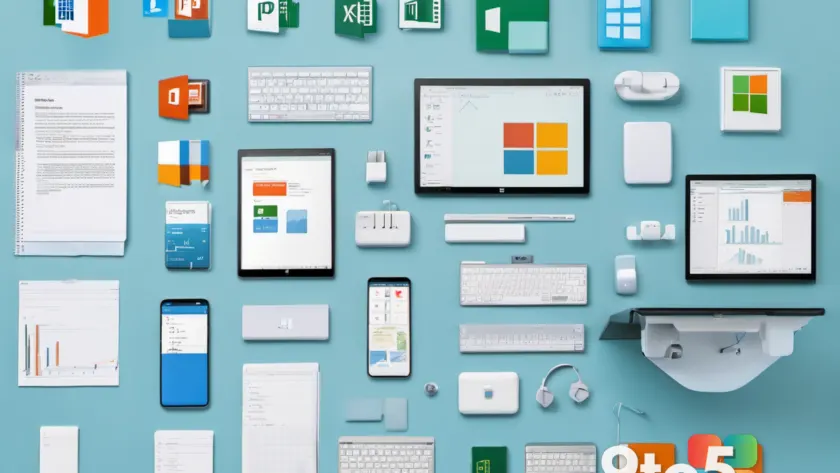
That single purchase brings Word, Excel, PowerPoint, Outlook (classic), Teams, and OneNote onto your Windows PC. No monthly or annual fees, no account required to keep using software you’ve already paid for. Here’s what the deal covers and whether a perpetual license still makes sense in a subscription world.
#1 What’s included in the Office 2021 bundle
The license bundles the core productivity apps rather than selling them individually. You get Word for document creation, Excel for spreadsheets and calculations, and PowerPoint for presentations—the classic Office trio that has shipped in some form for decades.
It also adds Outlook (classic), Microsoft’s long-standing email and calendar client, which is distinct from the newer Outlook on the Web and the redesigned Outlook that Microsoft rolled out as a free download. The classic designation matters here, since the new Outlook has a different feature set and interface.
Two more apps round out the package: Teams for messaging and video meetings, and OneNote, Microsoft’s digital notebook for notes, clipping, and organization. Together these cover most home and light-office workflows without needing anything beyond the base suite.

#2 Office 2021 versus Microsoft 365
The key difference between these products is the licensing model. Microsoft 365 is a subscription: you pay monthly or yearly and keep updating as long as the subscription is active. Office 2021 is a perpetual license—you pay once and own that version indefinitely.
There are tradeoffs. A perpetual Office 2021 license doesn’t receive the ongoing feature updates that Microsoft 365 subscribers get. Instead, it gets security updates for a defined support window, after which Microsoft moves it to end-of-support. In other words, you get a stable, finished product rather than a continuously evolving one.
For people who want predictable costs and don’t mind a fixed feature set, that’s often the appeal. You avoid the slow creep of subscription fees adding up over years, and you keep full access to the apps even if you later cancel or stop paying.
#3 What this means for you
If you’ve been put off by Microsoft 365’s recurring charges, this deal targets exactly that frustration. Paying a single fee up front—even at full price—can come out cheaper than years of subscriptions, and an 81% discount sharpens that advantage considerably.
This is also a reasonable path for anyone who needs solid office apps on a Windows PC but doesn’t want to tie themselves to a cloud account or monthly billing. The digital license means no physical disc to track down; the product key is delivered electronically and activated against your Microsoft account.
Keep in mind that a perpetual license suits light-to-moderate use well. If you rely heavily on cloud collaboration, real-time co-authoring, or the latest AI features like Copilot, Microsoft 365 remains the more capable route. Office 2021 is a capable, self-contained suite—just not a live, evergreen one.
#4 How to get the deal
The offer is available through Neowin’s deal page, which links to the retailer carrying the Office 2021 digital license at the discounted price. Because these deals are time-limited and often tied to stock, the best move is to check the listing directly to confirm the current price and the exact redemption steps before committing.
Before buying, verify that the listing is for the classic perpetual Office 2021 license and not a Microsoft 365 trial or subscription. A genuine Office 2021 digital license should activate as a one-time purchase with no automatic renewal attached.
Once redeemed, install the apps on your Windows PC and sign in with the Microsoft account tied to your license. That account becomes your proof of ownership, so keep its details handy if you ever need to reinstall or transfer the software.
Is a one-time Office license still worth it?
For users who value simplicity and predictable spending, yes. The 81% discount on a bundle that includes Word, Excel, PowerPoint, Outlook, Teams, and OneNote makes a perpetual license a genuinely cheap way to get professional-grade productivity tools without a long-term commitment.
It won’t replace Microsoft 365 for power users who need the newest features and cloud-first collaboration, but for anyone who just wants reliable office apps they own outright, this is a straightforward way to skip the subscription treadmill.
Source: Neowin
Over to you: Would you pay once for Office 2021, or keep paying for Microsoft 365 for the latest features?