Microsoft has kicked off its official campaign to move Microsoft 365 customers away from traditional sign-in methods and onto what it calls phishing-resistant authentication, and the immediate question for most users is whether they have to act today. According to Susan Bradley’s AskWoody newsletter (Issue 23.35.1, dated 2026-09-01), Microsoft began this formal effort today, steering tenants toward Windows Hello, passkeys, or similar multifactor authentication (MFA) methods that are harder for attackers to fool.
Here’s what changed, what “phishing-resistant” actually means, and why Bradley thinks you can probably push the mandate off for now.
What Microsoft is rolling out
The core of the move is a shift toward authentication that resists the most common attack on credentials: phishing. Traditional MFA often relies on one-time codes sent by SMS or pushed through an app, and those have proven surprisingly easy to bypass when a user is tricked into approving a prompt or reading a code back to an attacker online.
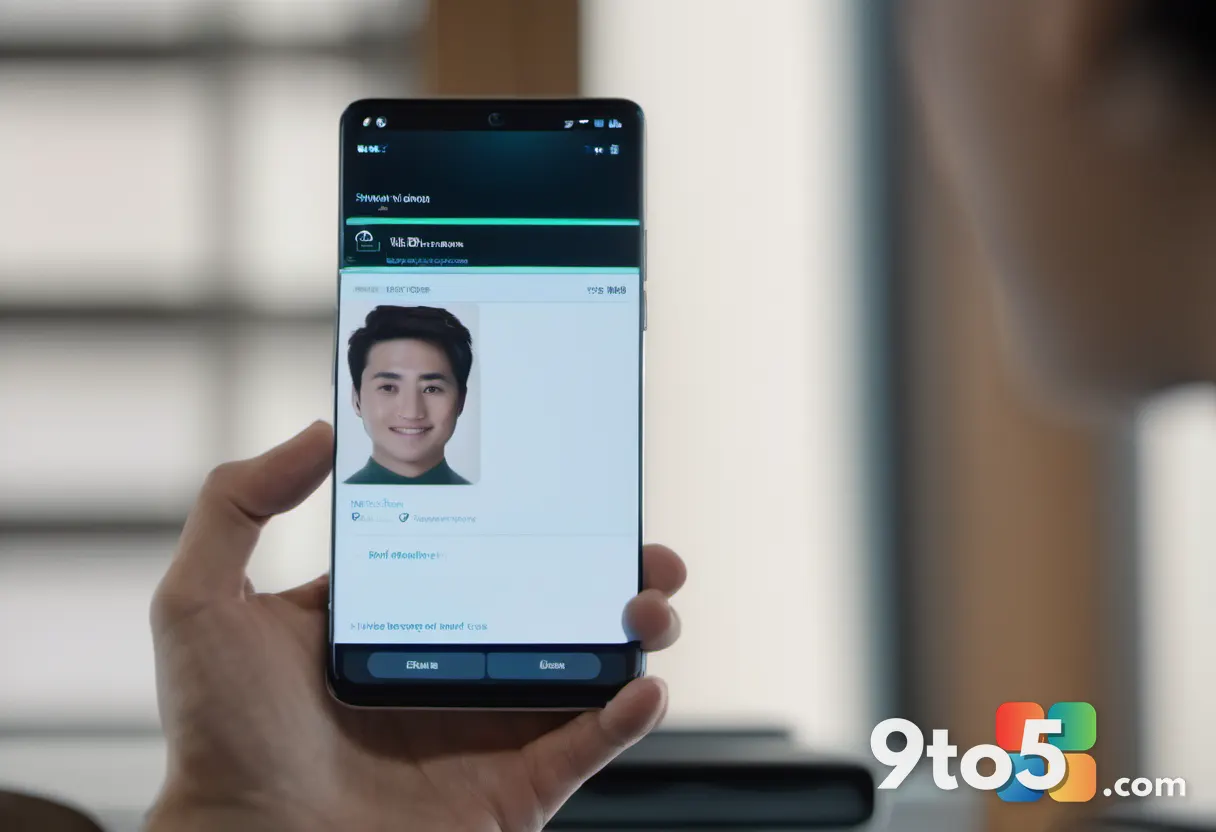
Microsoft’s phishing-resistant methods—Windows Hello facial or biometric sign-in, passkeys, and FIDO2 security keys—work differently. Instead of something you carry or something you answer, they tie authentication to your device and your biometrics, so a fake login page can’t capture usable credentials even if you’re fooled into visiting it.
According to Bradley, today marks the start of Microsoft’s official effort to move 365 customers in this direction. The rollout is expected to be gradual rather than a single switch flipped overnight, giving people time to adjust.

Why you can likely push it off
The AskWoody headline says it plainly: push it off. Bradley’s take is that the mandate is not something most consumers—or even many organizations—need to rush to comply with immediately. Microsoft has a long history of rolling out authentication changes in phases, giving tenants time to prepare, train users, and set up fallbacks before anything is enforced.
The company also typically leaves administrative control over how aggressively phishing-resistant MFA is enforced in the hands of admins. That means organizations can pace the transition rather than being forced into an immediate cutoff, and individual users are unlikely to see anything forced on them the day the effort begins.
In practice, if you’re a consumer on a personal 365 account, you probably won’t notice anything today. For organizations, the realistic path is to plan the migration over weeks or months, not days.
What phishing-resistant MFA changes for you
If your organization moves you, expect your sign-in to feel different but generally faster. Rather than pulling out your phone to read a code, you may sign in by looking at your laptop camera, using a fingerprint, or plugging in or tapping a security key.
Passkeys are the piece most consumers will notice. A passkey is a credential stored on your device and synced across your phone, tablet, and computer, letting you log in to websites and apps without a password at all. It’s designed to be convenient and, crucially, useless to a phisher who steals it, because it can only be used with your biometric or a device PIN.
What this means for you
For most everyday Windows and 365 users, the practical upshot is minimal disruption and a modest security upgrade. You won’t lose access to anything, and you’ll likely spend less time chasing codes. The trade-off is that organizations rolling this out should communicate early, set up fallback methods so people don’t get locked out, and test the experience before enforcing it broadly.
Users should expect a short adjustment period and keep a backup sign-in method handy, just in case their primary device is lost or unavailable.
What to do now
You don’t need to panic-configure anything today. If you’re a consumer, keep an eye on your Microsoft account security settings and update your recovery info, but there’s no urgent action required. If you’re an admin, use the runway Microsoft is giving you: review your tenant’s current MFA posture, draft a migration timeline, and pilot the phishing-resistant options with a small group first.
Bradley’s advice is to defer the rush, not ignore the trend. Plan the move, but pace it—and don’t let anyone pressure you into an overnight switch.
Source: AskWoody
Over to you: Are you planning to adopt passkeys at your organization, or will you stick with your current sign-in method for now?