Windows 11 users who have installed Microsoft’s latest security update are reporting a frustrating new problem: their PCs crash games and reboot on their own. Microsoft has now confirmed that RGB lighting software is to blame, tying the instability directly to the KB5121003 patch.
- Status: Confirmed known issue — Microsoft has acknowledged the problem.
- Affected update: KB5121003 for Windows 11.
- Trigger: RGB lighting control software from peripheral manufacturers.
- Symptoms: Unexpected restarts, crashes during gaming, and general system instability.
What changed with KB5121003
KB5121003 is a Windows 11 security update that rolled out to users through the usual Windows Update channels. Alongside its security hardening, the patch introduced a side effect that only surfaces on systems running third-party RGB software. According to Microsoft’s confirmation, the interaction between the updated operating system and these lighting-control applications can cause games to crash and the PC to reboot without warning.
For most users, this update behaves exactly as expected. The problem is isolated to a subset of machines that have RGB control software installed and actively managing the color output of peripherals, motherboards, or cooling systems. If you do not use any RGB customization tools, you are very unlikely to run into this issue at all.
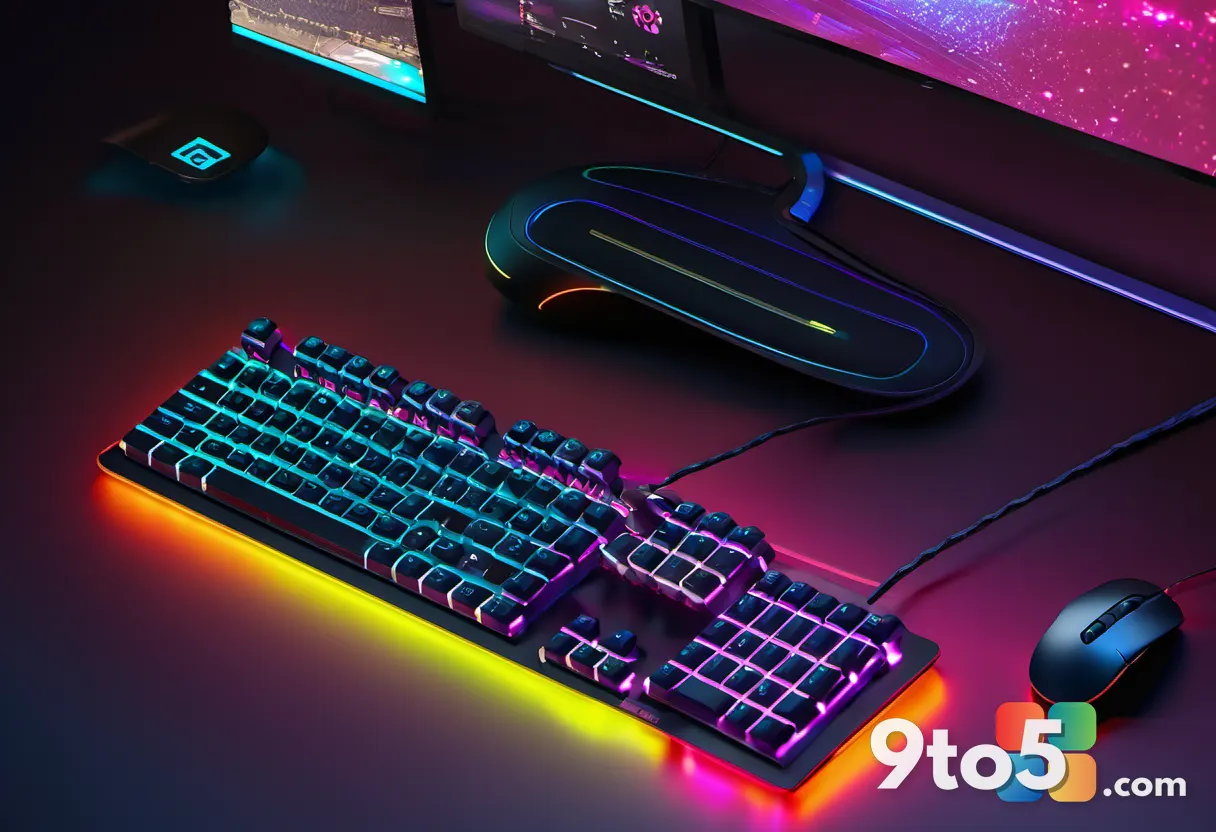
What is causing the Windows 11 RGB crash
The root of the problem lies in how RGB software communicates with the system. These applications constantly send commands to hardware to adjust lighting, and they hook into the operating system’s lower-level routines to do so. With the changes introduced in KB5121003, that communication path appears to break down in some cases, leading to the crashes and reboots users are reporting.
This kind of conflict is not new to Windows. Lighting and RGB control software has long been a common source of instability, because it operates deep in the system and often runs with elevated privileges. The difference here is that the KB5121003 update appears to have triggered the conflict on machines that previously worked fine, which is why Microsoft is treating it as a distinct known issue rather than a pre-existing bug.
Which RGB software could be involved
Microsoft’s confirmation points to RGB lighting control software broadly, rather than singling out one specific product. In practice, this means the control apps from peripheral and hardware manufacturers — the ones you install to customize the colors of your keyboard, mouse, headset, motherboard, or AIO cooler — are the likely culprits.
Because these apps vary widely in how they are built, the impact can differ from one setup to another. Some users may see crashes only during gaming, while others report random reboots during everyday use. Microsoft has not yet published an exhaustive list of every affected application, so treat any RGB control software running on your machine as a potential factor until more details emerge.
What this means for you
If you are not using RGB software, this issue does not affect you and there is nothing to do. If you do rely on RGB control apps to tune your setup, the practical takeaway is straightforward: your system may become unstable after the KB5121003 update, and the crashes are tied to that software rather than to your hardware.
This is worth noting because it is easy to assume a crash means a failing component or a bad driver. In this case, the operating system update is the trigger and the RGB software is the catalyst, so the fix will most likely come from either a Windows update or a software update from the RGB vendor — not from replacing hardware.
How to get it and what to do
Microsoft typically resolves these known issues through follow-up patches, so the first step is to keep Windows Update open and install any subsequent security or cumulative releases as they arrive. The KB5121003 update itself can be installed through the normal Windows Update path, but if your system is already stable, you may want to hold off on installing it until Microsoft ships a fix for the RGB conflict.
If you are already experiencing crashes after the update, keep your RGB control software up to date by checking the vendor’s own update channel, since a patched version of the lighting app could resolve the interaction. You can also report the specific symptoms through Windows’ own feedback tools, which helps Microsoft prioritize and verify the fix.
Until a resolution is available, the safest approach is to monitor your system and avoid pushing critical updates or long gaming sessions if you notice instability. Microsoft’s confirmation is the first step toward a fix, and historically these RGB-related conflicts are resolved within a few weeks once the vendor and Microsoft coordinate on a solution.
Source: Neowin
Over to you: Are you using RGB lighting software on your Windows 11 PC, and would you hold off on the KB5121003 update until Microsoft ships a fix?