Microsoft has quietly updated Windows 11 to remove the OneDrive Photos app from the Start menu and Windows Search results. The change comes after significant user backlash over the app’s force-installation on both consumer and enterprise devices. While the standalone entry is gone, the software itself remains installed on your system, and Microsoft is working on a dedicated removal option for those who want it gone.
For users who never saw the app during its initial rollout, it is a WebView2-based client that merges your local photo library with your OneDrive cloud storage. The app essentially wraps the OneDrive.com Gallery interface and adds access to your PC’s file system. In our earlier testing, the app performed reasonably well, typically staying under 1GB of RAM usage, which is modest compared to other built-in Windows utilities.
What Just Changed in Windows 11?
Before this update, searching for “OneDrive Photos” in the Start menu or Windows Search would surface the app alongside the standard OneDrive sync client. Now, those search results only return the core OneDrive application. The Start menu’s alphabetical app list also no longer displays the OneDrive Photos entry.
This removal appears to be a direct response to the friction caused when Microsoft pushed the app to a wide audience. The company initially described the broad deployment as an accident, with Jeff Teper, OneDrive’s corporate vice president, stating on X that the team is “fixing that” and reaffirming that Windows Photos will always offer the choice between local and cloud storage.
Despite the removal from search and the Start menu, the app is not actually deleted. If you navigate to the OneDrive installation directory and double-click OneDrive.App.exe, the gallery interface still launches. Microsoft has essentially shifted the app from a prominent, always-visible component to a background utility that you must manually access if you choose to use it.
What Is the OneDrive Photos App?
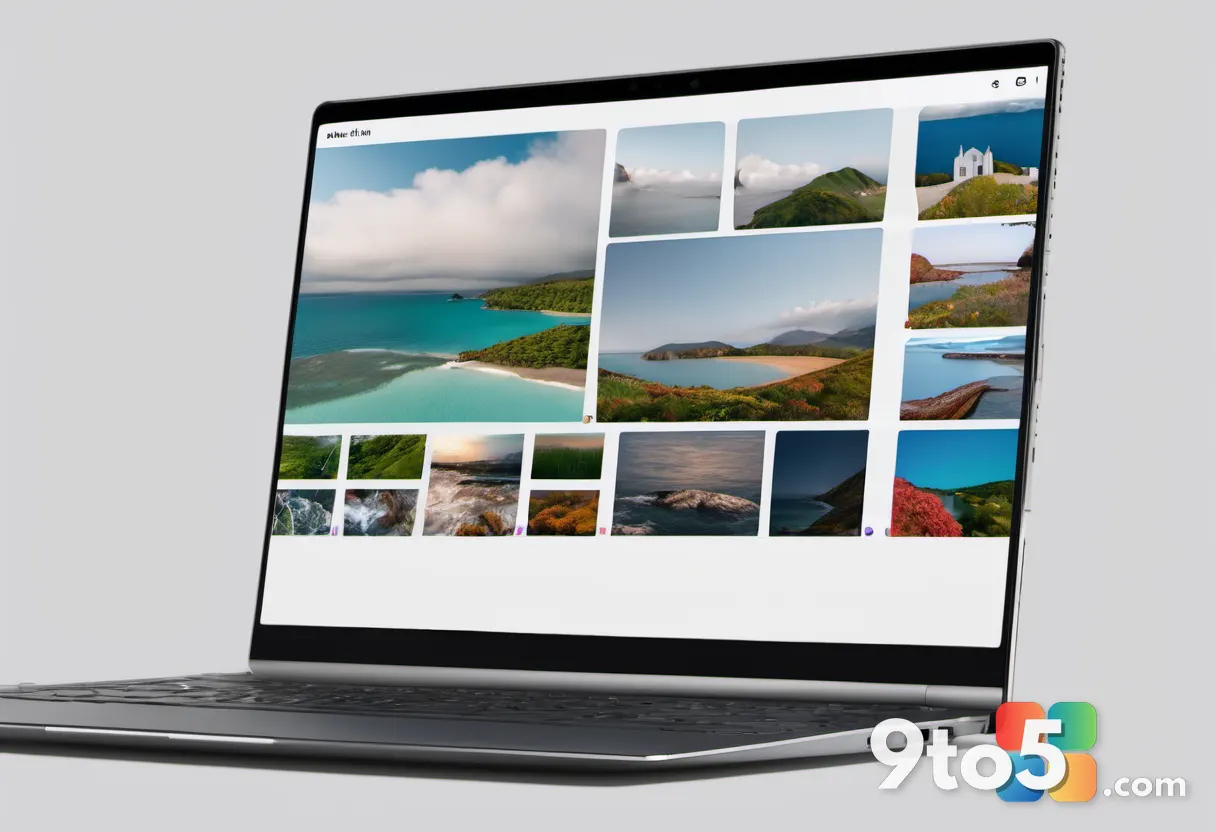
The OneDrive Photos app was designed to streamline how users interact with images across their devices. It automatically scans your PC’s folders for picture files and displays them in a timeline-based gallery, similar to the native Photos app. You can also browse your OneDrive cloud library, tag people, and create albums directly within the interface.
One of the app’s core features is its ability to bridge local and cloud storage. You can drag and drop files between your hard drive and OneDrive, making it a convenient hub for backup and organization. The interface is built on WebView2, meaning it relies on the same rendering engine that powers Microsoft Edge, which helps keep the footprint relatively light.
However, the app faced criticism because it overlapped significantly with the existing Microsoft Photos app and the OneDrive integration already built into File Explorer. Many users felt that adding another photo viewer to Windows 11 was redundant, especially when the core OneDrive sync client was already running in the background.
How to Remove the OneDrive Photos App
Microsoft has acknowledged that the initial rollout lacked a proper opt-out mechanism. In a recent update to its admin portal, the company confirmed it is developing a dedicated uninstall option that separates the Photos experience from the OneDrive sync client.
According to Microsoft, the upcoming removal tool will allow users to uninstall the OneDrive Photos app without interrupting file sync, deleting your cloud files, or breaking OneDrive shortcuts in File Explorer. This is a critical distinction, as the previous uninstall path in Windows Settings would remove the entire OneDrive suite, potentially leaving cloud-synced files inaccessible if they were not fully downloaded to your local drive.
Until that feature rolls out, users who want to disable the app can do so through the OneDrive settings. Open the OneDrive cloud icon in your system tray, navigate to Settings, and look for the “Photos” or “Gallery” tab. You can toggle off the option to show your photos in the OneDrive app. While this does not fully uninstall the component, it effectively hides the interface from your daily workflow.
What This Means for the OneDrive Photos App Experience
The decision to hide the app from search and the Start menu signals a shift in Microsoft’s approach to forced software integrations. Rather than pushing the OneDrive Photos app as a default Windows feature, the company is treating it as an optional add-on that requires explicit user interest.
For everyday Windows users, this means less clutter in your Start menu and fewer background processes competing for your attention. If you prefer the native Microsoft Photos app or rely on third-party image managers, you can simply ignore the OneDrive Photos app and it will not interfere with your workflow.
Enterprise IT administrators should note that Microsoft is still refining the deployment controls. If you manage a fleet of devices, keep an eye on the upcoming admin portal updates for Group Policy and Intune configuration options that will allow you to block the app during image deployment. The company has indicated that these controls will align with the new uninstall feature, giving organizations full visibility into how the app is distributed.

While the app remains installed, its reduced visibility suggests Microsoft is stepping back from aggressive promotion. The focus now appears to be on refining the feature set and ensuring it integrates seamlessly with the broader OneDrive ecosystem before reintroducing it to a wider audience. If you prefer to keep the app, you can still launch it manually, but for most users, the current setup allows you to sidestep it entirely.
Source: Windows Latest
Over to you: Will you keep the OneDrive Photos app, or are you glad to see it go?