If you have spent any time organizing files on your desktop or moving items between folders in File Explorer, you likely ran into a feature that felt more like an obstacle than a productivity boost. Microsoft is officially removing Drag Tray Windows 11 users relied on for quick file sharing, citing widespread feedback that the floating menu disrupted normal workflows. The company confirmed the rollback in a support document for the Windows Insider Program, noting that a replacement approach is currently under development.
What Drag Tray Actually Did
When Microsoft first introduced the feature, the concept was straightforward. Instead of forcing you to right-click a file, navigate to a Share menu, and select a destination app, the system would detect when you dragged an item toward the top edge of the screen. A floating panel would appear, offering quick access to sharing targets like WhatsApp, Outlook, or other nearby devices.
The goal was to streamline one of the most common actions in Windows. On paper, it made sense. If you were constantly sending documents or photos to colleagues or contacts, having a persistent shortcut at the top of your workspace reduced several clicks. The panel also adapted to show the apps you used most frequently, attempting to learn your habits over time.
Why Drag Tray Windows 11 Users Found It Frustrating
The implementation, however, proved far more intrusive than the original pitch suggested. The floating panel activated almost immediately upon moving a file toward the top of the display, regardless of whether you intended to share it. For users who kept dozens of folders on their desktop or frequently moved files between open Explorer windows, the tray would consistently appear at the worst possible moment.
Instead of smoothly dropping a file into a destination folder, users found themselves fighting against the panel. It occupied a significant portion of the screen edge, often blocking the exact drop zone people were trying to reach. Even after Microsoft released a tweak to shrink the tray and adjust its trigger sensitivity, the core friction remained. The feature was clearly designed with casual sharing in mind, but it collided directly with the habits of power users and anyone who kept a cluttered desktop.
Microsoft Confirms the Rollout
According to a Microsoft Learn support document, the company has begun stripping the feature from the operating system. The change is rolling out first to testers in the Windows Insider Program, specifically starting with preview build 28120.2738. General release users will see the removal in a future cumulative update or feature drop, though Microsoft has not pinned an exact date for the broader rollout.
The official release notes for the build explicitly address the decision. Microsoft stated that it is removing the experience based on Insider feedback, while emphasizing that the company is still exploring improvements in the file sharing space. The wording makes it clear that the underlying goal has not been abandoned, but the current implementation is being shelved entirely. A future replacement will likely take a different approach to avoid the trigger conflicts that plagued the original version.
What This Means for You
If you relied on the floating panel to quickly send files to contacts, you will need to adjust your workflow once the update lands. The immediate return to the traditional right-click Share menu will feel slower at first, but it eliminates the constant interruptions during file organization. Users who prefer touch input or tablet mode may have found the gesture more natural, but the broader desktop experience was clearly suffering from the false positives.
For those waiting on a replacement, expect Microsoft to test alternative trigger zones. Rather than anchoring the menu to the top screen edge, future iterations might use a dedicated keyboard shortcut, a right-click context menu expansion, or a proximity-based trigger that only activates when you explicitly tap a share icon. Until then, the feature is being phased out across all supported editions of Windows 11.
How to Disable It Now
If you cannot wait for the official removal to land on your machine, you can turn the feature off manually. Open Settings and navigate to System, then select Nearby sharing from the left-hand menu. You will find a toggle labeled Drag Tray at the bottom of the panel.
Switch the toggle to Off, and Windows will stop displaying the floating share menu when you drag files. Keep in mind that the feature is enabled by default on supported builds, so you will need to apply this change after any major Windows update until the rollback reaches your system. The setting persists across reboots and does not require registry edits or third-party tools.
Source: Windows Latest
Over to you: Will you stick with the traditional right-click Share menu, or do you hope the replacement gesture actually works better than the original?
You may also like
 Ubuntu on WSL Is Outpacing Its Native Desktop for the First Time
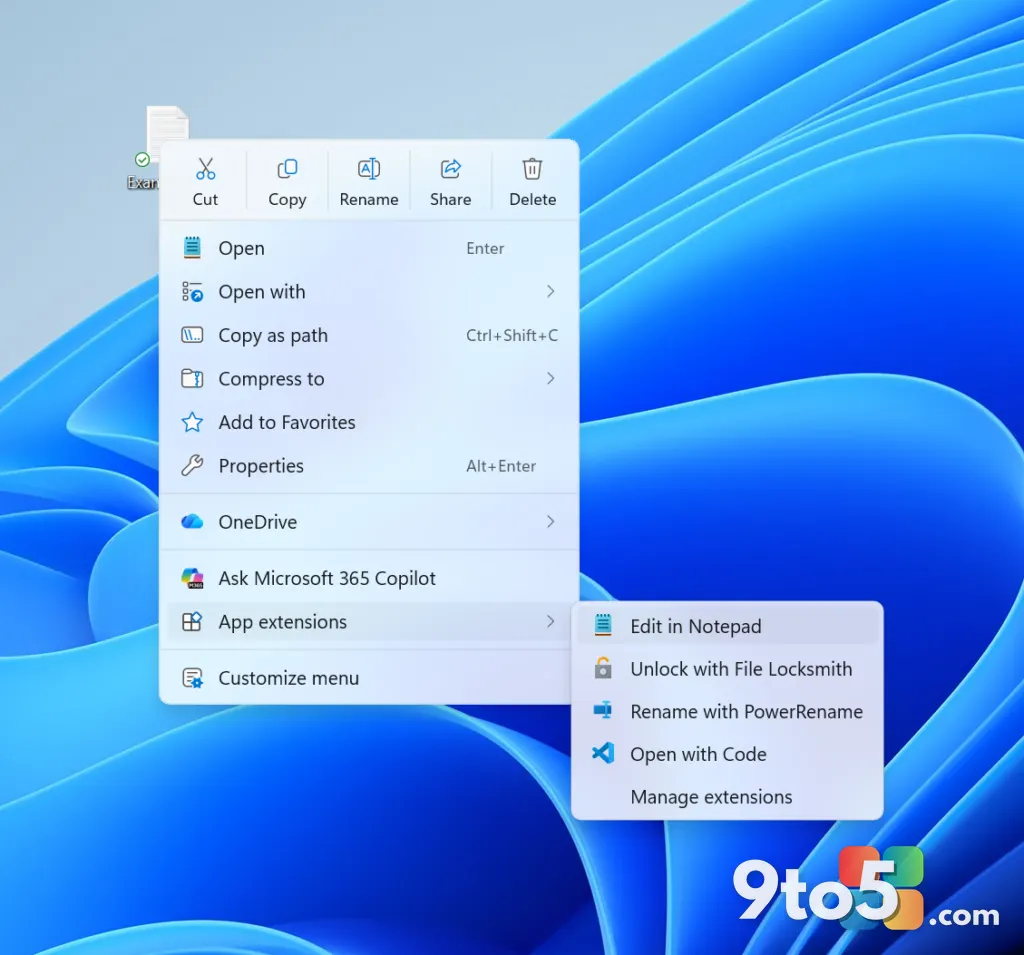 Windows 11 Insider Preview: New Builds, Renewed Certificates, and a Redesigned Context Menu
 New Windows 11 Builds Remove Drag Tray and WMIC for Insiders
 Windows 11 Experimental Channel Update: Build 26340.9212 Brings Redesigned Context Menu