Microsoft continues to refine the Windows experience with targeted updates, and the latest change focuses on a utility that has been a cornerstone of the operating system for years: the Task Manager. The company has announced an upgrade to the Windows 11 Task Manager designed to deliver significantly improved hardware monitoring capabilities. This update aims to provide users with more accurate and detailed performance insights, making it easier to keep a close eye on system health and resource allocation.
What’s New in the Windows 11 Task Manager Upgrade
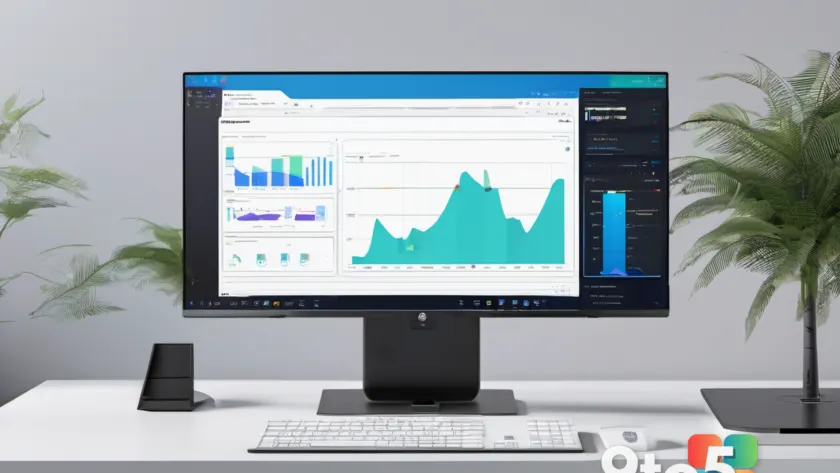
The core of this update lies in the enhanced hardware monitoring features. For years, the Task Manager has served as the primary built-in utility for viewing running processes, managing startup items, and checking basic resource usage. However, as modern hardware has become more complex and demanding, the need for more granular data has grown. The updated Task Manager is now equipped to offer a deeper look into how your system’s components are performing. This includes more precise tracking of CPU, GPU, memory, and disk activity. Users will likely notice smoother graphs and more frequent refresh rates, providing a real-time pulse on system performance. This level of detail is crucial for identifying bottlenecks or understanding why an application might be consuming excessive resources.
Why Hardware Monitoring Matters for Your System
Beyond raw metrics, the update brings performance insights to the forefront. This suggests a shift towards more actionable data. Instead of just presenting numbers, the Task Manager may now help users interpret what those numbers mean. For instance, if a specific process is causing high CPU usage, the updated tool might offer context or suggestions on how to address it. These insights can guide users toward better optimization, whether they are trying to improve gaming performance, ensure smooth video editing, or simply extend battery life on a laptop. The goal is to transform the Task Manager from a passive monitor into an active troubleshooting companion.
Hardware monitoring is essential for anyone who wants to maintain a healthy and efficient system. Whether you are a casual user checking why your PC feels slow, a gamer ensuring your hardware is running at peak performance, or an IT professional managing a fleet of devices, accurate monitoring is key. The Task Manager is often the first place users turn when troubleshooting issues. By improving its monitoring capabilities, Microsoft is empowering users to diagnose problems more effectively. It reduces the need to rely on third-party tools for basic system checks, keeping the experience streamlined and secure.
Who Benefits from This Update
This update is particularly relevant in an era where multitasking and resource-intensive applications are the norm. Modern workflows often involve running multiple heavy applications simultaneously, from video conferencing to creative software. Understanding how these applications interact with your hardware can prevent crashes and improve overall stability. The upgraded Task Manager provides the visibility needed to manage these demands. It allows users to prioritize tasks, close unnecessary background processes, and ensure that critical applications receive the resources they need.
For power users and enthusiasts, the enhanced monitoring capabilities mean you can fine-tune your system with greater confidence. You can track thermal throttling, identify memory leaks, and optimize power settings with more reliable data. The improved performance insights also benefit casual users who simply want to ensure their device is running smoothly. By making system information more accessible and understandable, Microsoft is lowering the barrier to effective PC maintenance. Historically, the Task Manager has undergone several major redesigns, but the underlying purpose remains the same: to give users control over their computing environment. This latest iteration builds on that legacy by focusing on the data layer. It acknowledges that while the interface is familiar, the information presented needs to be more robust to meet current needs.
How to Access the Updated Task Manager
The updated Task Manager will be available to Windows 11 users through standard distribution channels. These improvements are typically rolled out via Windows Update. Users can check for the latest updates by navigating to Settings, selecting Windows Update, and clicking Check for updates. Once installed, the new features will be immediately accessible. To open the Task Manager, you can press Ctrl+Shift+Esc, or right-click the Start button and select Task Manager from the context menu. The interface will reflect the new monitoring capabilities, offering a more comprehensive view of your system’s status.
What This Means for You
In practical terms, this upgrade means you have a more powerful tool at your fingertips for managing your Windows 11 PC. You can trust the Task Manager to provide reliable data about your hardware performance. This can lead to better decision-making regarding system optimization, application management, and troubleshooting. It also reflects Microsoft’s ongoing commitment to improving the built-in tools that support the Windows ecosystem. By enhancing a fundamental utility, the company ensures that users have access to essential features without the clutter of additional software. As Windows 11 continues to evolve, expect further refinements to these core utilities to keep pace with modern computing demands.
Source: Neowin
Over to you: Are you relying on the Task Manager for your daily system checks, or do you prefer third-party monitoring tools?
You may also like
 Microsoft Rebuilds Windows 11 Print Management in WinUI 3, Rollout Begins Soon
 Microsoft Releases PowerToys Preview v0.101.2282.0 with Command Palette Fixes
 Windows 11 Legacy Media Player Loses Caption Controls in New Experimental Build
 Microsoft Publishes IT Admin Guide to Slash Windows 11 Update Data Usage