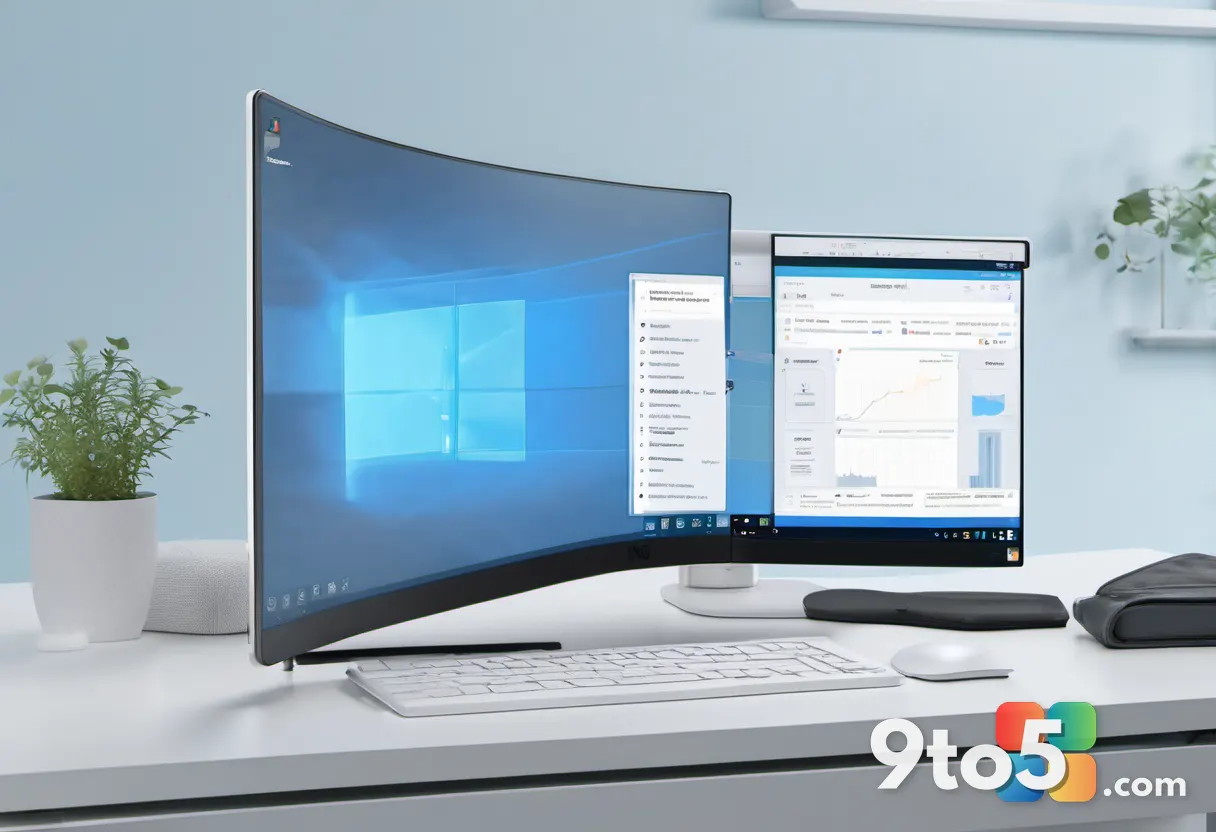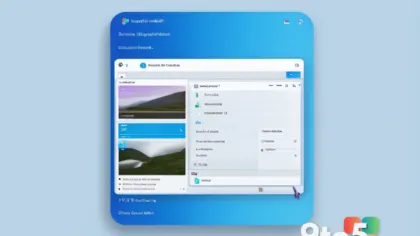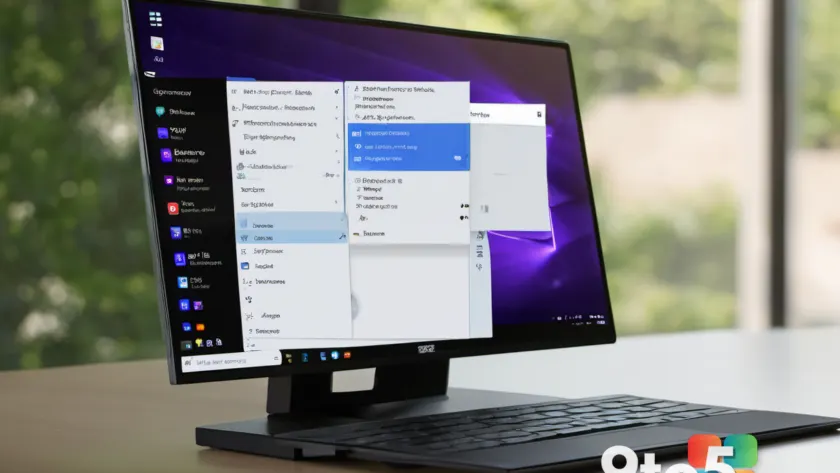
Microsoft is continuing its development cycle for Windows 11 Insiders with a fresh preview release. Build 26340.9212 has been pushed to the Experimental channel, bringing a notable update to one of the operating system’s most frequently used interfaces. The headline change in this build is a redesigned context menu, a shift that could impact how users interact with files, folders, and system settings. This release targets the most volatile branch of the Insider Program, offering a glimpse into how Microsoft is refining the desktop experience for future updates.
According to the Windows Insider Blog, this build is part of the ongoing effort to test new features and design iterations before they reach broader audiences. The Experimental channel is reserved for users who want to test features as they are developed, often before they appear in the Dev or Release Preview channels. While this provides early access to changes like the context menu overhaul, it also comes with the expectation of potential instability.
What’s New in Build 26340.9212
The primary update in Build 26340.9212 is the redesigned context menu. This change affects the right-click interface that appears when users select items in File Explorer, on the desktop, or within other applications. The redesign aims to modernize the layout while potentially addressing long-standing feedback from the community regarding accessibility and workflow efficiency.
For users in the Experimental channel, this build represents a significant shift in the UI. The context menu is a critical touchpoint for power users and casual users alike, serving as a gateway to essential operations. Any alteration to this interface can have a direct impact on daily productivity, making this update a key focus for Insiders monitoring desktop changes.
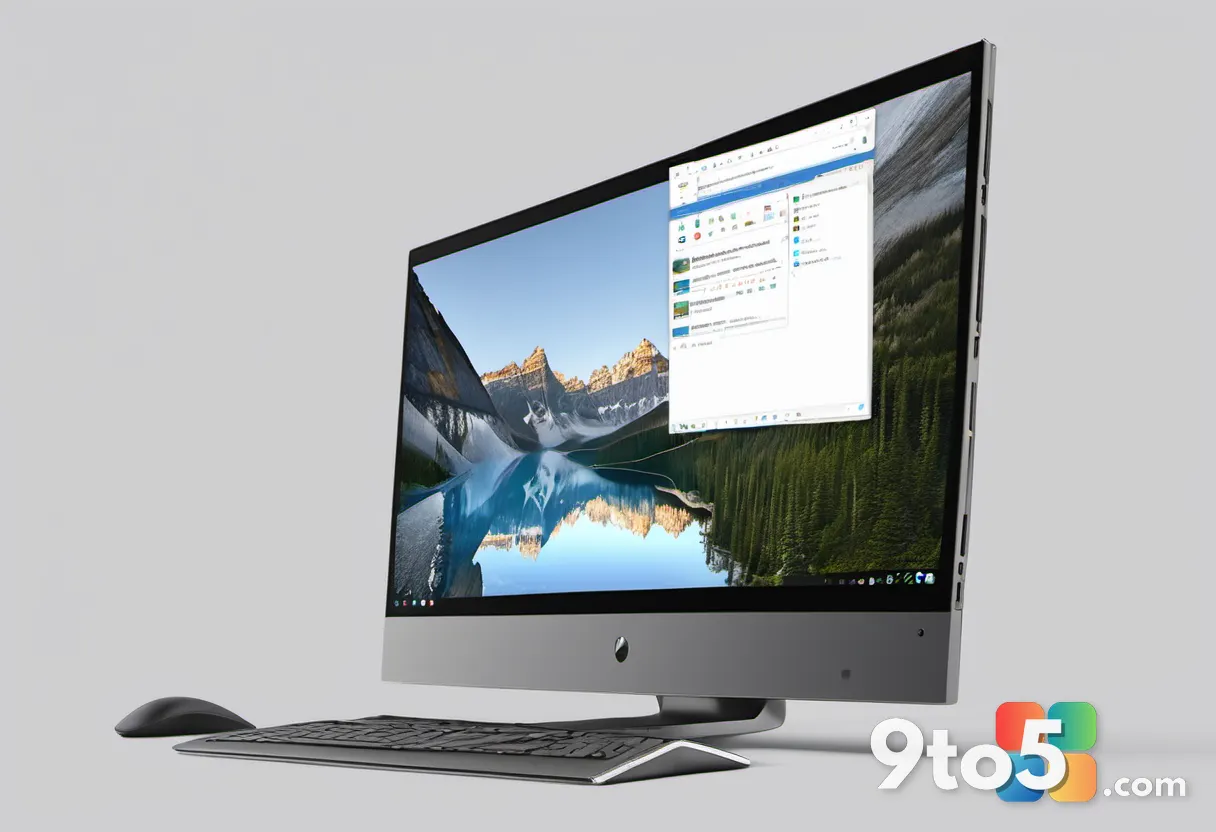
The Context Menu Redesign Explained
The context menu has been a focal point of Windows 11 development since the operating system launched. The initial release simplified the menu, moving many legacy options to a “Show more options” submenu. This decision received feedback from users who relied on the full menu for quick access to tools such as “Run as administrator” or “Open in Terminal.” The redesigned context menu in Build 26340.9212 appears to be Microsoft’s response to this feedback, striving to balance a clean, modern aesthetic with functional depth.
By restructuring how options are presented, Microsoft is attempting to reduce friction for users who frequently right-click items. The redesign may bring back certain power user features to the primary view or reorganize the layout to make essential commands more prominent. This approach aligns with Microsoft’s broader design language, which emphasizes rounded corners, Mica material, and a centered alignment for UI elements.
How to Get Build 26340.9212
Build 26340.9212 is distributed exclusively through the Experimental channel. To receive this update, users must navigate to Settings > Windows Insider Program and switch their device to the Experimental channel. This process involves selecting the Experimental channel option and confirming the change, which may require a restart.
It is important to note that the Experimental channel can be unstable, and Microsoft recommends using this build on secondary devices or virtual machines. Users should back up important data before switching channels or installing preview builds. If you are not comfortable with potential bugs or performance issues, waiting for the feature to mature in the Dev channel may be a safer approach.
What This Means for You
The arrival of Build 26340.9212 signals that Microsoft is actively iterating on the Windows 11 desktop UI, with the context menu receiving priority attention. If you are a user who frequently right-clicks files and folders, this redesign could improve your workflow by bringing essential options back into the primary view or making them easier to access.
However, the Experimental channel carries inherent risks. Users should be prepared for potential bugs, compatibility issues, or unexpected behavior. If the redesigned context menu addresses your needs, this build is worth testing on a non-primary device. Otherwise, you may want to wait for the feature to be validated in later builds before adopting it into your daily routine.
Source: Neowin
Build details:
- build 26340.9212
Over to you: Will the redesigned context menu in Build 26340.9212 win you over, or do you prefer the current layout?