Windows 10 Enterprise LTSC 2021 is approaching a critical milestone. According to an updated support document published by Microsoft, this specialized operating system will officially reach its end of support on January 27, 2027. For organizations and users relying on this long-term servicing channel, the clock is now ticking on maintaining a secure and supported environment. This date marks the release of the final security update, after which the OS will no longer receive patches for vulnerabilities.
Microsoft has outlined three primary paths forward. The first is to remain on Windows 10 LTSC 2021 by purchasing Extended Security Updates (ESU). Commercial customers can buy these updates starting September 1 for $61, while consumers holding Windows 10 Home or Pro licenses can access free ESU. A second option involves migrating to the IoT Enterprise LTSC edition, which offers a longer support lifecycle but is tailored for embedded systems and specialized hardware. However, the company is making it clear that neither of these is the preferred route for general enterprise use.
“We recommend that you upgrade to Windows 11 Enterprise LTSC 2024 for the best experience,” Microsoft stated in the document. This recommendation comes as Windows 10’s broader extended support window closes in October 2027. Although general support was extended due to the fact that at least three in ten PCs still run the older OS, the LTSC variant has a tighter deadline. With only a single year of extended security updates remaining, Microsoft is actively nudging all Windows 10 PCs toward the upgrade path through system prompts and update notifications.
For those unfamiliar with the LTSC moniker, it stands for Long-Term Servicing Channel. These editions are designed for environments where stability is paramount, such as medical devices, ATMs, or specialized workstations. Unlike standard Windows releases, LTSC versions are stripped of consumer-focused features and bloatware. You will not find MSN Weather, Clipchamp, or Microsoft Photos pre-installed. Instead, the focus is on the classic inbox apps that power users rely on, including the traditional Notepad, Calculator, and Snipping Tool. This approach minimizes telemetry and background processes, ensuring the system remains dedicated to its intended task.
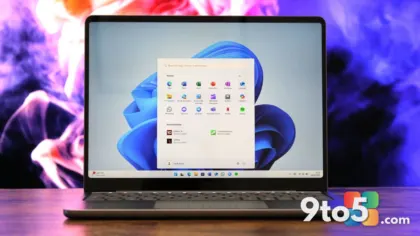
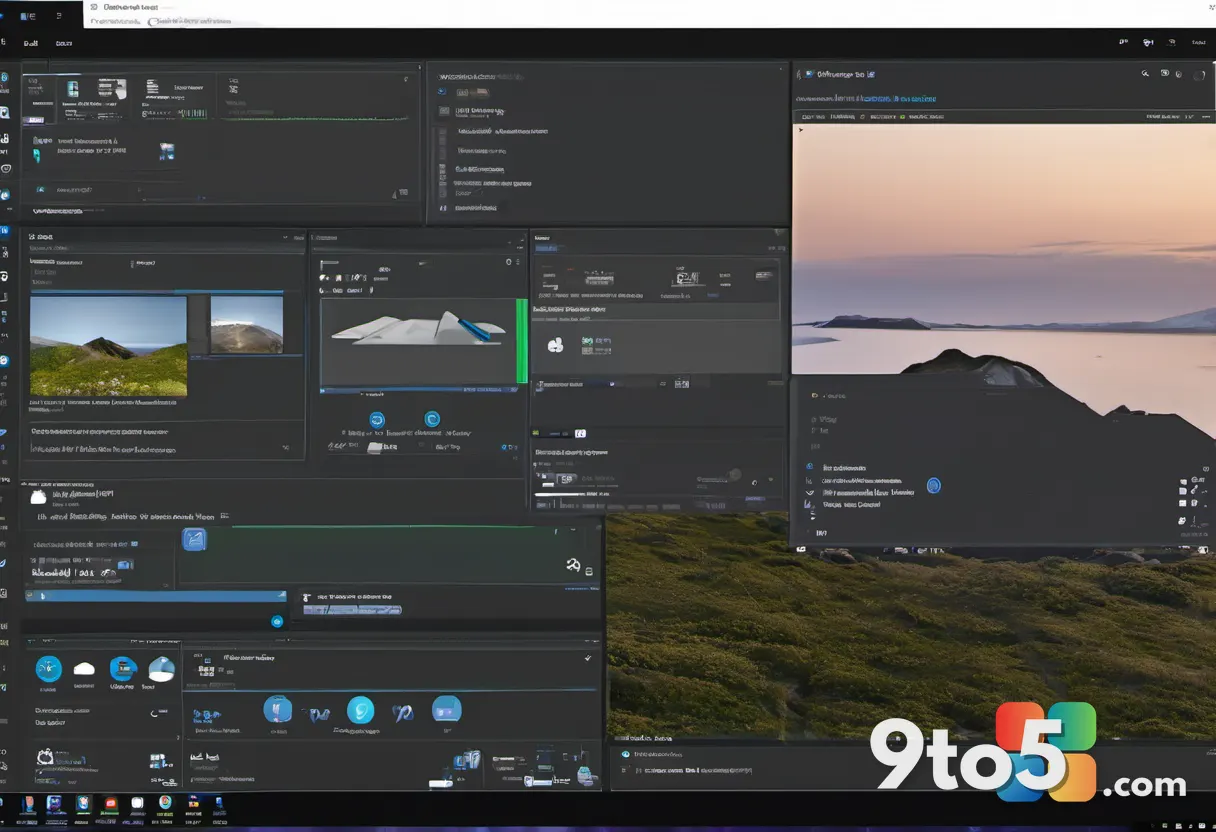
Upgrading to Windows 11 Enterprise LTSC 2024 preserves this philosophy while modernizing the underlying architecture. The new edition is remarkably clean, containing only Microsoft Edge as a pre-installed modern app. While some might view even a single app as unnecessary, removing Edge entirely can leave you without a functional browser, so it remains as a safety net. The interface retains the centered taskbar and rounded corners of Windows 11, but without the associated bloat.
One of the most significant changes for users is the absence of Copilot. Neither the right-click context menu nor the taskbar will feature AI integrations, which appeals to those who prefer a distraction-free workspace. Additionally, the Widgets board and MSN news feed are disabled by default, contributing to a calmer desktop environment. Early reports suggest that this reduction in background processes results in slightly better overall performance compared to the regular Windows 11 Pro edition, making it an attractive option for hardware that might struggle with the standard OS.

For IT administrators and enterprise users, the transition requires careful planning. The jump from Windows 10 LTSC 2021 to Windows 11 LTSC 2024 involves moving to a new servicing baseline. Organizations should verify application compatibility and ensure that hardware meets the minimum requirements for Windows 11, including TPM 2.0 support. The upgrade path is straightforward for those already on the LTSC track, but it demands a proactive approach to avoid falling behind the January 2027 deadline. Delaying the move could result in unsupported systems that pose security risks to the network.
What This Means for You: If you are currently running Windows 10 Enterprise LTSC 2021, you have roughly 17 months to decide your strategy. While paying for ESU is an option, it is essentially a bridge to keep systems secure until you can migrate. The clean, bloat-free nature of Windows 11 LTSC 2024 offers a compelling reason to upgrade now, providing a modern foundation with the stability you expect from the LTSC channel. Consumers with standard Windows 10 editions should also note that free ESU is available, but upgrading to Windows 11 Home or Pro is the most sustainable long-term solution.
How to Get It: Windows 11 Enterprise LTSC 2024 is available through Microsoft’s volume licensing programs. Businesses should consult with their licensing partners to initiate the migration. For those choosing to stay on Windows 10 temporarily, ESU licenses can be purchased via the Microsoft 365 admin center starting in September. Consumers with Windows 10 Home or Pro can access free extended updates, but upgrading to Windows 11 remains the most sustainable long-term solution.
Source: Windows Latest
Over to you: Will you upgrade to Windows 11 LTSC 2024 now, or stick with paid ESU on Windows 10?
You may also like
 Microsoft Introduces Adaptive Hibernate Policy to Tame Windows 11 Battery Drain
 Outlook Classic AI Feature Update: New Explain This Tool and Copilot Settings Rollout
 Microsoft Edge Ends Support for MV2 Extensions, Killing uBlock Origin and Older Add-ons
 Microsoft Edge Begins Consumer Rollout of Manifest Version 3 Extensions