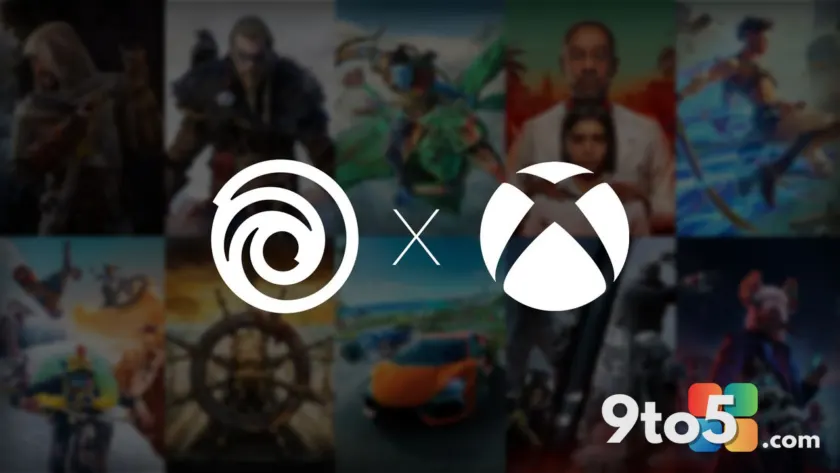
Microsoft and Ubisoft have officially expanded their partnership, introducing a new entitlement that allows Xbox Series X|S owners to access the PC versions of select Ubisoft Xbox PC games at no additional cost. According to an announcement published on Xbox Wire, the initiative aims to bridge the gap between console and PC gaming for a curated catalog of Ubisoft’s major releases. While the move addresses a long-standing complaint from PC gamers, it stops short of delivering a full Xbox Play Anywhere experience.
How the New Cross-Platform Entitlement Works
The core mechanic of this collaboration is a one-way digital bridge. If you purchase a digital copy of a supported Ubisoft game on an Xbox Series X or Xbox Series S, you will immediately receive the PC version as well. Microsoft confirmed that existing Xbox digital owners will receive their PC licenses during a progressive rollout that concludes on August 4. However, the reverse is not true. Purchasing the PC version through the Xbox PC store or Ubisoft Connect will not grant you the console edition. To actually launch and play these titles on a Windows PC, you will be required to install and use the Ubisoft Connect PC client. This means the games will not natively appear in your Xbox console library when you switch to a PC, nor will they integrate seamlessly with the Xbox app’s native storefront features.
The Full List of Supported Titles
Microsoft and Ubisoft have confirmed that thirteen major releases will be included in this initial wave. The catalog spans several of Ubisoft’s most popular franchises, including:
- Assassin’s Creed Mirage
- Assassin’s Creed Valhalla
- Avatar: Frontiers of Pandora
- Far Cry 6
- Immortals Fenyx Rising
- Prince of Persia: The Lost Crown
- Riders Republic
- Skull and Bones
- The Crew 2
- The Crew Motorfest
- Tom Clancy’s Rainbow Six Extraction
- Tom Clancy’s Rainbow Six Siege
- Watch Dogs Legion
This selection heavily favors Ubisoft’s recent AAA catalog and live-service titles. It is worth noting that this list does not currently include the broader Ubisoft+ Classics library, which recently added over eighty titles to the Xbox PC store for Xbox Game Pass Ultimate subscribers. Those older or less prominent titles remain excluded from this specific cross-platform entitlement deal.
Why This Falls Short of Xbox Play Anywhere
Despite the convenience of receiving a PC copy with a console purchase, it is crucial to understand what this partnership does not offer. Traditional Xbox Play Anywhere titles allow players to purchase a game once and access it on both Xbox consoles and Windows PCs with full ecosystem integration. That includes native Xbox achievements, Xbox cloud save synchronization, and unified friend list tracking. The Ubisoft titles under this new agreement lack all of these features. When you launch a game on PC, it will run through Ubisoft Connect rather than the Xbox app, meaning your progress will not automatically sync to your Xbox console profile unless the specific game supports Ubisoft’s own cross-progression system. Even when Ubisoft Connect does handle progression syncing, the implementation is often less reliable than Microsoft’s native infrastructure. Furthermore, these PC versions do not support Xbox achievements, which has been a persistent point of frustration for players who own these titles on console.
What This Means for You
For the average gamer, this announcement is a pragmatic improvement rather than a revolutionary shift. The primary benefit is immediate cost savings and hardware flexibility. If you own an Xbox Series X|S and have been hesitant to buy a Ubisoft title because you also game on PC, you can now grab it on both platforms without paying twice. This is particularly relevant for owners of handheld gaming PCs like the Xbox Ally X. Ubisoft has confirmed that these specific PC builds are well-optimized for handheld form factors, offering playable frame rates and responsive controls out of the box. However, if you are a purist who expects a fully integrated Xbox experience on Windows, you may find the reliance on Ubisoft Connect jarring. The lack of native Xbox app integration means you cannot easily manage your library, check playtime, or access Xbox-specific social features for these games. For those seeking a seamless cross-platform experience, streaming the console version via Xbox Cloud Gaming or Xbox Remote Play remains the most reliable alternative.
How to Claim Your Free PC Copy
To claim your free PC version, ensure you are logged into the same Microsoft account on both your Xbox console and your Windows PC. If you already own a supported title digitally on Xbox Series X|S, your entitlement will be added to your Microsoft account automatically during the rollout period ending August 4. You will need to search for the game within the Ubisoft Connect PC client to download and install it. If you do not yet own the game, you can purchase the digital Xbox console version through the Microsoft Store on your console or PC, and the PC license will be attached at checkout. Keep in mind that you must maintain an active Ubisoft Connect account to launch and play these titles on Windows, regardless of where you purchased the game.
Source: Latest from Windows Central
Over to you: Will you be using your Xbox console license to grab the PC version, or do you prefer streaming via Cloud Gaming?
You may also like
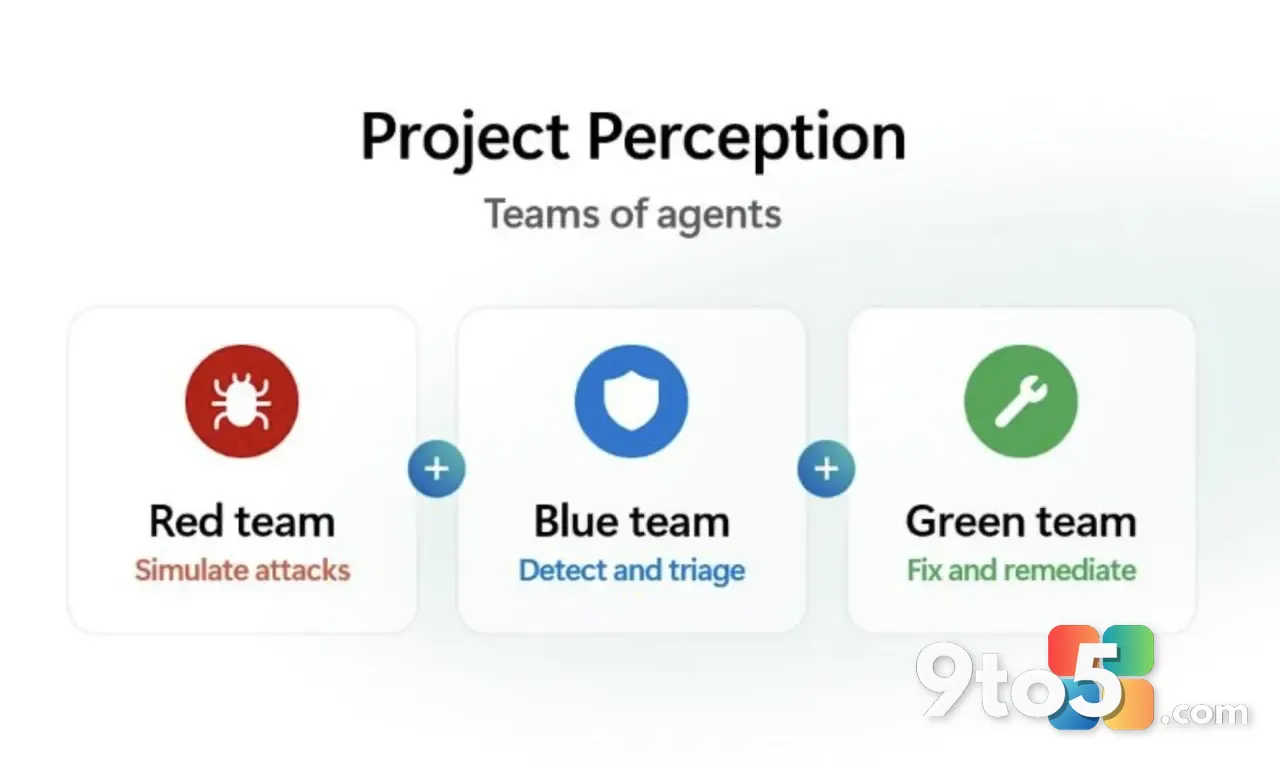 Microsoft Unveils MAI-Cyber-1-Flash and Project Perception to Challenge Anthropic in Cybersecurity
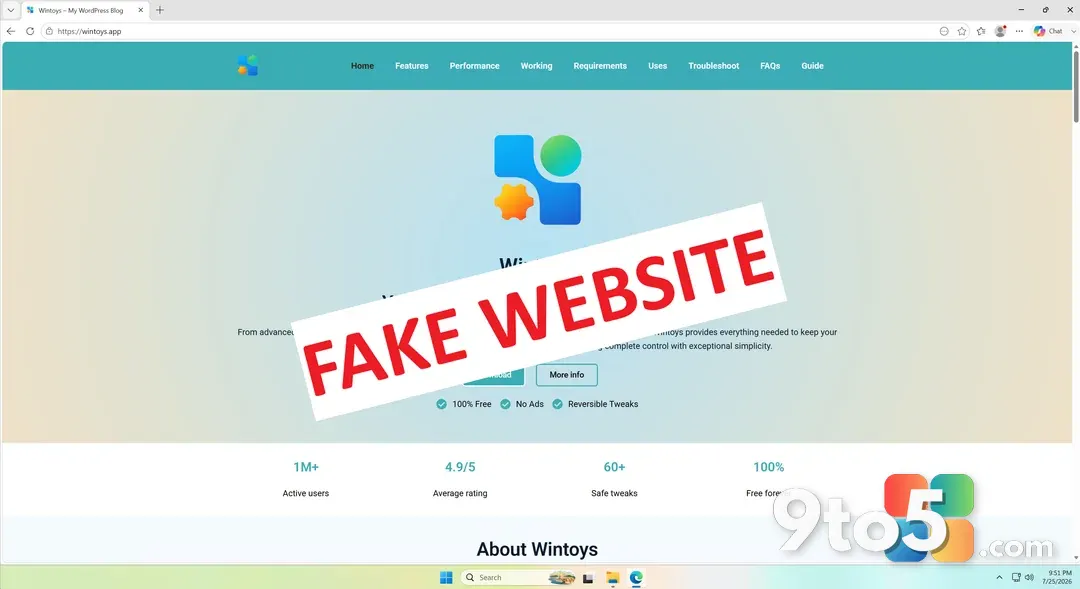 70+ Fake Windows App Websites Are Distributing Malware via Google Search
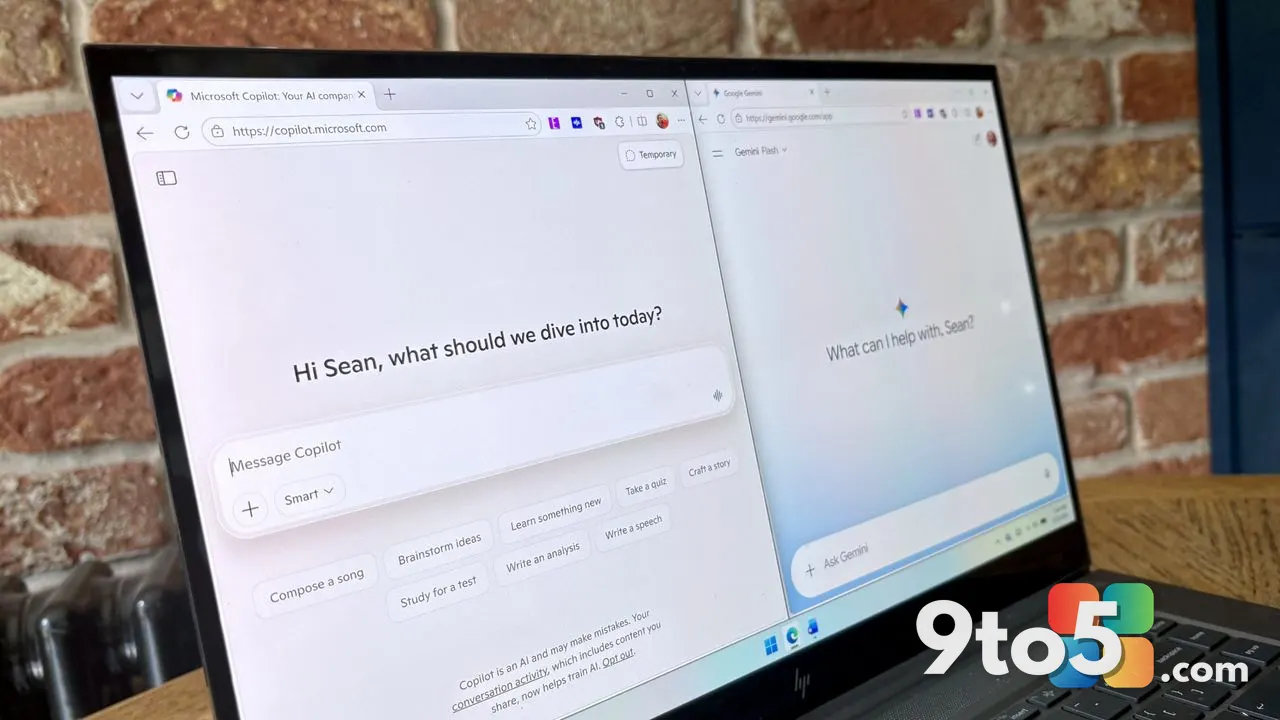 I Ditched Microsoft Editor for Copilot and Gemini After a Month of Testing
 Microsoft Unveils Project Perception, a New AI-Powered Cyber Stack for the Agentic Age