Microsoft is preparing to push a fresh wave of productivity upgrades to Outlook, targeting both mobile and desktop users. According to the latest entries on the Microsoft 365 Roadmap, the Outlook August 2026 updates will bring five distinct improvements. These changes span calendar management, AI integration, and email customization, addressing long-standing workflow friction points that many professionals and families have flagged over the past few years.
The updates arrive after months of user feedback highlighting the need for faster scheduling controls and better visibility when juggling overlapping commitments. Rather than a single major overhaul, Microsoft is shipping these features incrementally across platforms, which means availability will vary depending on your device and current Outlook version. Here is exactly what each update covers and how it changes your daily workflow.
#1 Filter messages by events
One of the most practical additions for heavy email users is the ability to filter your inbox specifically for calendar invitations. Previously, scanning your mailbox for meeting requests required manually searching or relying on Outlook’s default sorting, which often buried invites under routine correspondence. The new filter adds an “Events” option directly to the dropdown menu, allowing you to isolate every pending calendar invitation in one view.
This change is particularly useful for users who coordinate schedules with multiple groups. Instead of wading through dozens of non-calendar emails to find a single meeting request, you can quickly review, accept, or decline invitations without disrupting your reading flow. The feature is rolling out to Android and iOS devices first, with desktop and web versions to follow at an unspecified later date.
#2 Copilot Chat pop-out for Mac and iPad
Microsoft is expanding how Copilot Chat interacts with the Outlook interface on larger screens. While the AI assistant has remained anchored inside the Outlook window on desktop and tablet, the upcoming update introduces a pop-out capability for iPad and Mac users. Clicking the pop-out button will detach Copilot Chat into a floating window that hovers over your main Outlook workspace.
This design shift gives users more control over their screen real estate. If you are drafting an email while referencing a document or reviewing a calendar, the detached chat window can be resized and repositioned without obscuring the content you are working on. It also allows you to switch between Outlook and other applications more smoothly, since the chat panel no longer competes for focus within the app itself.
#3 Drag and drop for rescheduling events
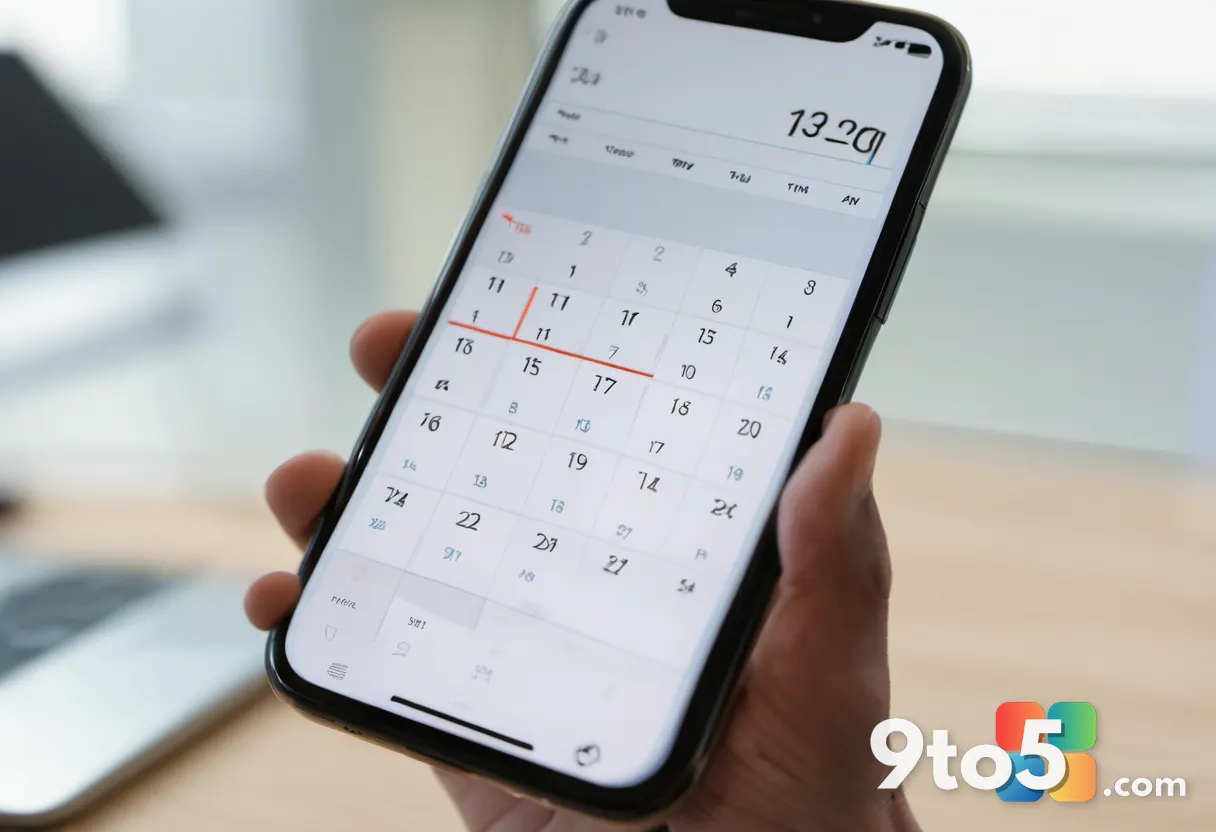
Perhaps the most requested mobile enhancement is native drag-and-drop support for rescheduling calendar events. Starting in August 2026, users will be able to tap and hold a meeting block, then slide it to a new time slot in either the day or multi-day view. The calendar will automatically adjust the event’s start and end times based on where you place it.
This eliminates the previous multi-step process of opening an event, manually editing the time fields, and saving the changes. For parents coordinating around school schedules or professionals managing back-to-back meetings, the ability to visually rearrange your day in real time will significantly reduce scheduling friction. The roadmap currently lists Android and iOS as the initial platforms, though desktop parity remains a common request from the Windows Insider community.
#4 Insert signature image from OneDrive
Email signature management has received a targeted update for mobile users. Outlook on Android and iOS will now allow you to pull images directly from your OneDrive account when building or editing your email signature, in addition to the existing option to use photos stored locally on your device.
This change addresses a common pain point for users who maintain a centralized brand kit or store headshots and logos in cloud storage. Instead of downloading an image to your phone, attaching it temporarily, and then embedding it into your signature, you can now reference the OneDrive file directly. This keeps your signature assets synchronized across devices and reduces the risk of accidentally deleting a locally stored image.
#5 All-day events in the Mail module calendar preview
Microsoft is improving how the Outlook Web and Outlook for Windows clients display all-day events within the Mail module’s calendar preview pane. The update focuses on making it easier to spot scheduling conflicts, particularly when meeting invitations clash with Out of Office blocks or busy all-day events.
In practice, this means the calendar strip at the bottom of your inbox will render all-day commitments with clearer visual separation, reducing the chance of accidentally double-booking yourself. The change also improves accessibility for users who rely on high-contrast themes, as the previous preview sometimes blended all-day events too closely with standard timed meetings.
What the Outlook August 2026 Updates Mean for You
These updates prioritize workflow efficiency over flashy new capabilities. The drag-and-drop scheduling and event filters directly reduce the number of taps required to manage a busy calendar, while the Copilot Chat pop-out and OneDrive signature integration streamline how you interact with AI and email formatting tools. If you rely on Outlook for both personal and professional coordination, the August rollout will likely become a daily convenience rather than a novelty.
How to Get It
The features are currently listed on the official Microsoft 365 Roadmap with an August 2026 rollout window. Microsoft typically distributes Outlook updates through the standard update channels, meaning you will receive them automatically once they reach your device. Users on the Microsoft 365 subscription plan should ensure their apps are set to auto-update, while enterprise administrators managing deployment through Intune or Group Policy may need to coordinate the rollout with their IT department. Enterprise deployment teams should monitor the Microsoft 365 release notes for specific rollout percentages, as Microsoft typically stages these changes across multiple waves to monitor for unexpected behavior. If you do not see the new filters or drag-and-drop controls immediately after August, your device may simply be queued for the next deployment batch.
Source: Latest from Windows Central
Over to you: Which of the August 2026 Outlook features will you use first: the drag-and-drop calendar, the event filter, or the floating Copilot Chat?
You may also like
 Microsoft Releases Visual Studio Code 1.132 with Four Notable Features
 Microsoft’s Windows 11 Overhaul: 5 Major Windows 11 K2 Improvements I’ve Tested
 Larian Studios Reveals Why Baldur’s Gate 3 Joins Xbox Play Anywhere
 Windows 11 Could Soon Get a Major Speed Boost With Microsoft’s New Performance Tools