Typing out prompts for AI assistants or drafting long emails can feel tedious after a while. A new wave of AI-powered dictation tools is trying to solve that by letting you speak instead. Unlike older speech-to-text apps that just transcribed your words verbatim, these newer tools use large language models (LLMs) to edit and polish what you say in real time.
Companies like Thumbtack are already testing this out. Chris Patalano, CTO at Thumbtack, noted that his team started using Wispr Flow after a pilot project. It’s now used by over 200 IT and engineering staff for tasks ranging from coding queries to drafting Slack messages.
How the new generation works
The key difference here is context. Older tools like Dragon Dictate struggled with filler words and required heavy editing afterward. Modern AI dictation apps remove “ums” and “ahhs,” structure your thoughts, and produce clean text almost instantly.
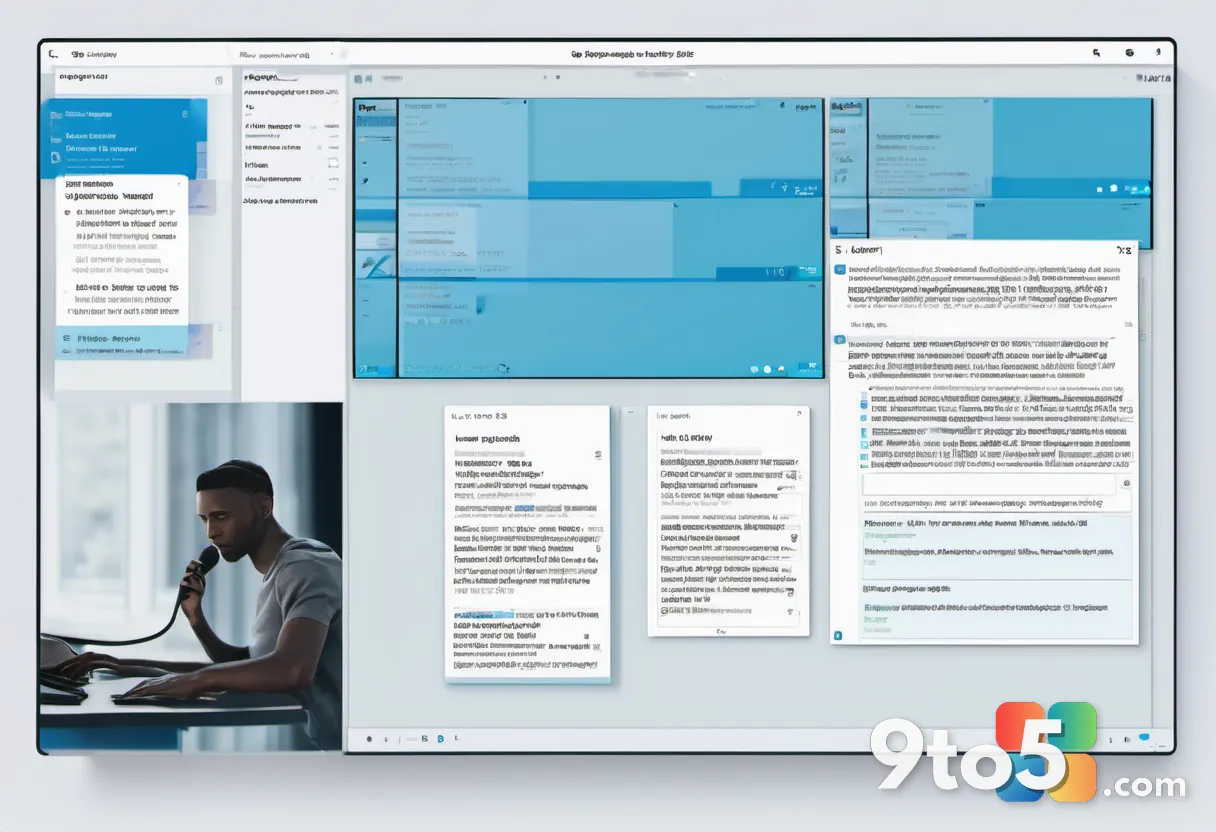
You usually activate these tools by holding a key or button while speaking into any app with a text field—whether that’s Word, Outlook, or a coding environment. You can also add custom words to the dictionary for industry jargon or specific names.
Why workers are switching
The main draw is speed. Most people type between 40 and 70 words per minute (wpm). Speaking, however, happens at about 160 to 180 wpm. Vendors claim their AI processing latency is under a second, sometimes even under 200 milliseconds.
Accuracy is another factor. Willow Voice claims its app is three times more accurate than built-in dictation tools found in standard operating systems or keyboards. For knowledge workers drowning in communication tasks, this friction reduction is appealing.
Pricing and competition
These startups operate on a freemium model. Here is how the paid tiers stack up:
- Superwhisper Pro: $8.49 per user/month
- Willow Voice Individual Pro: $12 per user/month (Team Pro is $10)
- Wispr Flow Pro: $12 per user/month
Bigger tech players are watching closely. Apple has added AI dictation to its revamped Siri, and Google is building similar features into Gboard and a standalone tool called Edge Eloquent. However, the startups currently offer cross-application functionality that isn’t always present in those ecosystem-locked tools.

Barriers to adoption
Despite the tech improvements, workplace culture remains a hurdle. Talking into your laptop all day can feel awkward or distracting to colleagues in an open office. Privacy is another concern; some apps process voice data on-device, while others send it to the cloud. Enterprises in regulated industries like healthcare and finance will need to verify where that data goes.
Accuracy isn’t perfect yet either. While LLMs are getting better, errors still happen. In high-stakes fields, users must double-check every output, which can negate some of the time savings if the tool fails frequently.
What this means for you
If you spend hours typing emails or prompts, these tools might save you time. But don’t expect to ditch your keyboard entirely just yet. Most experts see voice as a secondary interface rather than a full replacement. As the technology matures and accuracy improves, it could become a standard part of the Windows workflow for many professionals.
Source: Computerworld
Over to you: Would you trust an AI tool to draft your professional emails via voice, or do you prefer typing for precision?