A sweeping photograph of sea caves and coastal dunes that greeted a billion desktops for nearly a decade has become a bucket-list travel destination. The image, which served as the default Windows 10 lock screen, is now drawing visitors to a remote stretch of coastline in New Zealand, with a single Instagram reel about the location racking up 142 million views and 8.5 million likes.
The viral moment began when travel creators Sagar and Ami posted a reel showing their reaction to finally standing at the location. The caption captured the disbelief many feel when encountering the site in person: the giant sea arches, wild dunes, and tidal pools create an otherworldly landscape that looks almost too perfect to be real. Microsoft’s official account even chimed in with “even better in person,” a comment that earned 150,000 likes on its own.
This isn’t the first time the location has drawn attention from the tech community. A separate reel posted about a year ago by travel account @getlostwithliam, captioned “POV: You finally go see the Windows screensaver in real life,” already had more than 746,000 likes. The beach has effectively become a pilgrimage site for anyone who spent years staring at that default login image.
How a Lock Screen Photo Became a Travel Phenomenon
The original photograph was captured by Steve McCurry, the renowned photojournalist best known for his 1984 portrait of Sharbat Gula, the “Afghan Girl” featured on the cover of National Geographic. McCurry shot the image in New Zealand ahead of the Windows 10 launch in 2015, and it was subsequently retouched by Ekaterina Savtsova and edited by creative director Chris Raykovich before shipping as the default lock screen.
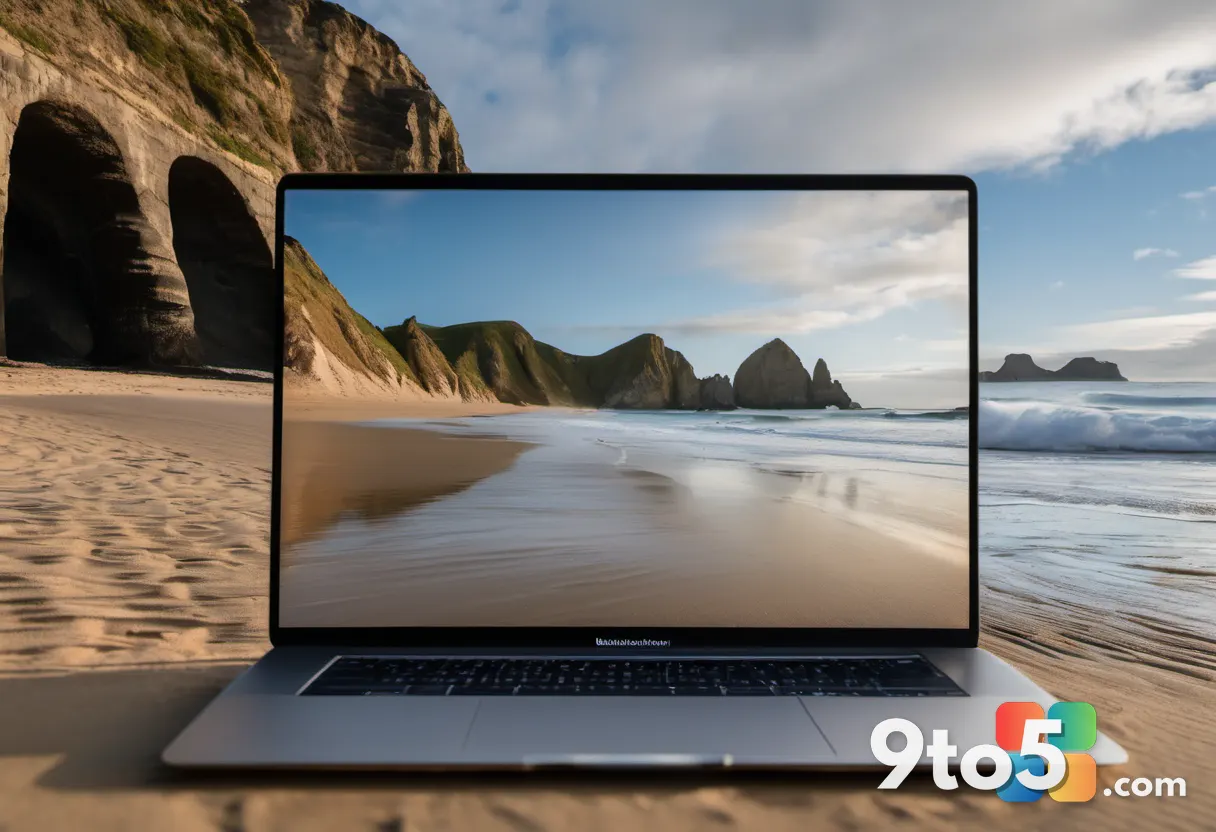
McCurry’s Afghan Girl portrait remains one of the most recognized magazine covers ever printed, but this Windows 10 lock screen photo may now be his most-viewed work by sheer volume. With Windows 10 installed on over a billion devices worldwide, the image of Wharariki Beach has been seen by more people than perhaps any other photograph in history, aside from possibly Windows XP’s “Bliss” wallpaper.
The viral attention has also sparked a wave of nostalgia for Windows 10, which is still fondly remembered by many users. The OS, which launched in 2015 and received support until October 2025, offered a familiar interface that felt like an evolution rather than a revolution. The human touch behind its default imagery stands in stark contrast to the AI-generated visuals that have become more common in recent years.
Where to Find the Windows 10 Lock Screen Beach
The location is Wharariki Beach, a remote stretch of coastline at the northern tip of New Zealand’s South Island in Golden Bay. The beach is known for its dramatic sea arches, golden sand dunes, and tidal pools that reveal themselves during low tide.
Getting there requires a bit of effort. Visitors typically drive from the town of Tākaka, followed by a roughly 20-minute walk across farmland to reach the beach. The journey itself is part of the experience, with scenic drives through rural landscapes that set the stage for the coastal reveal.
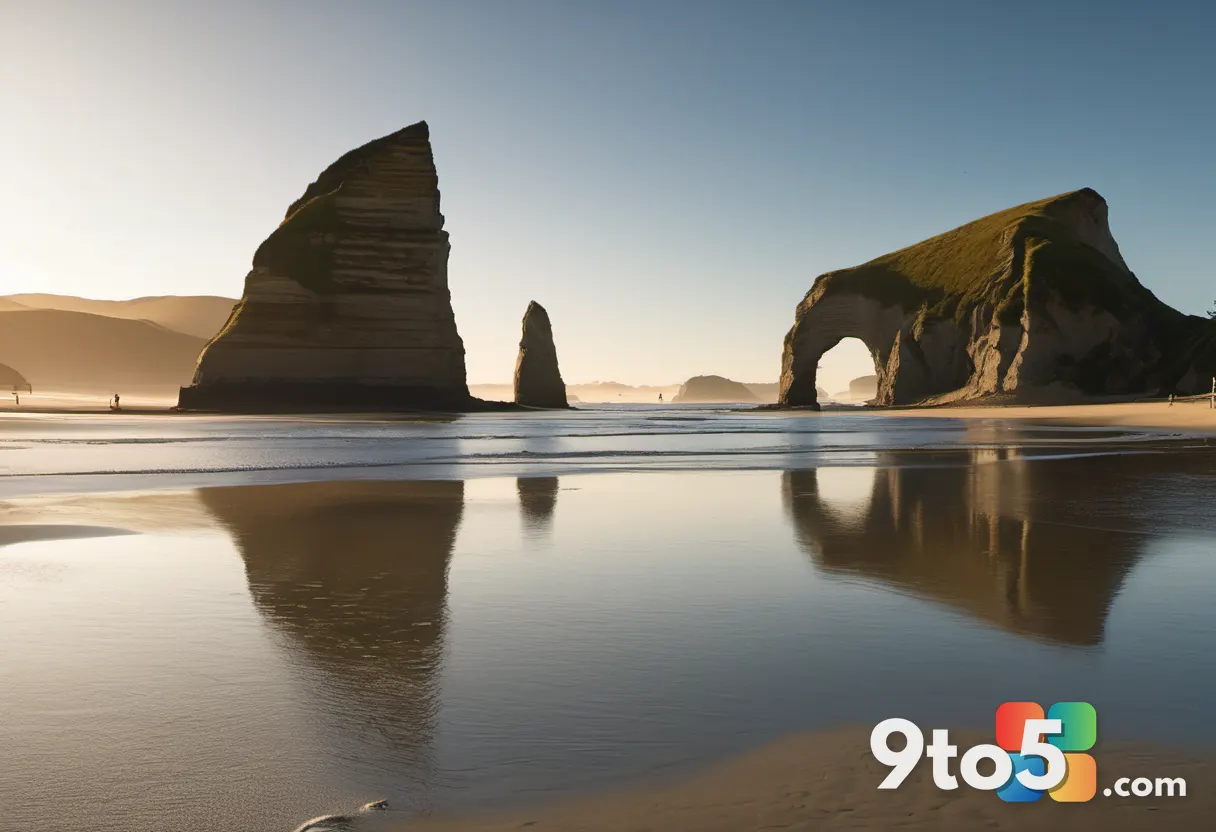
Timing is crucial for the best experience. Low tide is the ideal window for walking through the sea caves and tidal pools, while late summer offers the most favorable weather conditions. Locals recommend bringing a windbreaker, as the coastal winds can be surprisingly strong.
The beach has already gained recognition beyond the Windows community. Travel sites cataloguing Wharariki Beach now mention it by its unofficial nickname, the “Windows wallpaper beach,” alongside official tourism listings. Reddit has also caught the wave, with posts in communities like r/pcmasterrace showing users attempting to recreate the lock screen photo at the actual location.
The Story Behind the Original Photo
Microsoft commissioned McCurry alongside photographer Chad Copeland to shoot New Zealand locations ahead of the Windows 10 launch. The company was looking for imagery that would resonate with users worldwide, and the dramatic coastal landscape of Golden Bay provided the perfect backdrop.
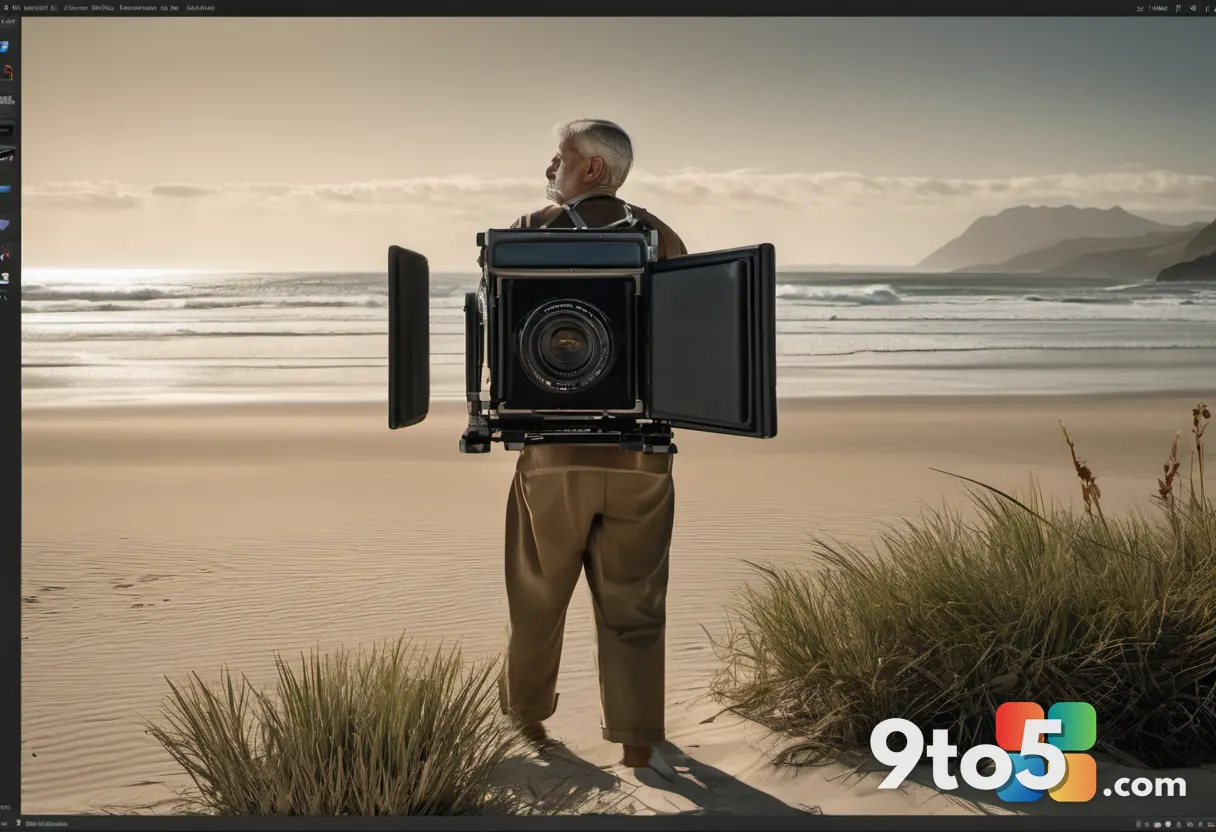
The resulting photograph captured a moment of natural beauty that felt both serene and powerful. The interplay of light and shadow across the sea arches, combined with the sweeping dunes and turquoise water, created an image that was instantly recognizable and deeply appealing.
What makes the story particularly interesting is the contrast between the natural origin of the image and the digital world it inhabited. While Windows 11 has increasingly relied on web-based elements and AI-generated content, the Windows 10 lock screen was rooted in a real place, photographed by a renowned artist, and carefully edited to perfection.
The viral attention has also highlighted the broader trend of nostalgia for older technology. Windows 10, despite its flaws, offered a stable and familiar experience that many users preferred over the more radical changes introduced with Windows 11. The lock screen photo serves as a tangible reminder of that era, bridging the gap between the digital and physical worlds.
What This Means for Windows 10 Nostalgia
The viral attention to Wharariki Beach underscores a broader sentiment about Windows 10: it was a version of Windows that felt human. The default imagery, the startup sounds, the familiar interface—all of these elements contributed to a sense of continuity and comfort that many users miss.
Windows 11, by contrast, has faced criticism for its departure from that tradition. The operating system introduced a more modern design language, but it also brought changes that frustrated many users, including the removal of the taskbar’s ability to be moved and the integration of web-based elements that increased resource usage.
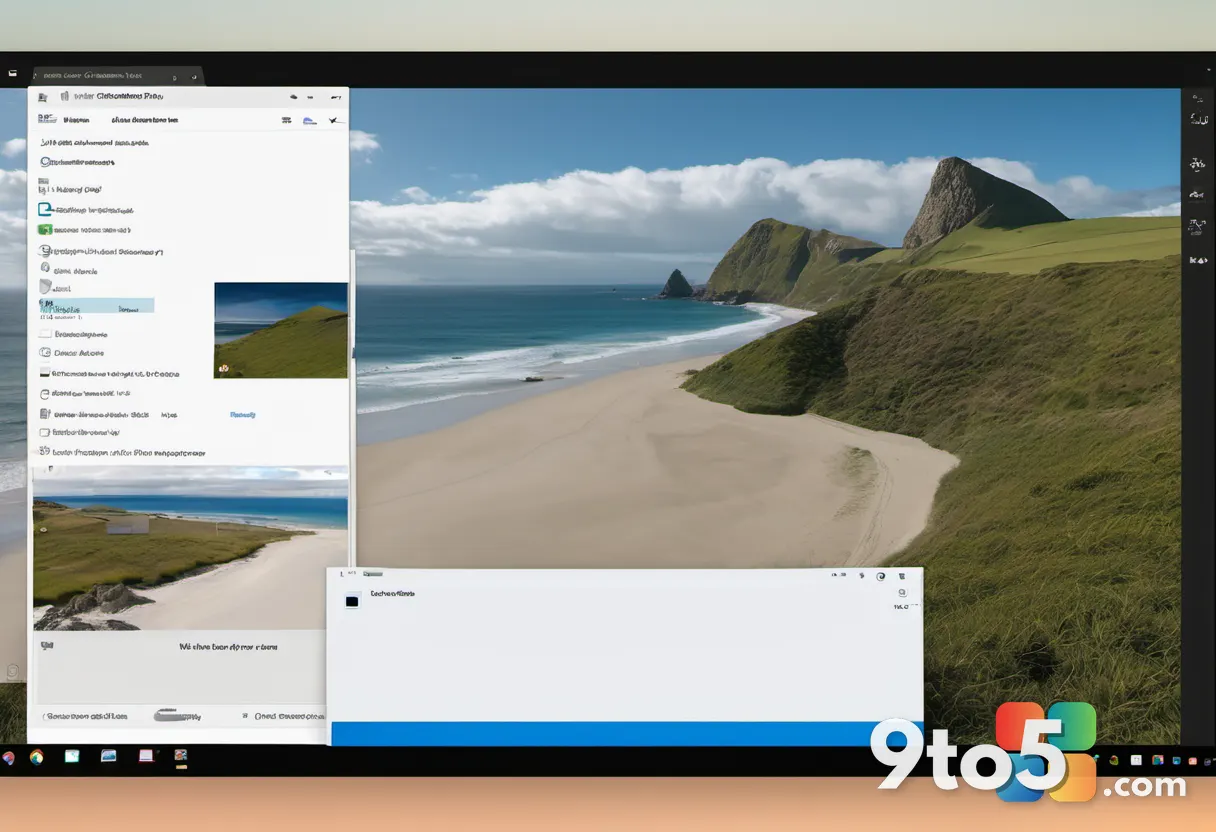
The nostalgia for Windows 10 is not just about the lock screen photo. It’s about the overall experience, which felt polished and user-friendly. The default wallpaper, “Windows 10 Hero,” was created by creative director Bradley G. Munkowitz and his team, who built the Windows logo out of light using lasers, haze machines, and projectors. This physical, hands-on approach to creating a digital backdrop stands in contrast to the more automated processes used today.
As Microsoft continues to refine Windows 11, the question remains whether it can recapture the magic of its predecessor. The viral attention to Wharariki Beach suggests that users still value the human touch, the real-world connections, and the sense of familiarity that Windows 10 provided.
How to Visit Wharariki Beach Yourself
If you’re planning a trip to see the real Windows 10 lock screen beach, here’s what you need to know. Start with a drive from Tākaka, a town in the Tasman region of New Zealand’s South Island. The drive itself is scenic, with views of rolling hills and coastal landscapes.
Once you arrive at the trailhead, the 20-minute walk to the beach takes you across farmland. The path is well-marked, but it’s advisable to wear sturdy shoes and bring water. The final stretch reveals the dramatic sea arches and golden dunes that made the Windows 10 lock screen photo so iconic.
For the best experience, plan your visit around low tide. This is when the sea caves and tidal pools are most accessible, allowing you to explore the rocky shoreline up close. Late summer, from December to February, offers the most favorable weather conditions, with warmer temperatures and calmer seas.
Remember to bring a windbreaker, as the coastal winds can be strong. The beach is exposed, and the wind off the Tasman Sea can catch you off guard. Sunscreen and a hat are also recommended, as there is limited shade along the shoreline.
Wharariki Beach is a reminder that the digital world is often rooted in the physical one. The Windows 10 lock screen photo, with its sweeping coastal landscape, was captured in a real place, by a real photographer, at a real moment in time. And now, thanks to a viral Instagram reel, that moment is accessible to anyone willing to make the journey.
Source: Windows Latest
Over to you: Have you ever visited a location that looked just like something from your computer screen?