WinUI Migration Reaches the File Properties Dialog
Evidence of a major interface overhaul for Windows 11’s File Explorer has surfaced in the latest preview build. For years, Microsoft has maintained a hybrid interface within the file manager, blending decades-old Win32 controls with newer WinUI 3 components. The top ribbon, Home page, and details pane have already received modern updates, but the core properties dialog remained firmly rooted in legacy design. That is now changing.
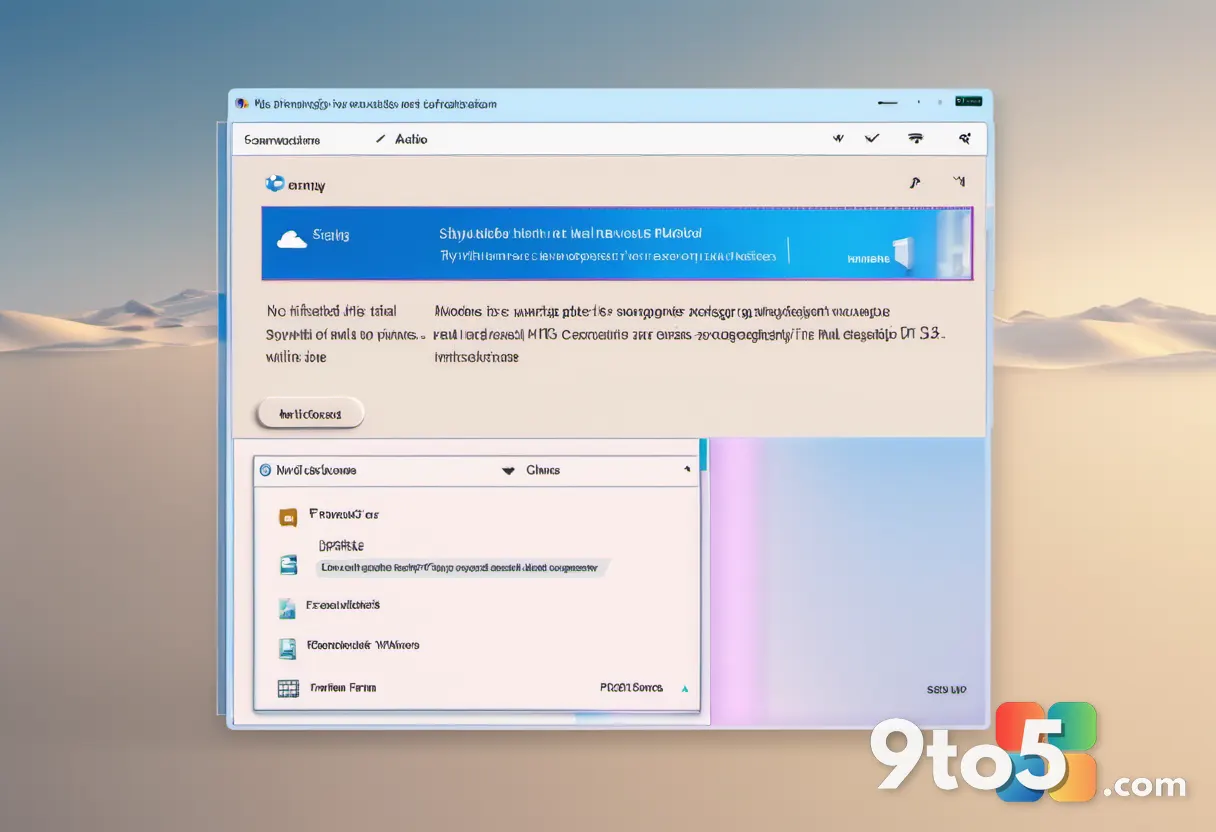
First spotted by Phantomofearth on Bluesky, the preview build contains a hidden, fully modernized File Properties window. When users open the properties of a file located inside the Recycle Bin, the system renders a completely redesigned dialog. This new interface replaces the traditional tabbed layout with a cleaner, WinUI 3-native design. While only one instance of the updated window has been discovered so far, the implementation clearly indicates that Microsoft plans to roll out the modernized properties dialog across the entire File Explorer experience.
What Changed and Why It Matters
The shift from Win32 to WinUI 3 is not merely cosmetic. Legacy Windows shell components have historically struggled with high-DPI scaling, inconsistent theming, and limited accessibility features. By migrating the properties window to WinUI 3, Microsoft addresses these long-standing technical debt issues. Users will notice smoother animations, proper dark mode integration, and a layout that scales more predictably across different monitor resolutions.
This update aligns with Microsoft’s broader commitment to unify the Windows shell interface. Earlier this year, the company confirmed plans to bring WinUI to the Start menu and built-in applications to streamline performance and design consistency. The File Explorer properties dialog is the next logical target. Once fully deployed, the dialog will feature updated typography, refreshed iconography, and a more responsive layout that matches the rest of the modernized Windows 11 ecosystem.
Part of the Windows K2 Initiative
The modernization effort falls under Microsoft’s ongoing Windows K2 program, which focuses on resolving Windows 11’s most persistent usability and performance issues. Microsoft has also announced plans to optimize the WinUI 3 framework itself, aiming to reduce resource overhead and improve overall shell responsiveness. These performance improvements are critical for enabling the migration of heavier shell components to the newer framework without impacting system stability.
Admins managing enterprise deployments should note that WinUI 3 components operate differently under the hood compared to traditional Win32 dialogs. Group Policy configurations, accessibility automation tools, and scripting utilities that rely on specific control identifiers may need updates to accommodate the new interface structure. Microsoft has not yet released detailed documentation on how enterprise tooling will adapt to these changes, but historical precedent suggests compatibility layers will be maintained during the transition period.
What This Means for You
For everyday users, the immediate benefit is a more cohesive visual experience. The current File Explorer interface often feels disjointed, with modern navigation elements clashing against outdated popup windows. The new properties dialog eliminates that visual friction, providing a consistent look and feel regardless of which file type you are inspecting. Additionally, improved dark mode support means the dialog will no longer appear as a bright white box in low-light environments.
How to Get It
The modernized properties window is currently hidden in the latest Windows 11 preview builds. It is not yet enabled by default for all users, and Microsoft has not announced a specific release date for the broader rollout. To test the new interface, you will need to join the Windows Insider Program and install the latest dev or beta channel builds. Once the feature is fully integrated, it will likely ship as part of a standard cumulative update for Windows 11 users.
Source: Latest from Windows Central
Over to you: Are you happy to finally see the File Explorer properties window get a modern overhaul, or do you prefer the classic look?
You may also like
 Xbox Series X|S U.S. sales surge 86% in June 2026, ending a long slide
 Gears of War: E-Day Multiplayer Reveal Locked for July 30, With Open Beta Following in August
 Windows 11 Properties Dialog Concepts Spark Debate Among Fans
 Windows 11 Build 26220.8925 Brings Native Touchpad Tuning and Start Menu Toggles to Beta