According to reporting from Windows Central, Microsoft has officially confirmed there are no plans to introduce a native transparency slider to Windows 11. The clarification came from March Rogers, Partner Director of Design at Microsoft, who addressed user requests for a feature similar to the Liquid Glass slider recently introduced in the latest version of iOS. Rogers took to X to explain the company’s stance, stating that while the team considers user feedback carefully, the operating system’s current transparency options will not see immediate changes.
“We think hard about who will benefit from the investment, usability and accessibility considerations,” Rogers wrote. “We also look at our community of developers (like the amazing Windhawk project) who may already be providing what users need. We won’t be making immediate changes to the transparency options already in Windows, but we love getting your feedback.”
For years, Windows has utilized acrylic and blur effects to create a sense of depth in the user interface. However, unlike macOS or the newer iOS updates, Microsoft has never provided a native mechanism to adjust the intensity of these effects. Users can currently toggle transparency on or off through the Settings app, but the control remains a binary choice rather than a gradient. This limitation has been a frequent topic of discussion among power users and customization enthusiasts who prefer a more subtle or pronounced blur across the desktop, taskbar, and title bars.
The comparison to Apple’s Liquid Glass feature highlights a growing divide in design philosophy. While Apple is moving toward highly interactive, fluid interfaces that respond to user gestures, Microsoft appears to be prioritizing stability and performance over granular visual customization in Windows 11. Rogers’ comments suggest that the company views the current implementation as sufficient for the general user base, while acknowledging that niche communities can rely on external solutions.
Why Microsoft Is Skipping the Slider
Microsoft’s decision to forgo a transparency slider likely stems from a combination of development priorities and design consistency. Adjusting transparency in real-time requires significant optimization to prevent performance dips, especially on hardware with varying GPU capabilities. If you are running Windows 11 on older or lower-end hardware, a real-time slider could introduce stuttering or increased battery drain, which contradicts Microsoft’s focus on accessibility and broad compatibility.
Furthermore, Rogers pointed to the existing ecosystem of third-party developers as a viable alternative. By acknowledging projects like Windhawk, Microsoft is effectively outsourcing the customization burden to the community. This approach allows the company to maintain a clean, standardized interface for the majority of users while still catering to enthusiasts who demand deeper control over their system’s appearance.
The Role of Third-Party Customization
For users who are not willing to settle for the default transparency levels, the Windows ecosystem remains surprisingly open. Tools like Windhawk provide extensive modding capabilities, allowing users to tweak everything from the Start menu layout to the opacity of system overlays. These applications often rely on hooking into Windows APIs to modify rendering behavior, which can achieve effects that Microsoft itself has chosen not to implement officially.
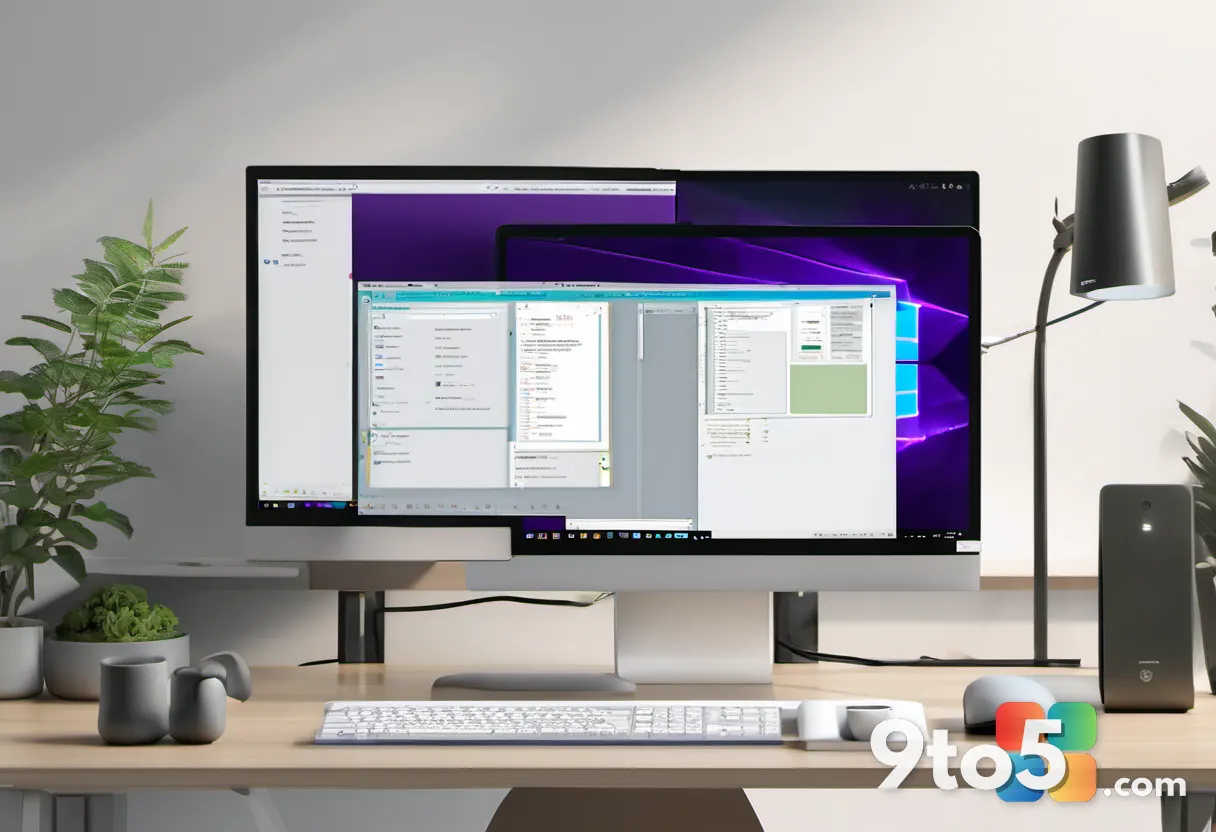
While third-party tools offer flexibility, they come with inherent risks. Modifying system rendering can sometimes lead to visual glitches, compatibility issues with future updates, or even stability problems if the hooks conflict with new Windows features. Microsoft’s stance essentially tells users that while they support the right to customize, they will not provide official support or guarantees for the results achieved through unofficial methods.
What This Means for You
If you are a casual Windows 11 user, this confirmation means you can continue using the operating system without worrying about a sudden change to the transparency settings. The current binary toggle will remain the standard, ensuring a consistent experience across all devices. However, if you have been relying on a transparency slider for accessibility reasons, such as reducing visual clutter or managing sensitivity to bright backgrounds, you will need to continue using third-party utilities or live with the fixed opacity levels.
For IT administrators managing enterprise deployments, this simplifies the configuration landscape. With no native slider to manage via Group Policy or Intune, the transparency setting remains a straightforward on/off switch, reducing the complexity of standardizing the user experience across a fleet of devices. This also means you do not need to worry about inconsistent visual states across different machines in your organization.
Other Customization Features on the Horizon
While the transparency slider is being deferred, Microsoft is not entirely focused on locking down the interface. The company has hinted at several upcoming changes aimed at improving personalization. A customizable Start menu is reportedly in development, which would allow users to rearrange tiles and sections with greater freedom. Additionally, a redesigned context menu is planned, featuring improved performance and user-customizable options to replace the legacy right-click interface.
These developments suggest that Microsoft is shifting its customization strategy from visual effects to functional layout adjustments. By prioritizing the Start menu and context menus, the company aims to address productivity and workflow preferences rather than aesthetic tweaks. This aligns with Rogers’ earlier comments about focusing on features that benefit the broadest range of users.
As Windows 11 continues to evolve, the balance between standardization and customization will remain a key topic. Microsoft’s current path favors a polished, consistent experience supported by a robust third-party ecosystem, rather than deep native integration of every user-requested feature.
Source: Latest from Windows Central
Over to you: Are you satisfied with third-party tools like Windhawk for customization, or do you still hope Microsoft adds a native slider eventually?
You may also like
 Valve’s EU Logistics Partner Hit in Cyberattack, Triggering a Steam Data Breach
 Microsoft Admits OneDrive Photos App Rollout Was an Error on Windows 11
 Microsoft Quietly Removes Picture Passwords for New Windows 11 Users
 Windows 11 26H2: Movable Taskbar, Local Search, and Cloud Recovery Defaults Arriving as Enablement Package