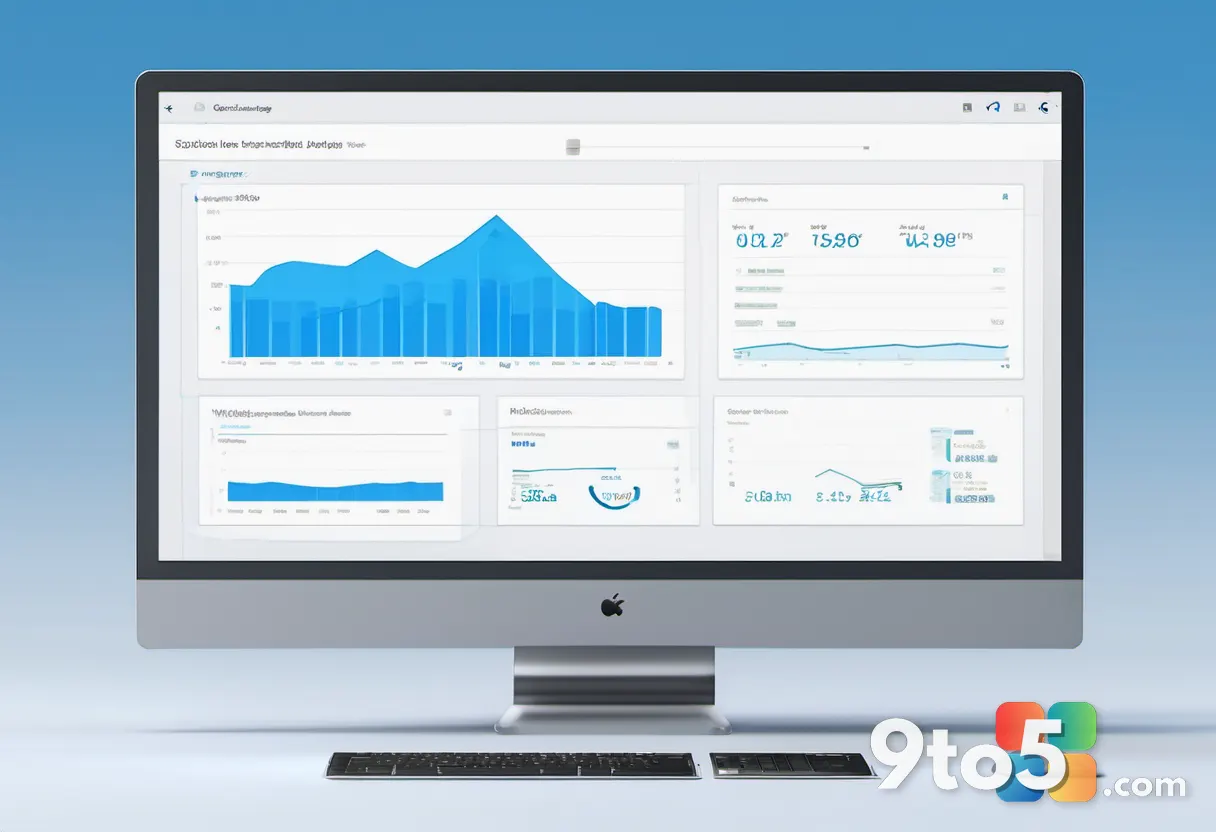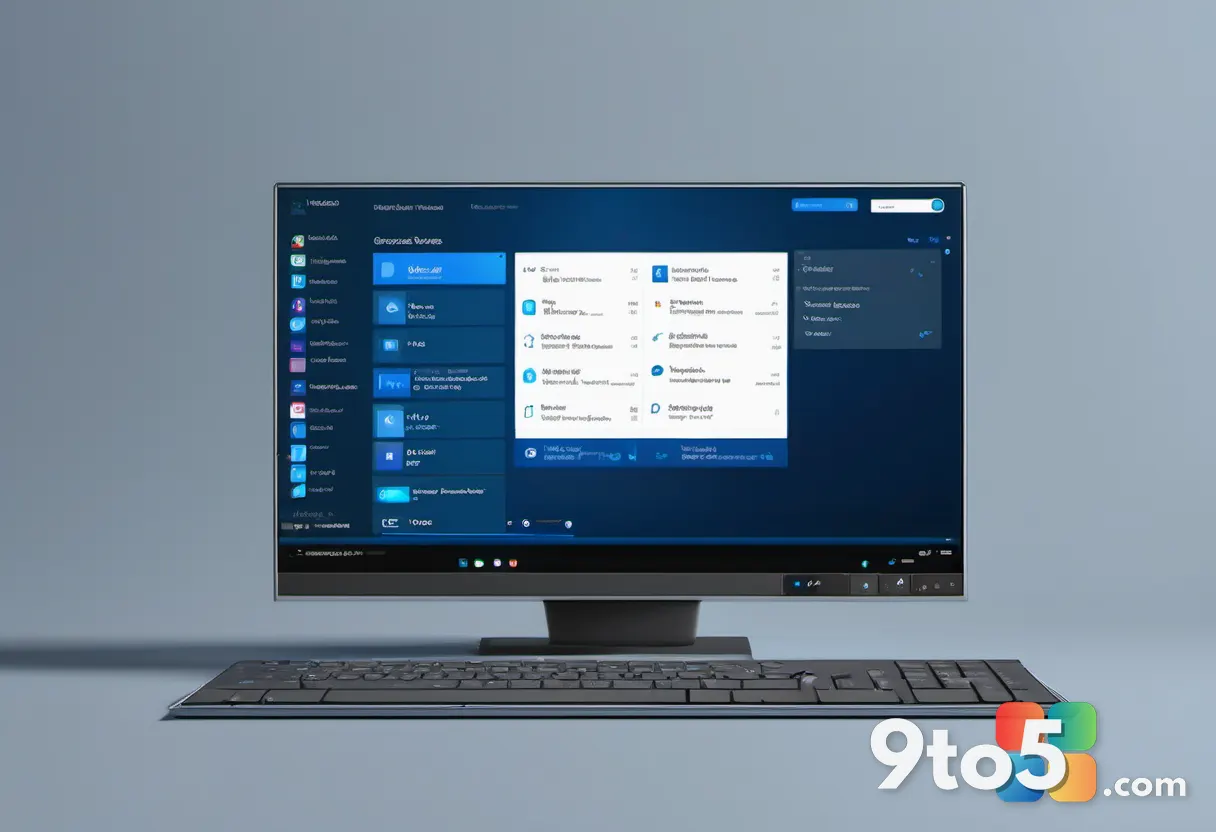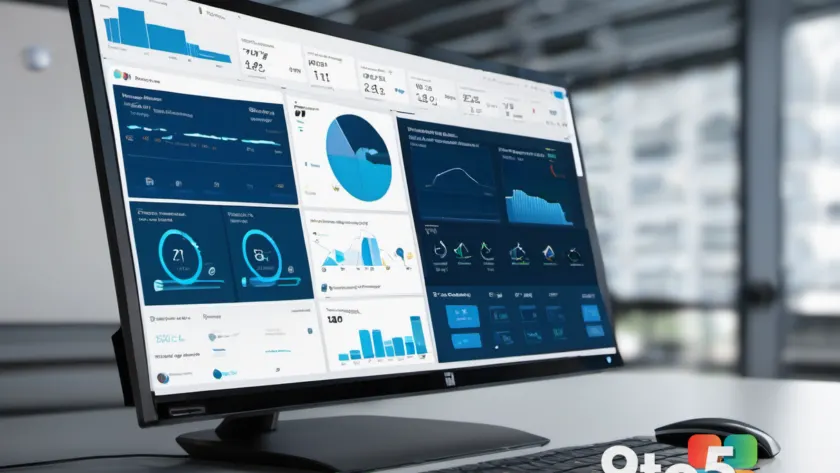
Microsoft is rolling out a redesigned Microsoft 365 Setup experience, and the first people to see it are IT administrators. The update reworks the deployment management tool around a single, streamlined dashboard that brings together deployments, licensing, guidance, support, and AI-powered insights in one place.
For admins who spend their days coordinating large-scale Office and Microsoft 365 rollouts, the change is meant to cut down on the number of tabs and separate tools required to plan and manage a deployment.
What’s new in the redesigned Microsoft 365 Setup experience
The headline change is consolidation. Microsoft 365 Setup has long been a self-service deployment management tool that helps organizations plan, assess, and manage their move to the Microsoft 365 cloud suite. In the redesigned version, those functions are gathered onto a single dashboard rather than being spread across separate sections and menus.
According to the report, the new dashboard covers five core areas:
- Deployments — tracking and managing active and planned deployments.
- Licensing — managing license assignments and related details.
- Guidance — access to best practices and planning resources.
- Support — help resources and channels for when things go sideways.
- AI-powered insights — data-driven suggestions drawn from your deployment data.

The AI-powered insights angle
The mention of AI-powered insights is the part that most closely ties into Microsoft’s broader Copilot push across its enterprise portfolio. Rather than simply surfacing static reports, the redesigned setup experience is meant to use AI to surface suggestions and recommendations based on your organization’s deployment data.
I should note that Microsoft hasn’t spelled out exactly what those insights will do in detail, so it’s worth treating the specifics as preliminary. The general direction, though, is clear: Microsoft wants admins to get answers and next steps without digging through multiple documentation pages.
Why Microsoft is redesigning this
Microsoft 365 Setup has existed in various forms for years, evolving from earlier deployment planning tools into the comprehensive management experience admins rely on today. As organizations adopt more cloud services and hybrid workloads, the planning and management surface has grown more complex over time.
This redesign appears to be Microsoft’s response to that complexity — collapsing a sprawling set of features into a cleaner, more navigable interface. The AI layer is also consistent with Microsoft’s strategy of embedding Copilot-style assistance across its admin and productivity tools.

What This Means for You
If you’re an IT administrator responsible for deploying or managing Microsoft 365, this is the tool you’ll interact with most closely. The streamlined dashboard should make it easier to get a high-level view of your deployment health, licensing status, and next steps without jumping between multiple consoles.
The AI-powered insights are the most interesting, and the most uncertain, piece. If they deliver on the promise of surfacing actionable recommendations, they could meaningfully reduce the time spent on routine planning and troubleshooting. If they turn out to be thin, they’ll simply be another feature to ignore.
How to Get It
Microsoft says the redesigned experience is currently rolling out, so it may not be available to every admin on day one. As with most phased rollouts, availability will spread over time rather than appearing all at once.
To access it, sign in to the Microsoft 365 Setup experience through your admin portal and look for the updated dashboard. If you don’t see it yet, that’s expected during the rollout phase — check back in a few weeks.
Source: Neowin
Over to you: As an IT admin, will the consolidated dashboard and AI insights change how you plan Microsoft 365 deployments, or do you prefer the older step-by-step approach?