What Happened: The Silent Install and the McAfee Ads
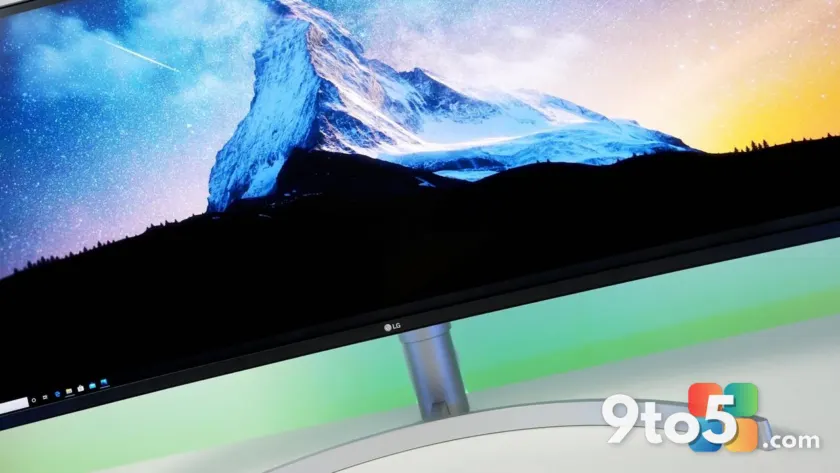
A routine hardware purchase turned into a cautionary tale for Windows 11 users this week. Following an investigation by Gamers Nexus, it came to light that certain LG monitors silently deploy companion software the moment they are connected to a PC. The software was not requested, and it was not clearly disclosed during the purchase process.
What made the situation worse was the behavior of that companion app. Instead of simply managing display settings or calibrating the panel, the software began displaying advertisements for McAfee security software. Users reported unexpected pop-ups appearing on their desktops, completely unrelated to their actual security needs. The ads were not limited to the monitor itself; they pushed directly into the Windows 11 environment.
Microsoft’s Response and the Broader Policy Gap
Microsoft eventually intervened after the issue gained traction. The company contacted LG directly, and the Korean electronics maker removed the McAfee advertisements from the companion application. While the ads are no longer appearing, the underlying mechanism that allowed the software to install without explicit user permission remains unchanged.
This incident exposes a fundamental gap in how Windows 11 handles peripheral-driven software deployment. Currently, the operating system relies heavily on trust-based relationships with hardware manufacturers. When a device is plugged in, Windows assumes the accessory vendor has already secured appropriate consent. That assumption proved dangerously wrong in this case.
Why Windows 11 App Installation Controls Need Tightening
The core problem is not just that LG installed software, but that it did so in a way that bypasses the consent model Windows 11 was designed to enforce. Microsoft has spent years pushing users toward explicit permission prompts for everything from location access to background apps. Accessory makers currently operate in a gray area where those same protections do not automatically apply.
From a technical standpoint, the operating system already includes the infrastructure to block unauthorized installations. Group Policy settings, registry-level restrictions, and modern Windows Defender SmartScreen capabilities can all be configured to require administrative approval before third-party software runs. The issue is that Microsoft has not yet mandated these safeguards for peripheral-connected applications.
Industry precedent shows that self-regulation rarely works when advertising revenue is involved. Monitor makers have strong financial incentives to bundle software, and without hard system-level blocks, those bundles will continue to slip past users. Microsoft must treat accessory vendors the same way it treats independent software developers: no silent installs, no hidden ad networks, and no bypassing of the consent flow.
What This Means for You
If you own an LG monitor or are planning to buy one, the immediate takeaway is straightforward. The companion software is no longer pushing McAfee ads, but it may still be present on your system. You should verify what is actually running in the background and remove anything you did not intentionally install.
For Windows 11 users in general, this story reinforces a simple rule: hardware vendors cannot be trusted to act as software gatekeepers. Microsoft needs to close the loophole that allows peripheral manufacturers to deploy applications without triggering the same permission prompts that standard installers must navigate. Until that policy shift happens, users should assume that any new display or peripheral could quietly modify their system.
How to Protect Your System
You can take several steps right now to limit exposure from silent peripheral installs. Open the Windows 11 Settings app, navigate to System, and review the Startup and Installed Apps sections to identify unfamiliar entries. If you find software tied to a monitor or peripheral you do not actively use, uninstall it directly from that menu.
Additionally, consider enabling stricter application control through Windows Security. The App & Browser Control section allows you to restrict programs from running if they are not from a recognized publisher. For users managing multiple devices, applying a baseline configuration through Group Policy or Intune can prevent unauthorized background processes from executing on connected hardware.
Microsoft confirmed via the Windows Insider Blog and official support channels that it is actively reviewing how peripheral software is handled in future Windows 11 updates. Until those changes roll out, staying vigilant with your installed applications and permissions remains the most reliable defense.
Source: Latest from Windows Central
Over to you: Will you avoid buying LG monitors until the silent install issue is resolved, or does the display quality outweigh the software risk?
You may also like
 Microsoft Overhauls Windows 11 Update Downloads and Installs to Fix Long-Standing Frustrations
 Global PC Shipments Drop 4% in Q2 2026 as Memory Crisis Breaks Growth Streak
 SCS Software Confirms Euro Truck Simulator 2 UK Rework and Nevada Update Ahead of Console Launch
 Microsoft Weekly: Windows 11 Redesigns, Azure Outage, and Halo News